
Age of Empires IV: Dynasties of the East System Requirements
Dynasties of the East delivers new strategic options via four variant civilizations and expands the world with eight maps across six biomes. A new roguelite mode challenges players with escalating, randomized encounters.
Age of Empires IV: Dynasties of the East Minimum & Recommended Specs
Minimum: Intel Core i5-6300U, Intel HD 520, 8 GB RAM. Recommended: 16 GB RAM RAM.
Minimum System Requirements
Recommended System Requirements
Trailer
Quick Performance Tips for Age of Empires IV: Dynasties of the East
Lower texture quality for a quick FPS boost.
Disable or reduce shadow quality.
Reduce unit detail settings for larger battles.
Close background apps to free up RAM.
Age of Empires IV: Dynasties of the East System Requirements FAQ
Can I run Age of Empires IV: Dynasties of the East on a low-end PC?
What GPU do I need for Age of Empires IV: Dynasties of the East?
How much RAM does Age of Empires IV: Dynasties of the East need?
Will Age of Empires IV: Dynasties of the East run on integrated graphics?
What is the best graphics settings for Age of Empires IV: Dynasties of the East?
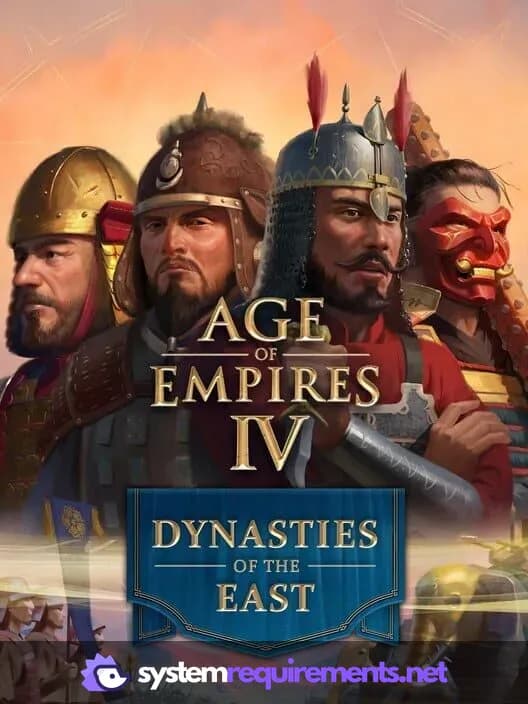
Age of Empires IV: Dynasties of the East Game Info
Developer
Relic Entertainment
Publisher
Xbox Game Studios
Release Date
November 4, 2025
Platforms
Xbox Series X|S, PC (Microsoft Windows), Xbox One
Genres
Game Modes
- Single player
- Multiplayer
- Co-operative
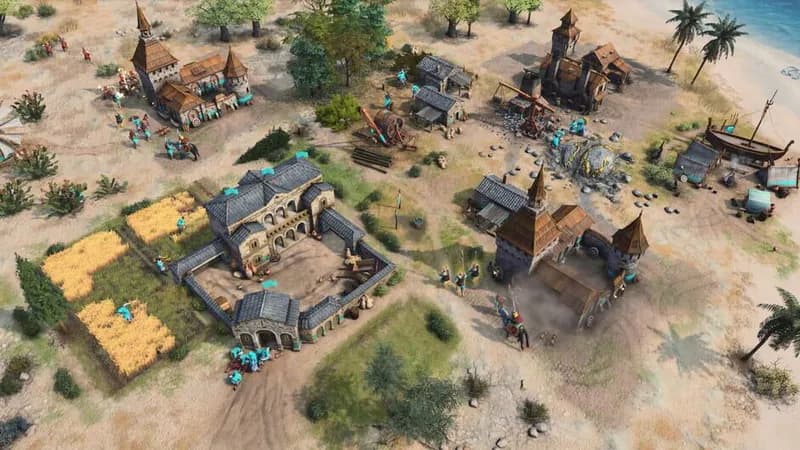
Age of Empires IV: Dynasties of the East Screenshots
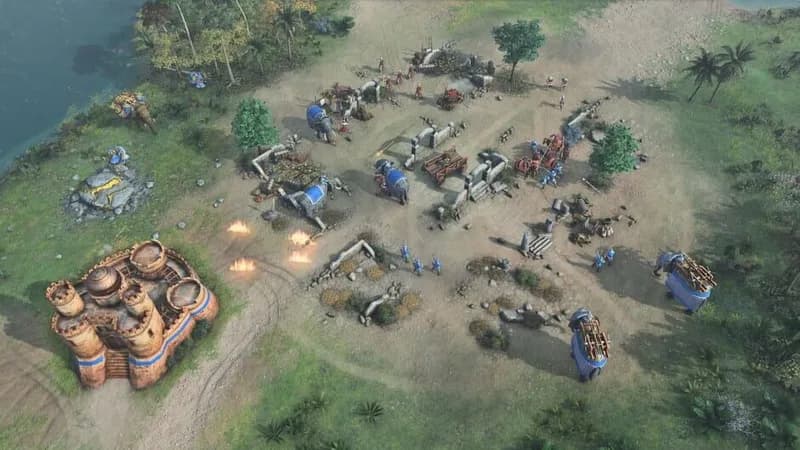
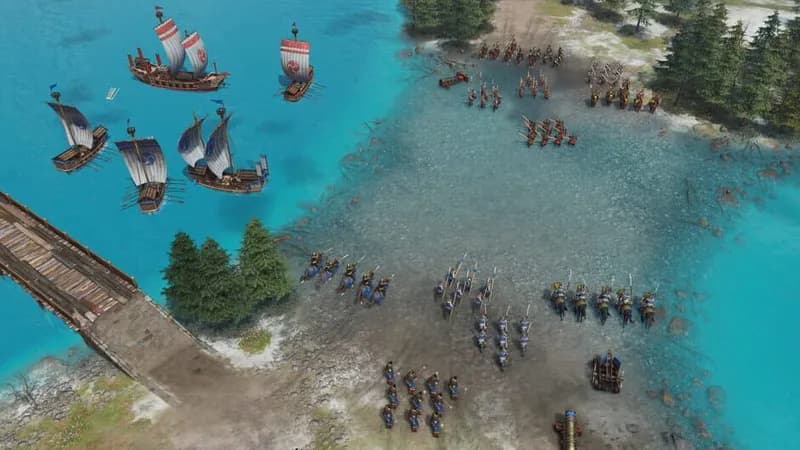
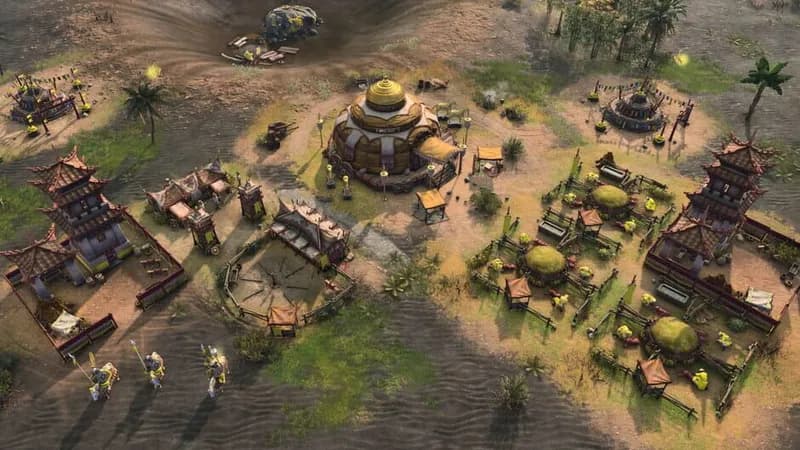
Games Similar to Age of Empires IV: Dynasties of the East
Age of Empires IV: The Sultans Ascend
View requirements →

Age of Empires IV: Anniversary Edition
View requirements →
Knights of Honor II: Sovereign
View requirements →

Age of Darkness: Final Stand
View requirements →

Call to Arms - Gates of Hell: Ostfront
View requirements →

Anno 117: Pax Romana
View requirements →
Optimize Your PC for Age of Empires IV: Dynasties of the East
Use our free tools to analyze and improve your gaming performance
Estimate FPS for Age of Empires IV: Dynasties of the East
Calculate expected frame rates with your hardware
Check for Bottlenecks
Find if your CPU or GPU is holding you back
Calculate PSU Wattage
Make sure your power supply can handle your build
Compare Graphics Cards
Find the best GPU upgrade for your needs