
All Games
Aimlabs System Requirements
June 16, 2023Statespace
Hone your FPS skills with Aimlabs, a PC application built for targeted aim practice. Analyze your performance across core aiming mechanics like flicking and tracking to identify weaknesses and improve your competitive edge in various shooters.
Aimlabs Minimum & Recommended Specs
Minimum: Intel Core i3-4150, NVIDIA GeForce GTX, 4 GB RAM. Recommended: 8 GB RAM RAM.
Minimum System Requirements
Recommended System Requirements
Trailer
Quick Performance Tips for Aimlabs
#1
Lower your resolution for a quick FPS boost.
#2
Disable or reduce shadow quality.
#3
Close unnecessary background applications.
#4
Update your graphics drivers for optimal performance.
Aimlabs System Requirements FAQ
Can I run Aimlabs on a low-end PC?
Yes, Aimlabs is designed to be accessible. The minimum requirements are an Intel Core i3-4150, NVIDIA GeForce GTX 460 or AMD Radeon HD 6850, and 4 GB of RAM. If your PC meets these specs, you should be able to run Aimlabs, though you may need to lower graphics settings for optimal performance.
What GPU do I need for Aimlabs?
At a minimum, you'll need an NVIDIA GeForce GTX 460 or an AMD Radeon HD 6850. For a smoother experience, an NVIDIA GeForce GTX 660 or an AMD Radeon HD 7870 is recommended.
How much RAM does Aimlabs need?
Aimlabs requires a minimum of 4 GB of RAM. However, 8 GB of RAM is recommended for optimal performance, especially if you have other applications running in the background.
Will Aimlabs run on integrated graphics?
While it might technically run, performance on integrated graphics is not guaranteed. You'll likely experience low frame rates and visual stuttering. A dedicated graphics card is highly recommended for a playable experience.
What is the best graphics settings for Aimlabs?
The best graphics settings depend on your hardware. Start with the 'Low' preset and gradually increase settings until you find a balance between visual quality and performance. Pay attention to frame rates and adjust accordingly. Disabling shadows and lowering resolution can significantly improve performance.

Aimlabs Game Info
Developer
Statespace
Publisher
Statespace
Release Date
June 16, 2023
Platforms
Xbox Series X|S, Linux, PC (Microsoft Windows), PlayStation 5
Genres
ShooterSimulatorIndie
Game Modes
- Single player
Aimlabs Screenshots
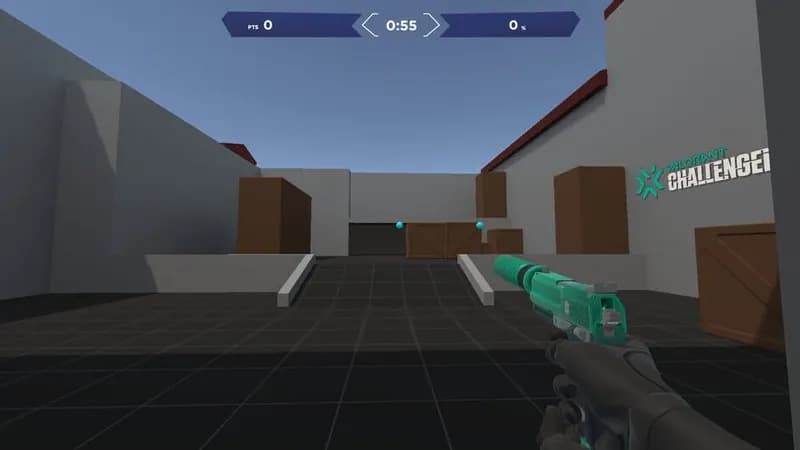
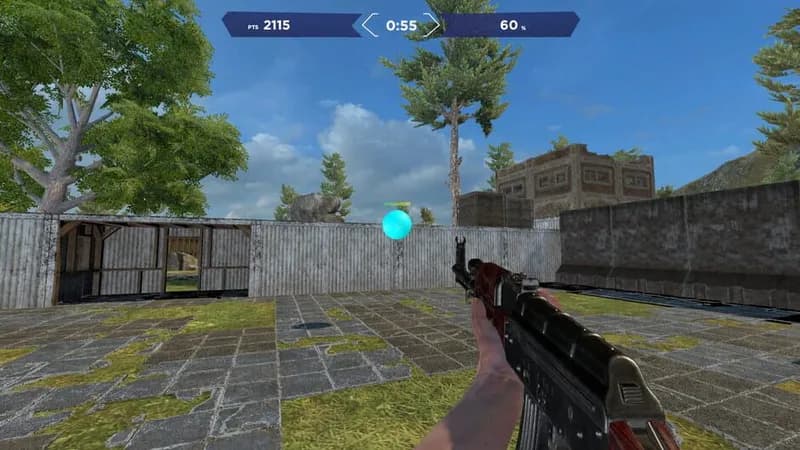
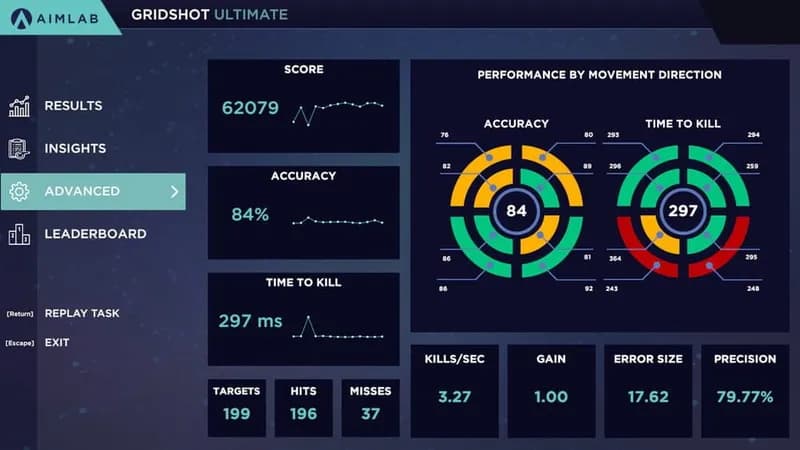
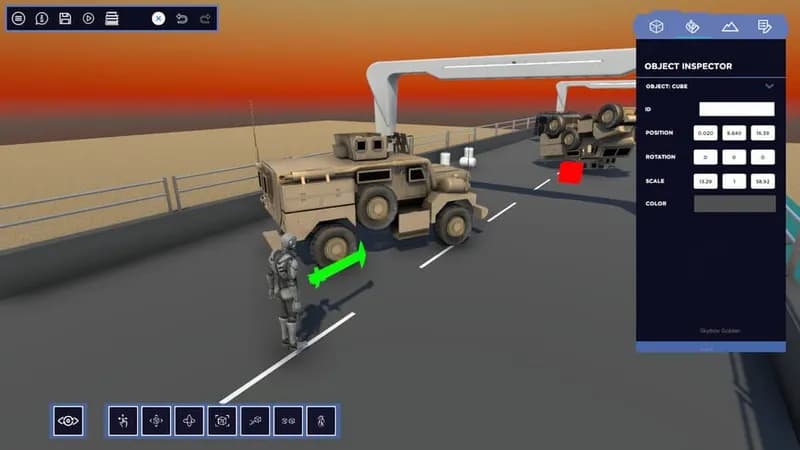




Optimize Your PC for Aimlabs
Use our free tools to analyze and improve your gaming performance