
All Games
Arma 3 Jets System Requirements
May 16, 2017Bohemia Interactive
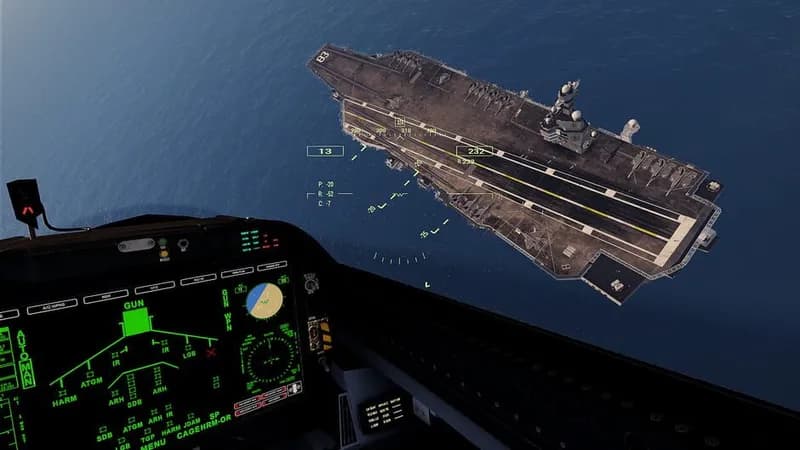
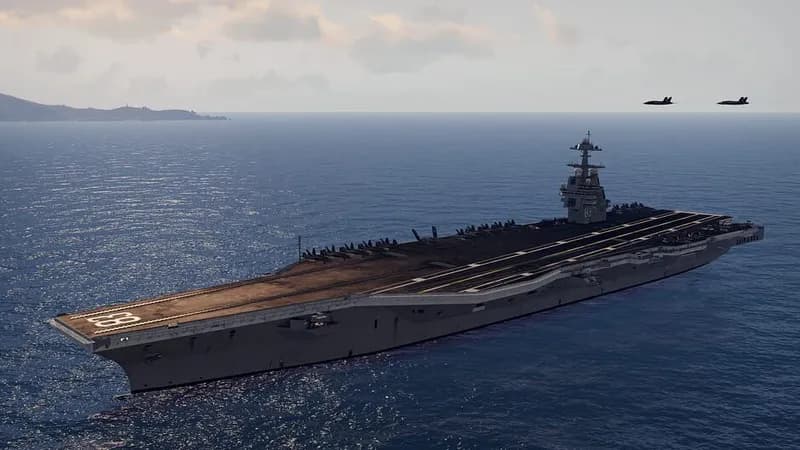
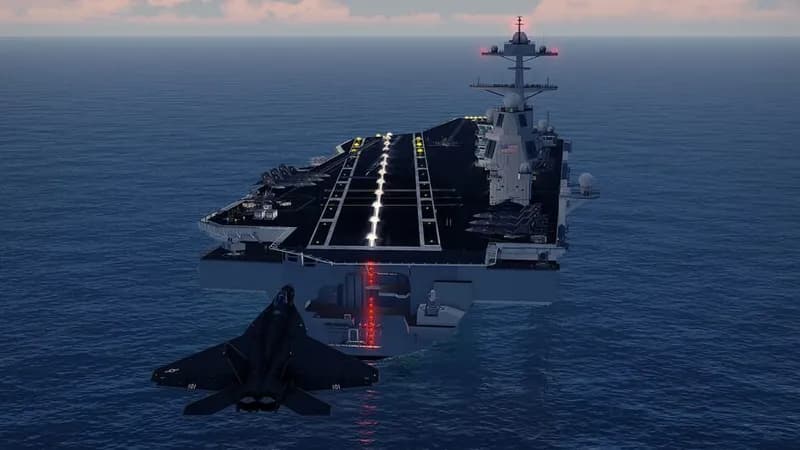
Engage in aerial combat using cutting-edge fighter aircraft in this Arma 3 expansion. Utilize sophisticated avionics and weapon systems to dominate opponents in the skies.
Arma 3 Jets Minimum & Recommended Specs
Minimum: Intel Dual-Core 2.4, NVIDIA GeForce 9800GT, 4 GB RAM. Recommended: 8 GB RAM RAM.
Minimum System Requirements
Recommended System Requirements
Quick Performance Tips for Arma 3 Jets
#1
Reduce visibility range for a big FPS boost.
#2
Lower object detail for better performance.
#3
Disable post-processing effects like HDR and AA.
#4
Close background apps to free up RAM and CPU.
Arma 3 Jets System Requirements FAQ
Can I run Arma 3 Jets on a low-end PC?
Arma 3 Jets can be demanding. If your PC meets the *minimum* requirements (Intel Dual-Core 2.4 GHz / AMD Dual-Core Athlon 2.5 GHz, NVIDIA GeForce 9800GT / AMD Radeon HD 5670 / Intel HD Graphics 4000 with 512 MB VRAM, 4 GB RAM), you might be able to play on very low settings with limited draw distance. For a smoother experience, aim for the *recommended* specs.
What GPU do I need for Arma 3 Jets?
For acceptable performance, you'll need at least an NVIDIA GeForce 9800GT / AMD Radeon HD 5670 / Intel HD Graphics 4000 with 512 MB VRAM. For a better experience, an NVIDIA GeForce GTX 660 / AMD Radeon HD 7870 with 2 GB VRAM is recommended.
How much RAM does Arma 3 Jets need?
The game requires a minimum of 4 GB of RAM. However, 8 GB of RAM is highly recommended for smoother gameplay and to avoid stuttering, especially in multiplayer or with higher graphics settings.
Will Arma 3 Jets run on integrated graphics?
While the minimum requirements list Intel HD Graphics 4000, performance will likely be very poor. Expect low frame rates and significant graphical compromises. A dedicated graphics card is strongly recommended for a playable experience.
What is the best graphics settings for Arma 3 Jets?
There's no single 'best' setting, as it depends on your hardware. Start with the 'Low' preset and gradually increase individual settings like texture quality, object detail, and visibility until you find a balance between visual fidelity and performance. Pay special attention to visibility range, as it significantly impacts performance.
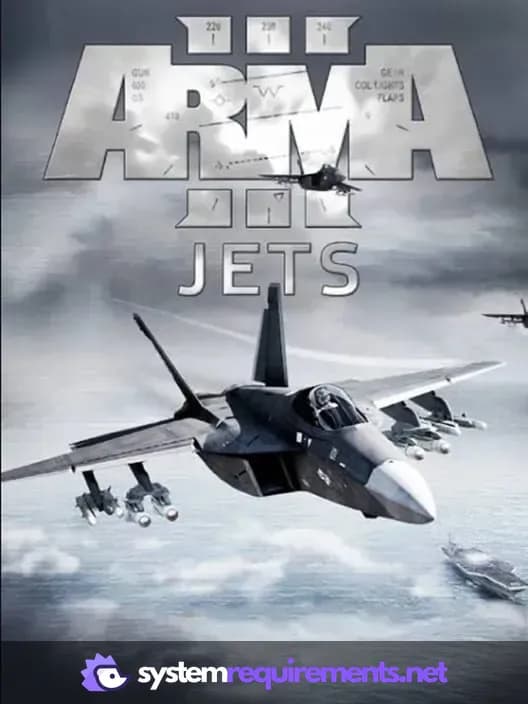
Arma 3 Jets Game Info
Developer
Bohemia Interactive
Publisher
Bohemia Interactive
Release Date
May 16, 2017
Platforms
PC (Microsoft Windows)
Genres
SimulatorStrategy
Game Modes
- Single player
- Multiplayer
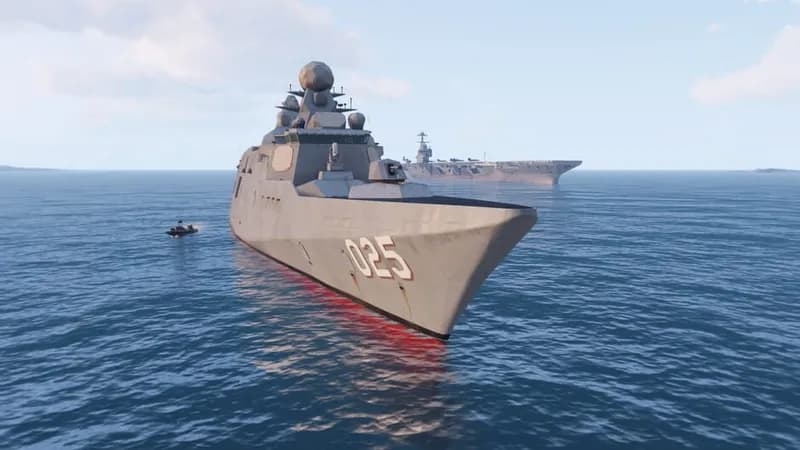
Arma 3 Jets Screenshots



Optimize Your PC for Arma 3 Jets
Use our free tools to analyze and improve your gaming performance