
All Games
Backpack Battles System Requirements
June 13, 2025PlayWithFurcifer
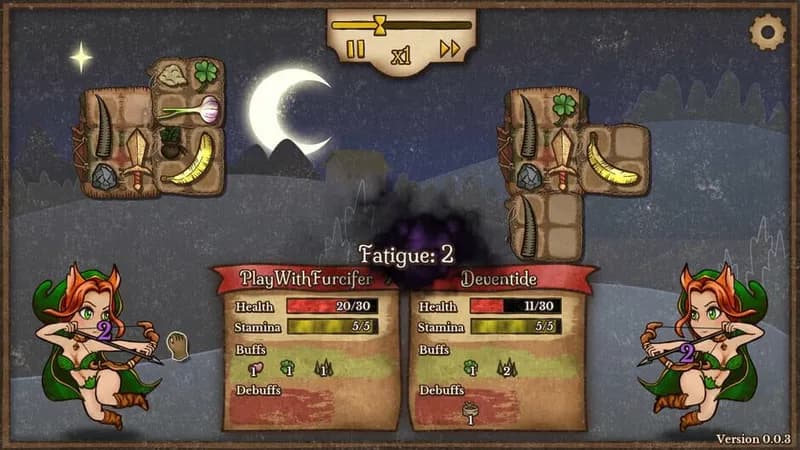
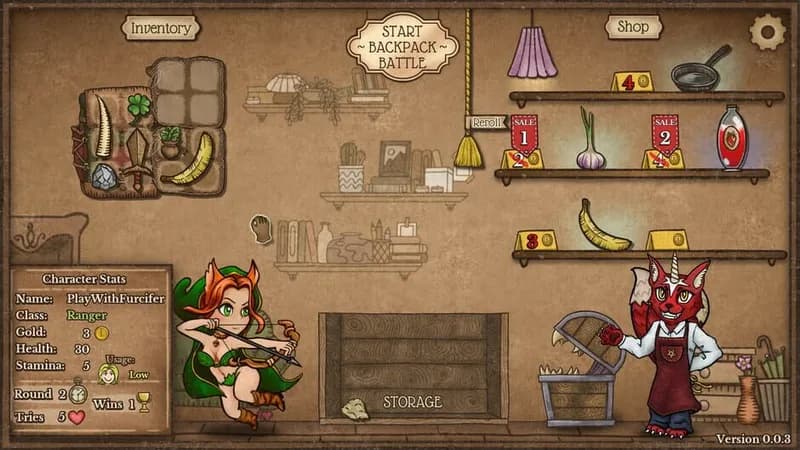
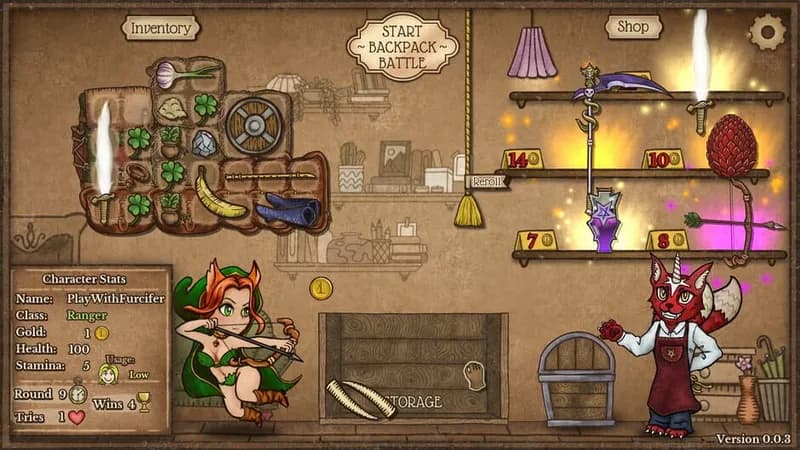
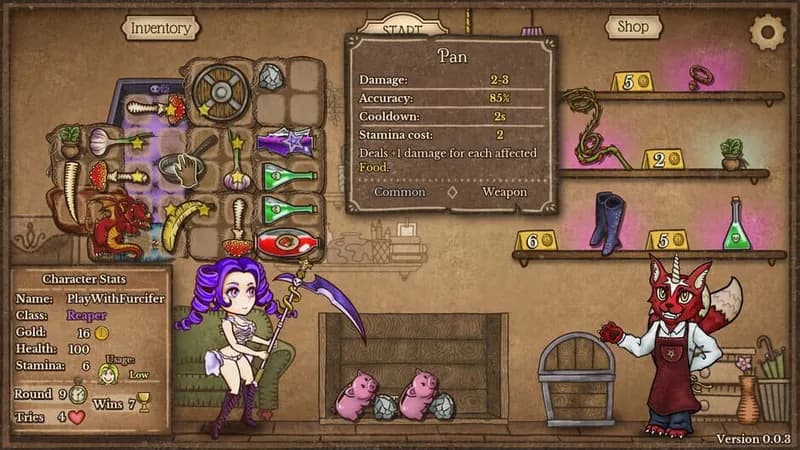
Strategically pack your inventory with powerful loot, then unleash your creation in automated PvP combat. Optimize your build for maximum synergy and outsmart opponents in this test of tactical organization.
Backpack Battles Minimum & Recommended Specs
Minimum: Intel Core i5-6600, NVIDIA GeForce GTX, 8 GB RAM. Recommended: 16 GB RAM RAM.
Minimum System Requirements
Recommended System Requirements
Announcement Trailer
Quick Performance Tips for Backpack Battles
#1
Close unnecessary background apps to free up RAM.
#2
Lower graphics settings for better performance.
#3
Update your graphics drivers for optimal compatibility.
#4
Restart the game periodically to clear memory leaks.
Backpack Battles System Requirements FAQ
Can I run Backpack Battles on a low-end PC?
If your PC meets the *minimum* requirements (Intel Core i5-6600 or AMD Ryzen 3 1200, NVIDIA GeForce GTX 960 or AMD Radeon R7 370, and 8 GB of RAM), you should be able to run Backpack Battles, but potentially with lower graphics settings and performance. For a smoother experience, aim for the *recommended* specifications.
What GPU do I need for Backpack Battles?
At a minimum, you'll need an NVIDIA GeForce GTX 960, 4 GB or an AMD Radeon R7 370, 4 GB. For the best experience, an NVIDIA GeForce GTX 1660, 6 GB or AMD Radeon RX 590, 8 GB is recommended.
How much RAM does Backpack Battles need?
Backpack Battles requires a minimum of 8 GB of RAM. However, 16 GB of RAM is recommended for smoother gameplay, especially if you have other applications running in the background.
Will Backpack Battles run on integrated graphics?
While it *might* run on some integrated graphics solutions, it's not officially supported and performance will likely be poor. We highly recommend using a dedicated graphics card that meets the minimum requirements for a playable experience.
What is the best graphics settings for Backpack Battles?
If you're experiencing performance issues, try lowering the graphics settings in the game's options menu. Start by reducing texture quality, shadow quality, and disabling anti-aliasing. Experiment to find the best balance between visual quality and performance for your system.
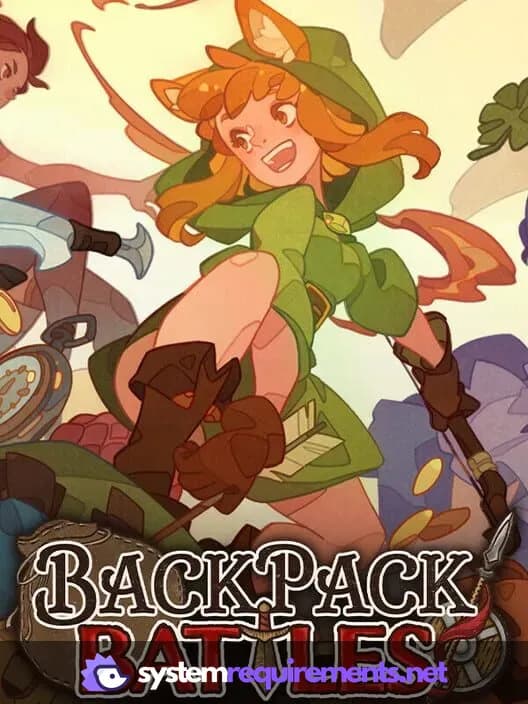
Backpack Battles Game Info
Developer
PlayWithFurcifer
Publisher
IndieArk
Release Date
June 13, 2025
Platforms
Linux, PC (Microsoft Windows)
Genres
StrategyTurn-based strategy (TBS)TacticalIndie
Game Modes
- Single player
- Multiplayer
Backpack Battles Screenshots
Optimize Your PC for Backpack Battles
Use our free tools to analyze and improve your gaming performance