
All Games
Beat Saber System Requirements
May 1, 2018Hyperbolic Magnetism85/100
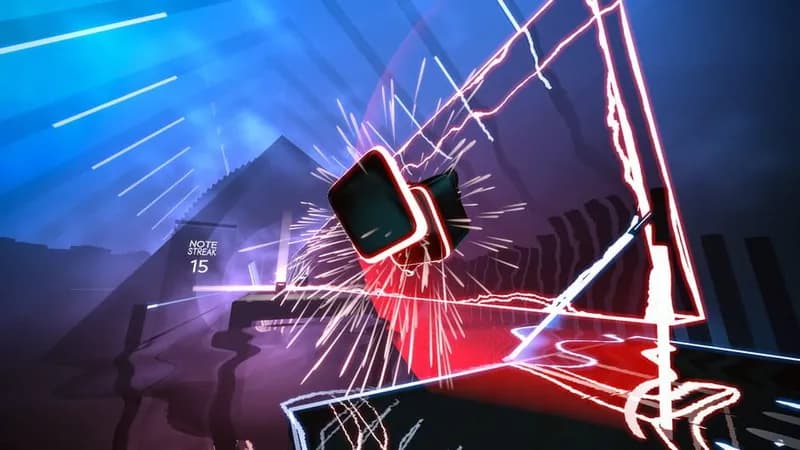
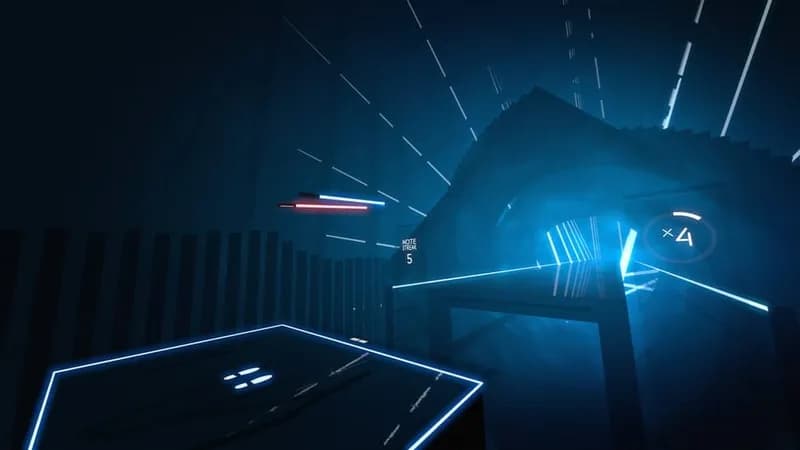
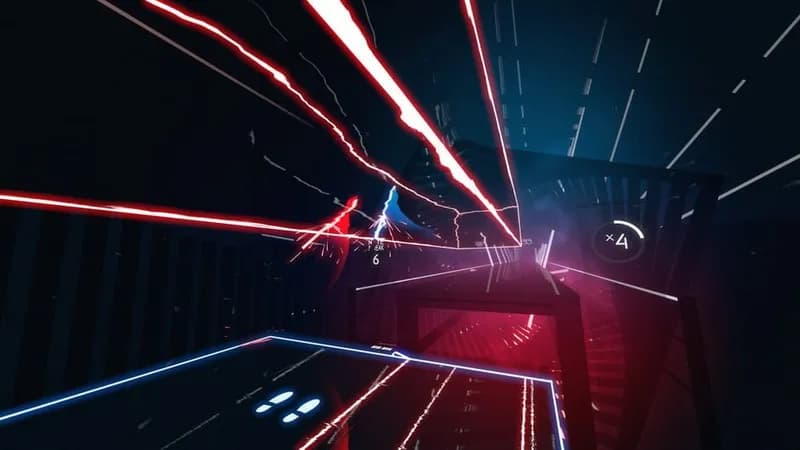
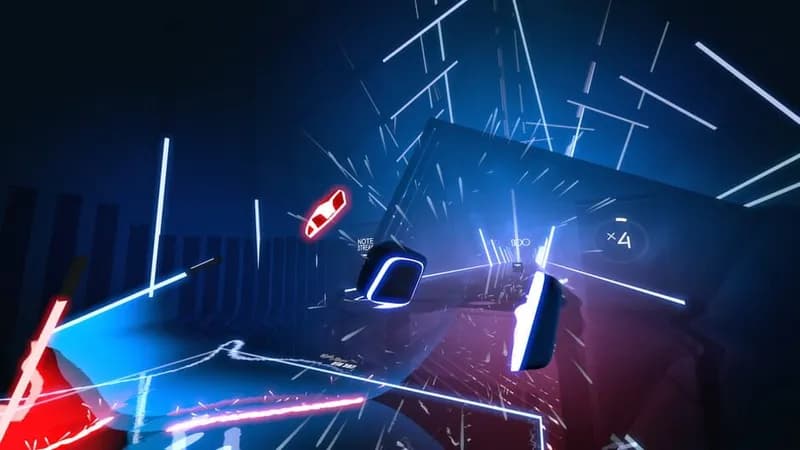
Slice and dice through a stream of musical beats in this VR rhythm game. Wield dual sabers to match the color and direction of incoming blocks, all set against a neon-drenched backdrop.
Beat Saber Minimum & Recommended Specs
Minimum: Intel Core i5-4590, Nvidia GeForce GTX, 4 GB RAM. Recommended: 8 GB RAM RAM.
Minimum System Requirements
Recommended System Requirements
Upgrade Your Hardware
Trailer
Quick Performance Tips for Beat Saber
#1
Lower the graphics settings for better performance.
#2
Close unnecessary background applications.
#3
Update your graphics drivers to the latest version.
#4
Reduce the resolution in the game settings.
Beat Saber System Requirements FAQ
Can I run Beat Saber on a low-end PC?
To play Beat Saber smoothly, your PC needs at least an Intel Core i5-4590 processor, an Nvidia GeForce GTX 960 graphics card, and 4 GB of RAM. If your PC is below these specs, you may experience performance issues.
What GPU do I need for Beat Saber?
The minimum GPU required is an Nvidia GeForce GTX 960. For a better experience, especially with higher graphics settings or custom songs, an Nvidia GeForce GTX 1060 or better is recommended.
How much RAM does Beat Saber need?
Beat Saber requires a minimum of 4 GB of RAM. However, 8 GB of RAM is recommended for smoother gameplay and to avoid potential performance dips, especially when running other applications in the background.
Will Beat Saber run on integrated graphics?
While technically possible, running Beat Saber on integrated graphics is not recommended. You will likely experience significant performance issues, such as low frame rates and stuttering, making the game difficult to play. A dedicated graphics card is strongly advised.
What is the best graphics settings for Beat Saber?
The best graphics settings depend on your hardware. If you meet the recommended specs, try the 'High' or 'Very High' presets. If you're closer to the minimum specs, start with 'Low' or 'Medium' and adjust individual settings like shadow quality and anti-aliasing to find a balance between visual quality and performance.
Beat Saber Game Info
Developer
Hyperbolic Magnetism
Publisher
Hyperbolic Magnetism
Release Date
May 1, 2018
Platforms
Meta Quest 2, PlayStation VR2, Windows Mixed Reality, PlayStation VR, SteamVR
Genres
MusicSportIndieArcade
Game Modes
- Single player
- Multiplayer
Beat Saber Screenshots


Optimize Your PC for Beat Saber
Use our free tools to analyze and improve your gaming performance