
All Games
Black Mesa System Requirements
March 6, 2020Crowbar Collective88/100
Relive Gordon Freeman's fateful day at the Black Mesa Research Facility in this Source Engine-powered reimagining of the original Half-Life. Encounter enhanced environments, updated character interactions, and modernized presentation as you navigate the facility's depths.
Black Mesa Minimum & Recommended Specs
Minimum: 3.0 GHz Processor, 1 GB Video, 4 GB RAM. Recommended: 8 GB RAM RAM.
Minimum System Requirements
Recommended System Requirements
Upgrade Your Hardware
Trailer
Quick Performance Tips for Black Mesa
#1
Lower shadow quality for a significant FPS boost.
#2
Reduce texture detail if you're running low on VRAM.
#3
Disable anti-aliasing or use FXAA for better performance.
#4
Close unnecessary background applications.
Black Mesa System Requirements FAQ
Can I run Black Mesa on a low-end PC?
Black Mesa can run on a low-end PC if it meets the minimum requirements: a 3.0 GHz processor, a 1 GB video card, and 4 GB of RAM. However, expect lower graphics settings and potentially lower frame rates. For a smoother experience, aim for the recommended specs.
What GPU do I need for Black Mesa?
The minimum requirement is a 1 GB video card, but for a significantly better experience, especially at higher resolutions and settings, a 4 GB video card is recommended.
How much RAM does Black Mesa need?
Black Mesa requires a minimum of 4 GB of RAM to run. However, 8 GB of RAM is recommended for smoother gameplay and to avoid potential stuttering, especially with higher graphics settings.
Will Black Mesa run on integrated graphics?
While it *might* run on some newer integrated graphics solutions, it's not officially supported. You'll likely experience very low frame rates and visual quality. A dedicated video card is highly recommended for a playable experience.
What is the best graphics settings for Black Mesa?
The 'best' settings depend on your hardware. Start with the 'Medium' preset and adjust from there. If your frame rate is low, reduce shadow quality, texture detail, and anti-aliasing. If you have headroom, increase these settings for better visuals.

Black Mesa Game Info
Developer
Crowbar Collective
Publisher
Crowbar Collective
Release Date
March 6, 2020
Platforms
Linux, PC (Microsoft Windows)
Genres
ShooterPlatformAdventureIndie
Game Modes
- Single player
- Multiplayer
Black Mesa Screenshots
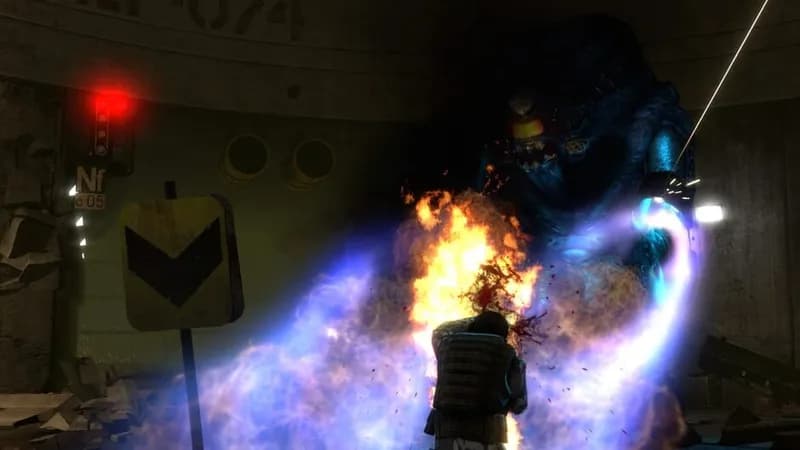
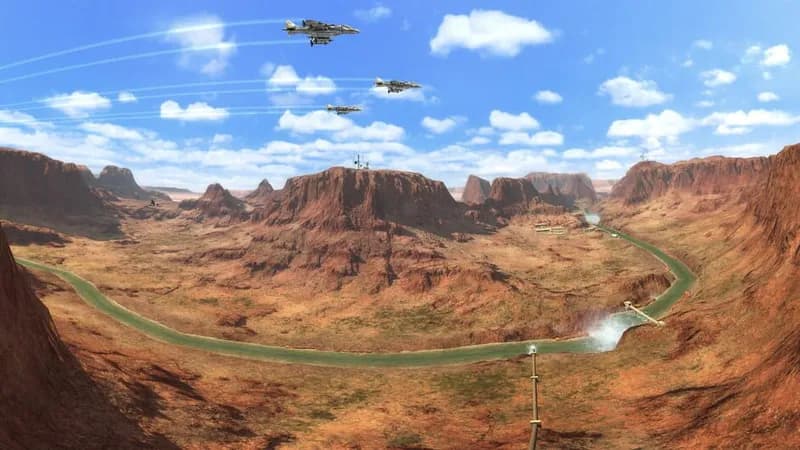








Optimize Your PC for Black Mesa
Use our free tools to analyze and improve your gaming performance