
All Games
Blade and Sorcery System Requirements
April 4, 2019WarpFrog
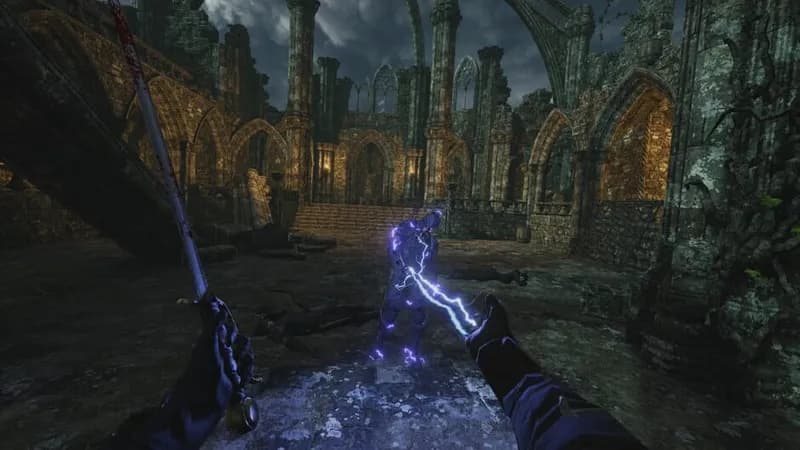
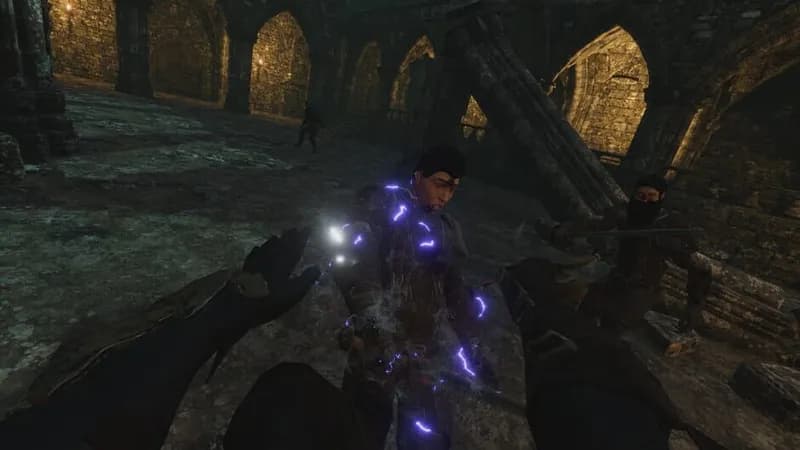
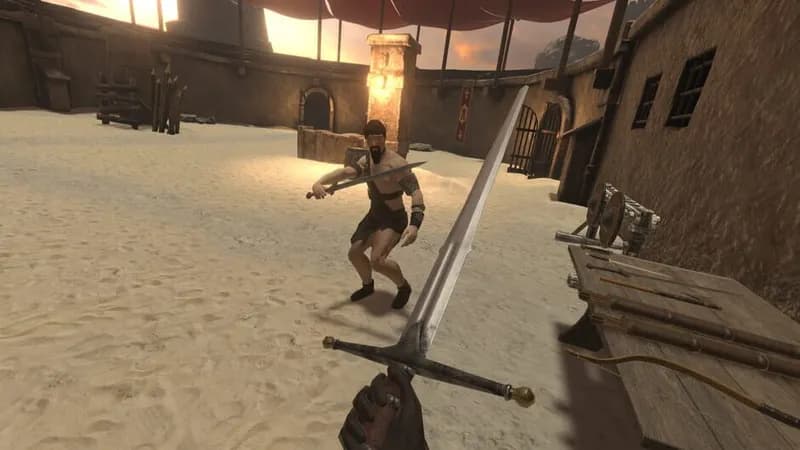
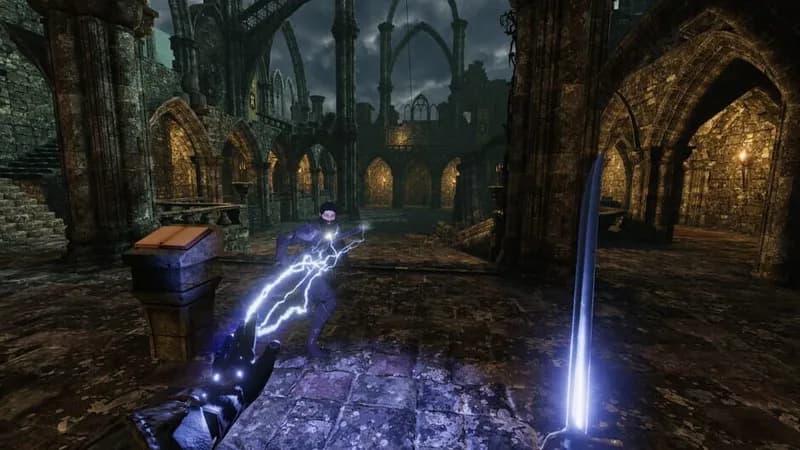
Enter a VR medieval arena where physics dictate visceral combat. Master melee, archery, and magic to overcome foes in this immersive sandbox experience.
Blade and Sorcery Minimum & Recommended Specs
Minimum: Intel Core i5-4590, NVIDIA GeForce GTX, 8 GB RAM. Recommended: 16 GB RAM RAM.
Minimum System Requirements
Recommended System Requirements
Trailer
Quick Performance Tips for Blade and Sorcery
#1
Lower the render scale in the graphics settings for a quick performance boost.
#2
Disable or reduce the number of active mods to improve performance.
#3
Close unnecessary background applications to free up system resources.
#4
Ensure your graphics drivers are up to date for optimal performance.
Blade and Sorcery System Requirements FAQ
Can I run Blade and Sorcery on a low-end PC?
While it might technically launch on a PC below the minimum specs (Intel Core i5-4590, NVIDIA GeForce GTX 970 / AMD Radeon R9 290, 8 GB RAM), you'll likely experience significant performance issues like low frame rates and stuttering, making the game unenjoyable. Meeting the minimum requirements is highly recommended.
What GPU do I need for Blade and Sorcery?
At a minimum, you'll need an NVIDIA GeForce GTX 970 or an AMD Radeon R9 290. For a smoother experience with higher settings, an NVIDIA GeForce GTX 1070 or an AMD Radeon RX Vega 56 is recommended.
How much RAM does Blade and Sorcery need?
Blade and Sorcery requires at least 8 GB of RAM to run. However, 16 GB of RAM is recommended for a smoother experience, especially with multiple mods or higher graphics settings.
Will Blade and Sorcery run on integrated graphics?
No, Blade and Sorcery is unlikely to run well, if at all, on integrated graphics. A dedicated graphics card (GPU) meeting the minimum requirements is essential for playing the game.
What is the best graphics settings for Blade and Sorcery?
The best graphics settings depend on your hardware. Start with the 'Medium' preset and adjust from there. If you're experiencing performance issues, lower settings like 'Shadow Quality', 'Texture Quality', and 'Anti-Aliasing'. 'Dynamic Bone Collisions' can also heavily impact performance, so consider disabling it.
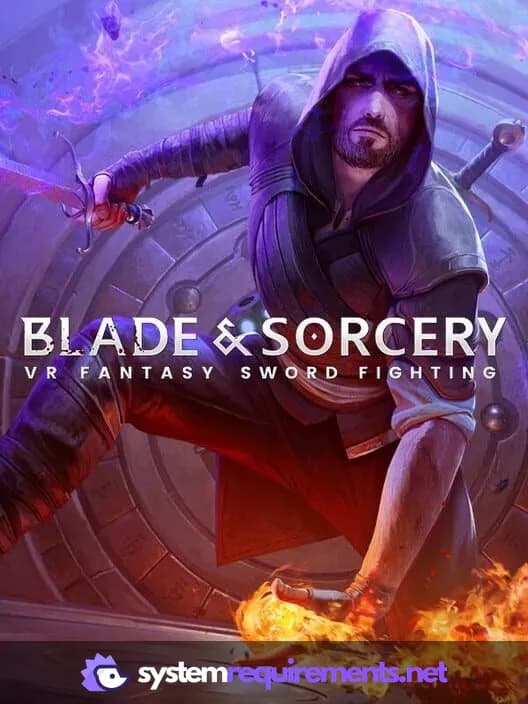
Blade and Sorcery Game Info
Developer
WarpFrog
Publisher
WarpFrog
Release Date
April 4, 2019
Platforms
Oculus VR, SteamVR, Oculus Rift
Genres
FightingRole-playing (RPG)SimulatorAdventureIndie
Game Modes
- Single player
Blade and Sorcery Screenshots

Optimize Your PC for Blade and Sorcery
Use our free tools to analyze and improve your gaming performance