
All Games
BloodRayne: Terminal Cut System Requirements
November 20, 2020Terminal Reality
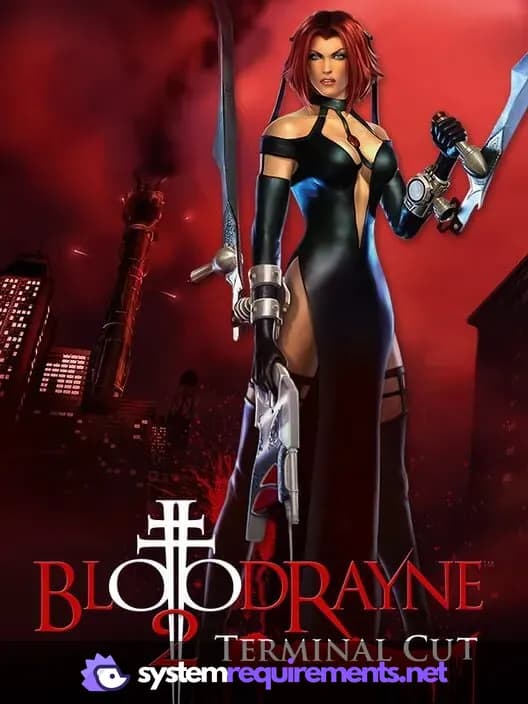
Experience the enhanced, modern version of BloodRayne, where you control the deadly dhampir to thwart a Nazi occult plot. Spanning multiple years and locations, stop a madman from unleashing supernatural power upon the world.
BloodRayne: Terminal Cut Minimum & Recommended Specs
Minimum: 1.4 GHz or, DirectX 9 compatible, 1 GB RAM. Recommended: 2 GB RAM RAM.
Minimum System Requirements
Recommended System Requirements
Upgrade Your Hardware
Trailer
Quick Performance Tips for BloodRayne: Terminal Cut
#1
Lower the resolution for a significant FPS boost.
#2
Disable shadows for improved performance.
#3
Close unnecessary background applications.
#4
Update your graphics card drivers.
BloodRayne: Terminal Cut System Requirements FAQ
Can I run BloodRayne: Terminal Cut on a low-end PC?
BloodRayne: Terminal Cut has relatively low system requirements. If your PC meets the minimum specs (1.4 GHz CPU, DirectX 9 compatible graphics, 1 GB RAM), you should be able to run it, but performance may be better at lower settings. For a smoother experience, aim for the recommended specs (2.0 GHz CPU, DirectX 9 compatible graphics, 2 GB RAM).
What GPU do I need for BloodRayne: Terminal Cut?
BloodRayne: Terminal Cut requires a DirectX 9 compatible graphics card. While a specific model isn't listed, most GPUs released in the late 2000s or later should be sufficient. For better performance, aim for a slightly more powerful card within the DirectX 9 range.
How much RAM does BloodRayne: Terminal Cut need?
The minimum RAM requirement for BloodRayne: Terminal Cut is 1 GB. However, 2 GB of RAM is recommended for a smoother and more stable experience. Having more RAM can help reduce stuttering and improve loading times.
Will BloodRayne: Terminal Cut run on integrated graphics?
While not officially supported, BloodRayne: Terminal Cut *might* run on some integrated graphics solutions, especially newer ones. However, expect significantly reduced performance and potential graphical glitches. It's best to test it and see if it's playable.
What is the best graphics settings for BloodRayne: Terminal Cut?
If you meet the recommended specs, you should be able to run the game at medium to high settings. If you're below the recommended specs, try lowering the resolution, texture quality, and shadow detail to improve performance. Experiment to find a balance between visual quality and frame rate.
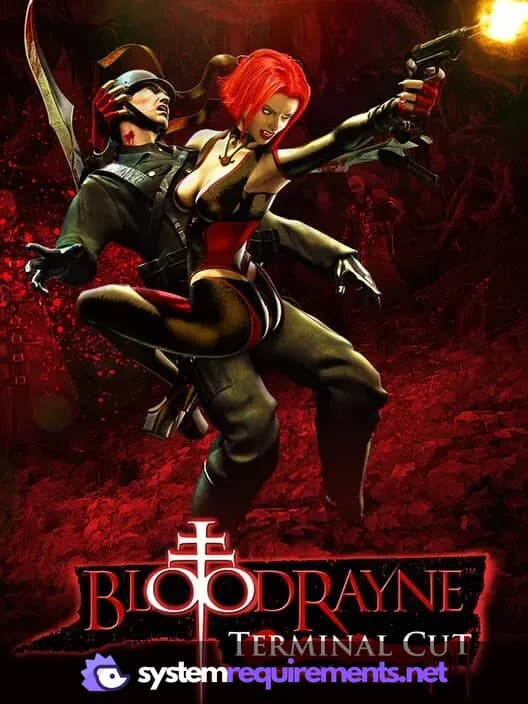
BloodRayne: Terminal Cut Game Info
Developer
Terminal Reality
Publisher
Ziggurat
Release Date
November 20, 2020
Platforms
PC (Microsoft Windows)
Genres
ShooterHack and slash/Beat 'em upAdventure
Game Modes
- Single player
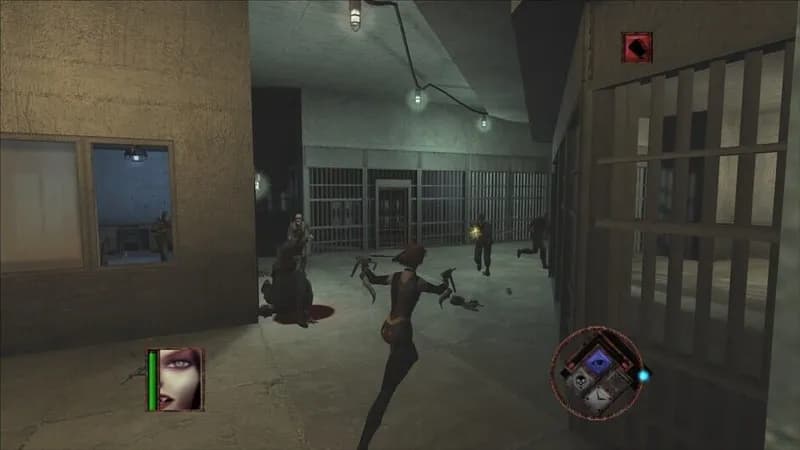
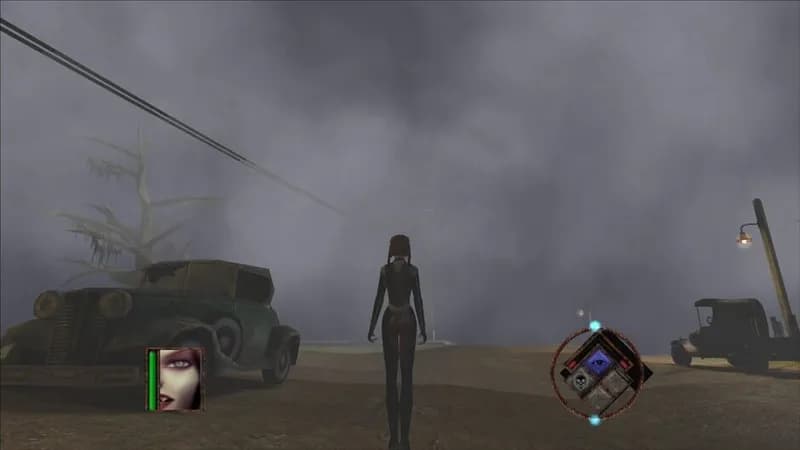
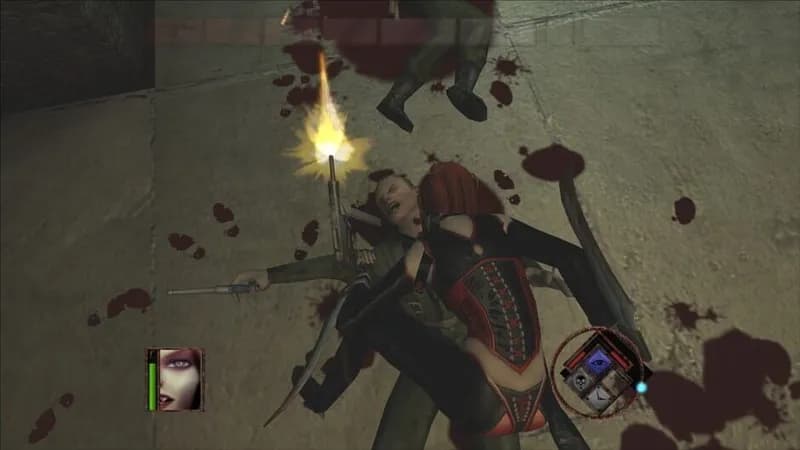
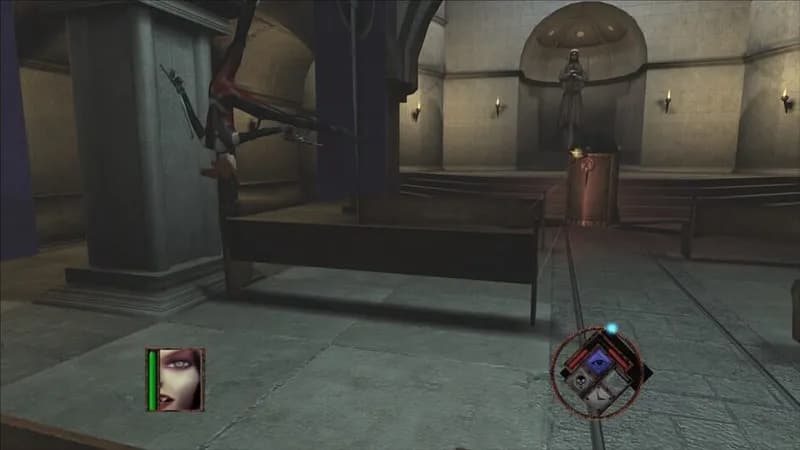
BloodRayne: Terminal Cut Screenshots



Optimize Your PC for BloodRayne: Terminal Cut
Use our free tools to analyze and improve your gaming performance