
All Games
BONELAB System Requirements
September 29, 2022Stress Level Zero81/100
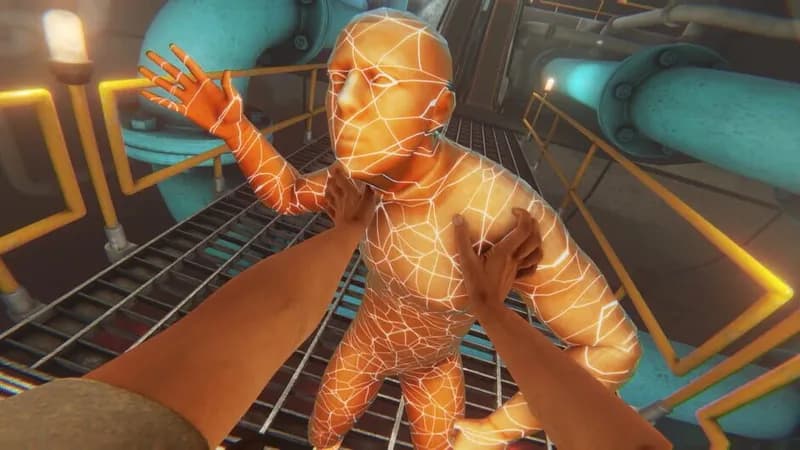
As a condemned individual, navigate a clandestine research complex unearthed during your escape. Uncover a truth obscured by rigorous testing and cryptic findings within its depths. Your journey into the unknown begins now.
BONELAB Minimum & Recommended Specs
Minimum: Intel Core i5-7600, NVIDIA GeForce GTX, 8 GB RAM. Recommended: 16 GB RAM RAM.
Minimum System Requirements
Recommended System Requirements
Trailer
Quick Performance Tips for BONELAB
#1
Lower shadow quality for a significant performance boost.
#2
Reduce the render resolution in SteamVR settings.
#3
Close unnecessary background applications.
#4
Update your graphics drivers for optimal performance.
BONELAB System Requirements FAQ
Can I run BONELAB on a low-end PC?
BONELAB requires a relatively powerful PC to run smoothly in VR. If your PC doesn't meet the minimum requirements (Intel Core i5-7600 / AMD Ryzen 5 1600X, NVIDIA GeForce GTX 1060 / AMD Radeon RX 580, 8 GB RAM), you may experience significant performance issues or be unable to play.
What GPU do I need for BONELAB?
At a minimum, you'll need an NVIDIA GeForce GTX 1060 or an AMD Radeon RX 580. For a better experience, an NVIDIA GeForce RTX 2060 or an AMD Radeon RX 5700 is recommended.
How much RAM does BONELAB need?
BONELAB requires at least 8 GB of RAM to run. For optimal performance, especially with higher settings or mods, 16 GB of RAM is recommended.
Will BONELAB run on integrated graphics?
No, BONELAB is unlikely to run well, if at all, on integrated graphics. A dedicated graphics card meeting the minimum requirements is essential.
What is the best graphics settings for BONELAB?
The best graphics settings depend on your hardware. Start with the 'Medium' preset and adjust from there. If you're experiencing performance issues, lower settings like 'Shadow Quality' and 'Texture Resolution' can help.
BONELAB Game Info
Developer
Stress Level Zero
Publisher
Stress Level Zero
Release Date
September 29, 2022
Platforms
Meta Quest 2, SteamVR
Genres
ShooterSimulatorAdventureIndie
Game Modes
- Single player
BONELAB Screenshots
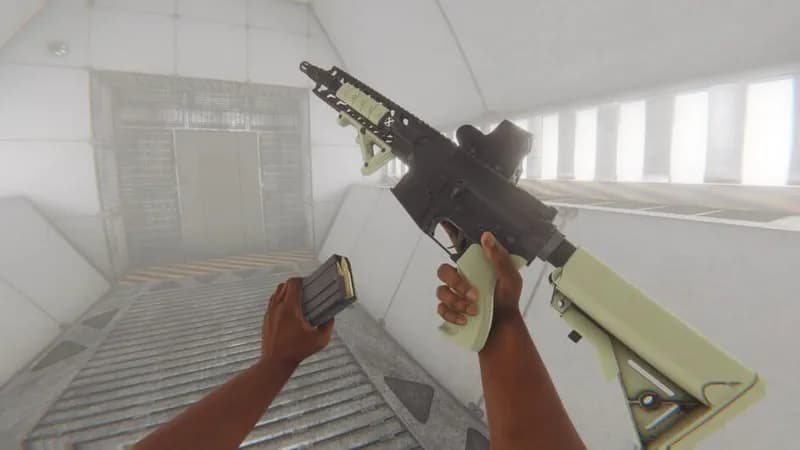
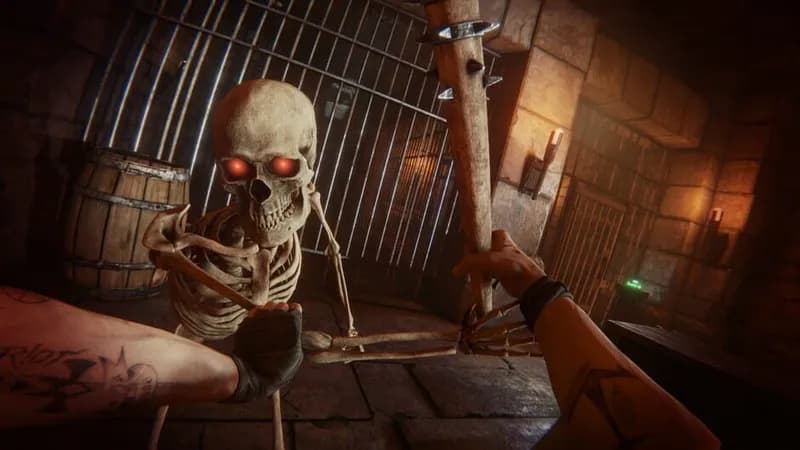
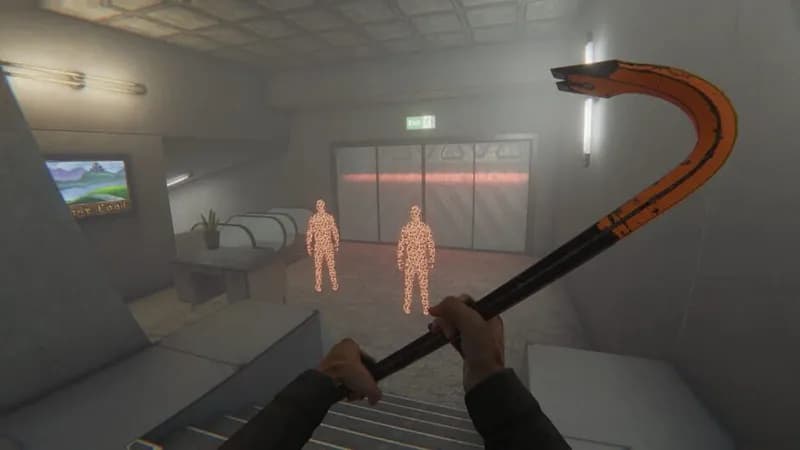

Optimize Your PC for BONELAB
Use our free tools to analyze and improve your gaming performance