
All Games
Call of Duty: Black Ops II System Requirements
Call of Duty: Black Ops II Minimum & Recommended Specs
Minimum: Intel Core2 Duo, Nvidia GeForce 8800GT, 2GB RAM. Recommended: 4GB RAM RAM.
Minimum System Requirements
Recommended System Requirements
Upgrade Your Hardware
Quick Performance Tips for Call of Duty: Black Ops II
#1
Lower the resolution for a significant FPS boost.
#2
Disable anti-aliasing to improve performance.
#3
Close unnecessary background applications.
#4
Update your graphics drivers for optimal performance.
Call of Duty: Black Ops II System Requirements FAQ
Can I run Call of Duty: Black Ops II on a low-end PC?
If your PC meets the minimum requirements (Intel Core2 Duo E8200 2.66 GHz or AMD Phenom X3 8750 2.4 GHz, Nvidia GeForce 8800GT 512 MB or ATI Radeon HD 3870 512 MB, and 2GB RAM), you should be able to run the game at lower settings and resolution. Performance may be limited.
What GPU do I need for Call of Duty: Black Ops II?
At a minimum, you'll need an Nvidia GeForce 8800GT 512 MB or an ATI Radeon HD 3870 512 MB. For a better experience, an Nvidia GeForce GTX 560Ti 1GB is recommended.
How much RAM does Call of Duty: Black Ops II need?
The game requires a minimum of 2GB of RAM. However, 4GB of RAM is recommended for smoother gameplay and better performance.
Will Call of Duty: Black Ops II run on integrated graphics?
It's unlikely. Integrated graphics cards generally don't meet the minimum GPU requirements (Nvidia GeForce 8800GT 512 MB or ATI Radeon HD 3870 512 MB). You'll likely experience very poor performance or be unable to launch the game.
What is the best graphics settings for Call of Duty: Black Ops II?
The best settings depend on your hardware. If you meet the recommended specs, try high settings. Otherwise, start with low or medium settings and adjust upwards until you find a balance between visual quality and performance. Disable anti-aliasing for extra FPS.
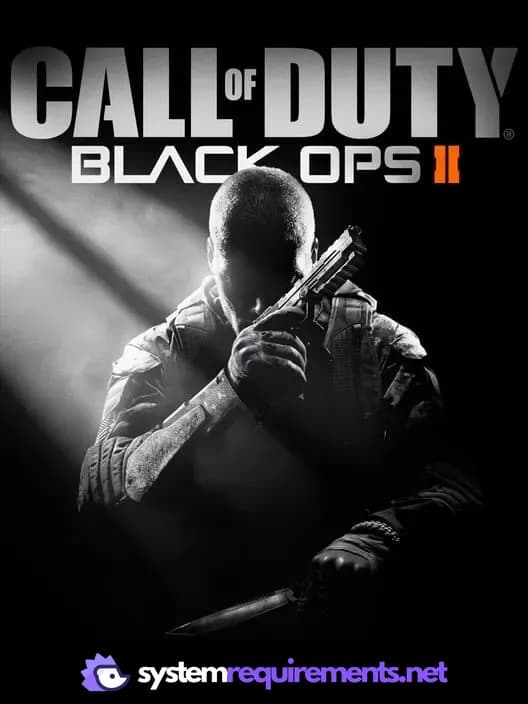
Call of Duty: Black Ops II Game Info
Call of Duty: Black Ops II Screenshots
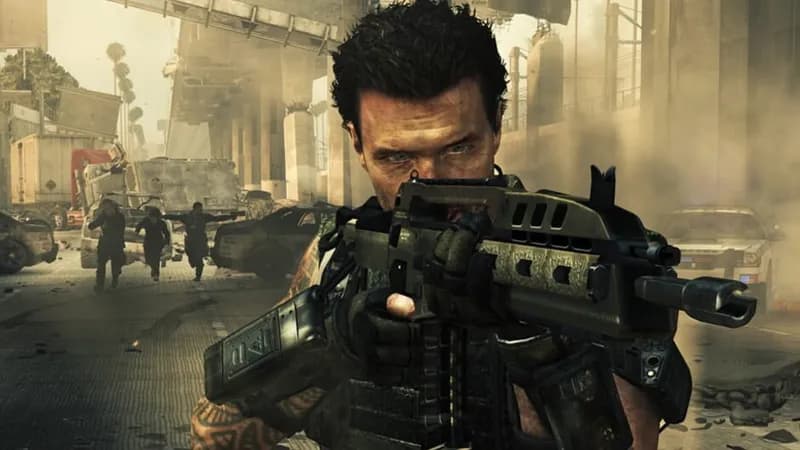
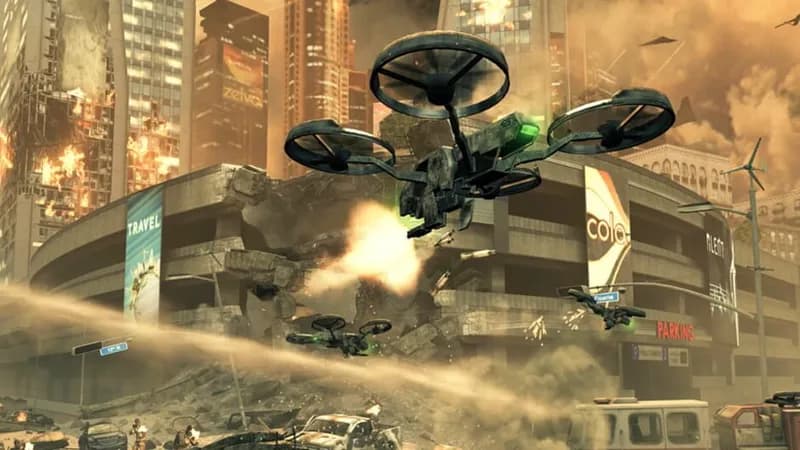
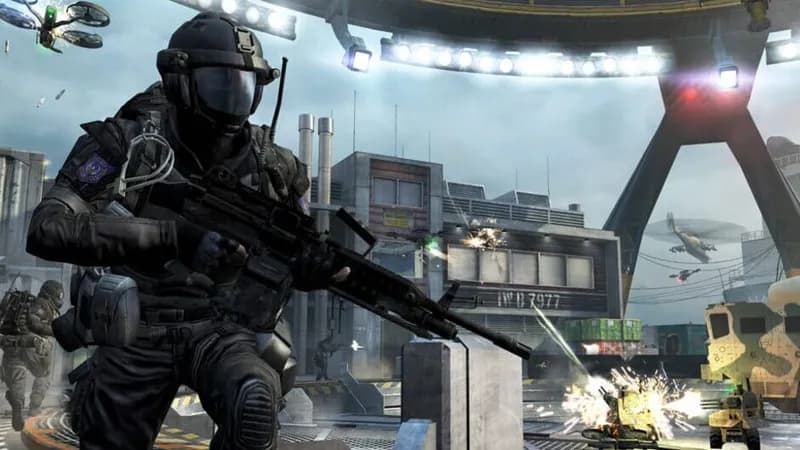


Optimize Your PC for Call of Duty: Black Ops II
Use our free tools to analyze and improve your gaming performance