
Call to Arms - Gates of Hell: Liberation System Requirements
Experience brutal WWII combat on the Western Front, 1944. This DLC for Call to Arms - Gates of Hell introduces the US faction alongside new German forces and scenarios from the European theater of operations.
Call to Arms - Gates of Hell: Liberation Minimum & Recommended Specs
Minimum: Intel Core i5-4460, Nvidia GeForce GTX, 8 GB RAM. Recommended: 16 GB RAM RAM.
Minimum System Requirements
Recommended System Requirements
Upgrade Your Hardware
Trailer
Quick Performance Tips for Call to Arms - Gates of Hell: Liberation
Lower shadow quality for a significant FPS boost.
Reduce unit detail and clutter settings.
Disable or reduce anti-aliasing (AA).
Close unnecessary background applications.
Call to Arms - Gates of Hell: Liberation System Requirements FAQ
Can I run Call to Arms - Gates of Hell: Liberation on a low-end PC?
What GPU do I need for Call to Arms - Gates of Hell: Liberation?
How much RAM does Call to Arms - Gates of Hell: Liberation need?
Will Call to Arms - Gates of Hell: Liberation run on integrated graphics?
What is the best graphics settings for Call to Arms - Gates of Hell: Liberation?
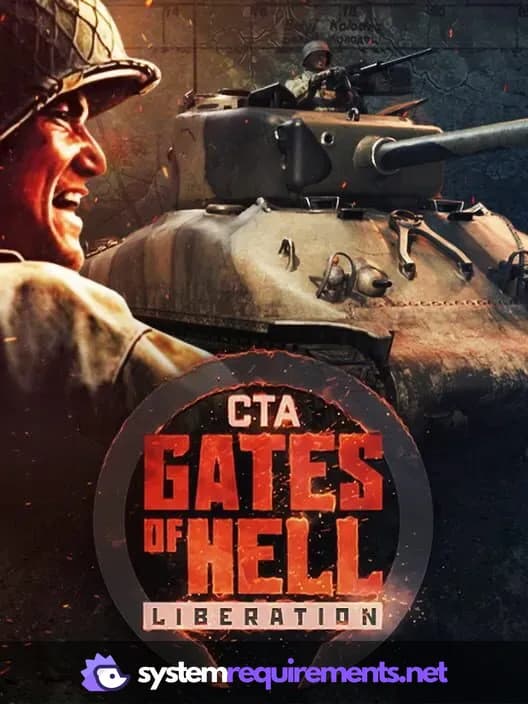
Call to Arms - Gates of Hell: Liberation Game Info
Developer
Barbedwire Studios
Release Date
November 29, 2023
Platforms
PC (Microsoft Windows)
Genres
Game Modes
- Single player
- Multiplayer
- Co-operative
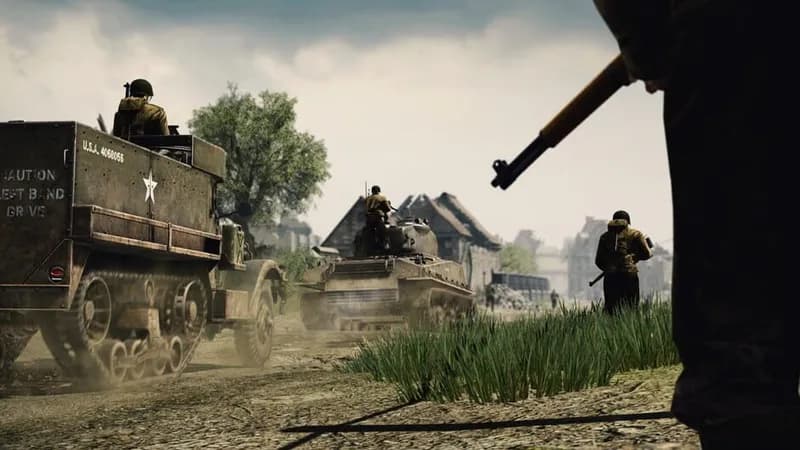
Call to Arms - Gates of Hell: Liberation Screenshots
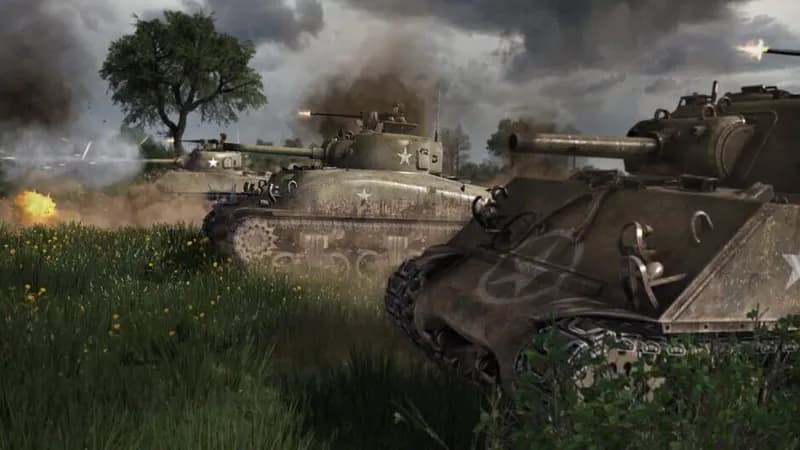
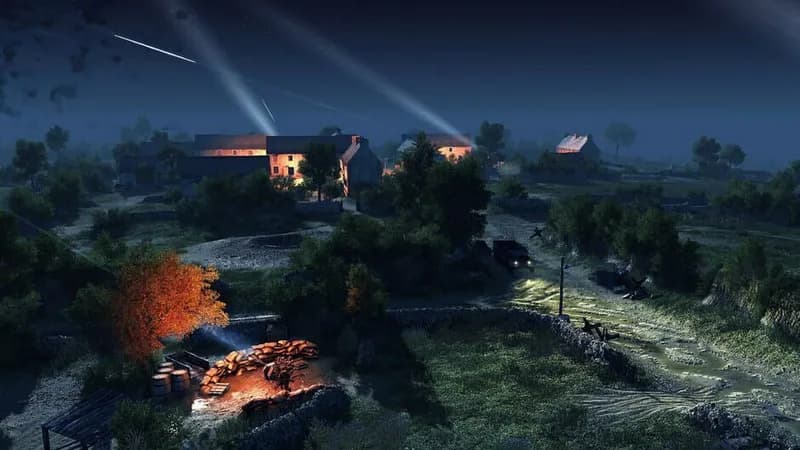
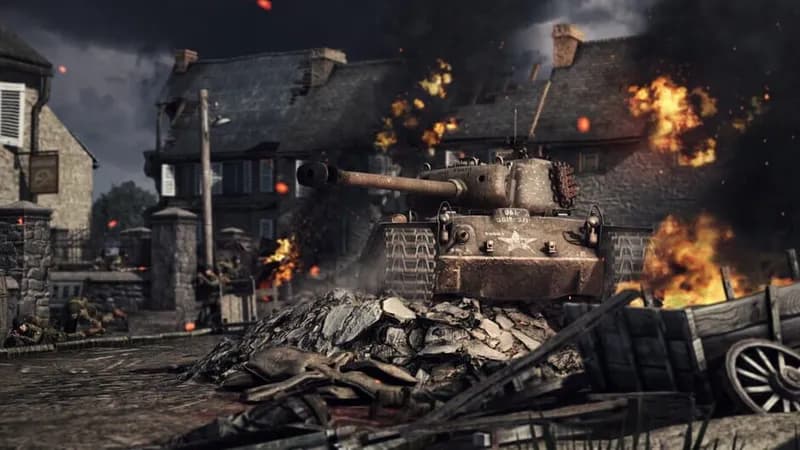
Games Similar to Call to Arms - Gates of Hell: Liberation
Rising Front
View requirements →
Call to Arms - Gates of Hell: Scorched Earth
View requirements →
Call to Arms - Gates of Hell: Talvisota
View requirements →

Arma 3 Creator DLC: Reaction Forces
View requirements →
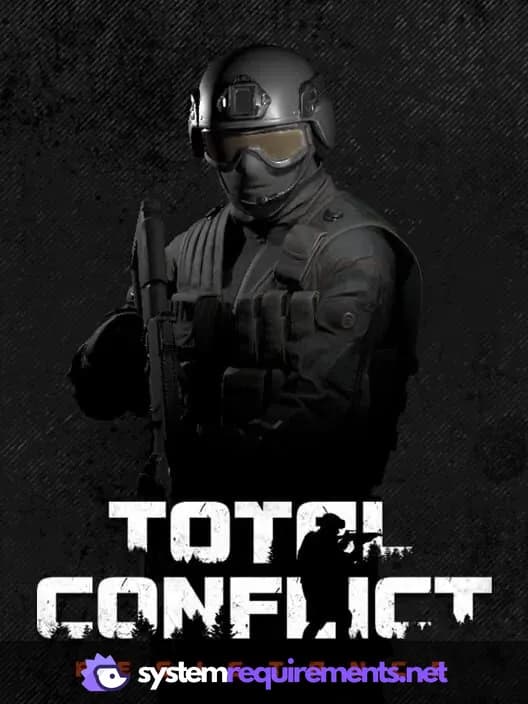
Total Conflict: Resistance
View requirements →
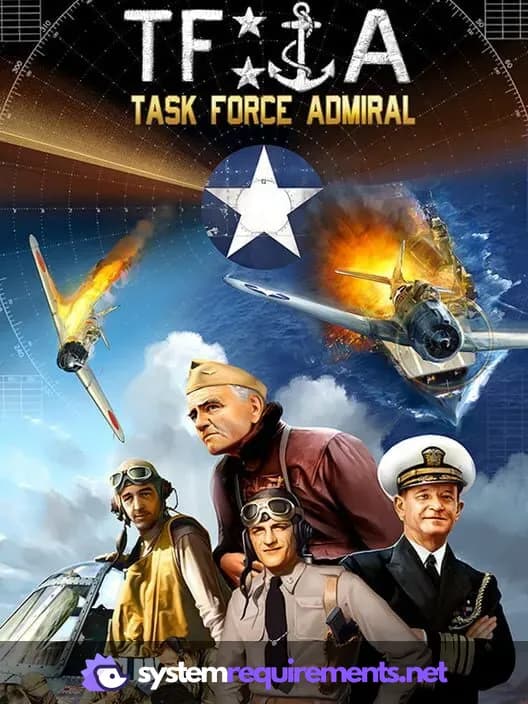
Task Force Admiral - Vol.1: American Carrier Battles
View requirements →
Optimize Your PC for Call to Arms - Gates of Hell: Liberation
Use our free tools to analyze and improve your gaming performance
Estimate FPS for Call to Arms - Gates of Hell: Liberation
Calculate expected frame rates with your hardware
Check for Bottlenecks
Find if your CPU or GPU is holding you back
Calculate PSU Wattage
Make sure your power supply can handle your build
Compare Graphics Cards
Find the best GPU upgrade for your needs