All Games

Cascadia System Requirements

February 19, 2025Dire Wolf Digital

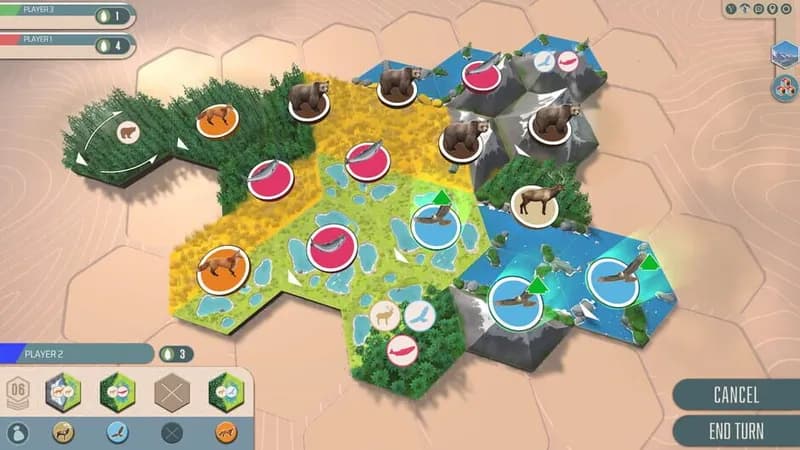
Construct a thriving Pacific Northwest ecosystem, tile by tile, balancing habitat and wildlife needs. Score points by fulfilling unique animal patterns and creating harmonious landscapes in this digital adaptation of the strategy board game.

Cascadia Minimum & Recommended Specs

Minimum: Intel Core i5-4460, NVIDIA GeForce GTX, 8 GB RAM. Recommended: 16 GB RAM RAM.

Minimum System Requirements

OS
Windows 10
Processor
Intel Core i5-4460CPU Deals
RAM
8 GB RAMRAM Deals
Graphics Card
NVIDIA GeForce GTX 960GPU Deals
DirectX
Version 11
Storage
20 GB available spaceSSD Deals

Recommended System Requirements

OS
Windows 10
Processor
Intel Core i7-4770KCPU Deals
RAM
16 GB RAMRAM Deals
Graphics Card
NVIDIA GeForce GTX 1060GPU Deals
DirectX
Version 11
Storage
20 GB available spaceSSD Deals

Teaser

Quick Performance Tips for Cascadia

#1

Lower the shadow quality for a noticeable FPS boost.

#2

Reduce the resolution for better performance on lower-end systems.

#3

Close unnecessary background applications while playing.

#4

Update your graphics drivers for optimal performance.

Cascadia System Requirements FAQ

Can I run Cascadia on a low-end PC?
To run Cascadia smoothly, your PC needs to meet at least the minimum requirements: an Intel Core i5-4460, NVIDIA GeForce GTX 960, and 8 GB of RAM. If your system is below these specs, you may experience performance issues.
What GPU do I need for Cascadia?
The minimum GPU required is an NVIDIA GeForce GTX 960. For the best experience, an NVIDIA GeForce GTX 1060 or better is recommended.
How much RAM does Cascadia need?
Cascadia requires a minimum of 8 GB of RAM. For optimal performance, especially at higher settings, 16 GB of RAM is recommended.
Will Cascadia run on integrated graphics?
While it might technically launch, running Cascadia on integrated graphics is not recommended. You will likely experience significant performance issues and a lower visual quality. A dedicated GPU like the GTX 960 or better is highly suggested.
What is the best graphics settings for Cascadia?

If you meet the recommended specs (Intel Core i7-4770K, NVIDIA GeForce GTX 1060, 16 GB RAM), you should be able to run Cascadia on high or ultra settings. If you're closer to the minimum specs, start with medium or low settings and adjust upwards until you find a balance between performance and visual quality.
Cascadia PC game cover art

Cascadia Game Info

Developer

Dire Wolf Digital

Publisher

Dire Wolf Digital

Release Date

February 19, 2025

Platforms

PC (Microsoft Windows), Mac

Genres

Strategy

Game Modes

  • Single player
  • Multiplayer

Cascadia Screenshots

Cascadia gameplay screenshot 1
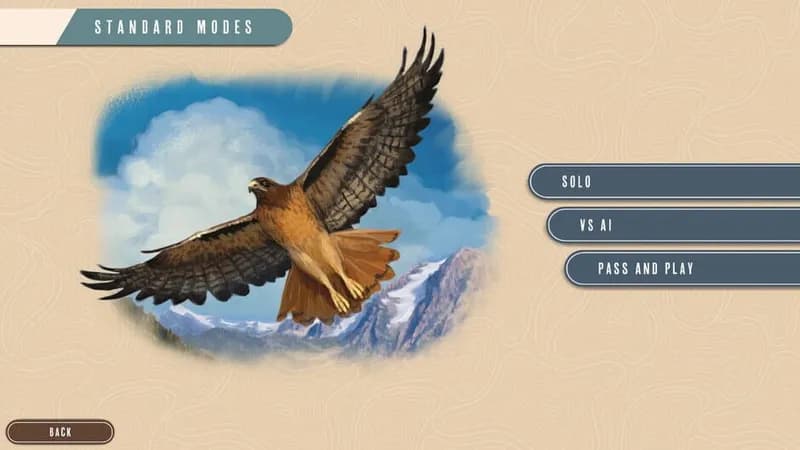
Cascadia gameplay screenshot 2
Cascadia gameplay screenshot 3
Cascadia gameplay screenshot 4
Cascadia System Requirements - Can Your PC Run It?