All Games

Caves of Qud System Requirements

December 5, 2024Freehold Games94/100

Enter a vast, procedurally-generated world in Caves of Qud, a science fantasy roguelike with deep simulation mechanics. Customize your character with a huge array of mutations, castes, and skills to survive in a world where history, society, and the physical environment are intricately interwoven.

Caves of Qud Minimum & Recommended Specs

Minimum: Intel Core 2, Intel HD Graphics, 2 GB RAM. Recommended: 4 GB RAM RAM.

Minimum System Requirements

OS
Windows 7
Processor
Intel Core 2 Duo E6320CPU Deals
RAM
2 GB RAMRAM Deals
Graphics Card
Intel HD Graphics 3000GPU Deals
DirectX
Version 9.0c
Storage
2 GB available spaceSSD Deals

Recommended System Requirements

OS
Windows 10
Processor
Intel Core i5-4460CPU Deals
RAM
4 GB RAMRAM Deals
Graphics Card
Nvidia GeForce GTX 560GPU Deals
DirectX
Version 11
Storage
2 GB available spaceSSD Deals

Trailer

Quick Performance Tips for Caves of Qud

#1

Lower the resolution for a significant performance boost.

#2

Disable or reduce visual effects like shadows and particles.

#3

Close other applications while playing to free up RAM.

#4

Try running the game in windowed mode if fullscreen lags.

Caves of Qud System Requirements FAQ

Can I run Caves of Qud on a low-end PC?
Yes, Caves of Qud is designed to be playable on older and lower-end PCs. The minimum requirements are quite modest, but expect lower frame rates and potentially longer loading times.
What GPU do I need for Caves of Qud?
The minimum GPU is an Intel HD Graphics 3000. For a smoother experience, especially in later game areas or with more complex effects, an Nvidia GeForce GTX 560 or equivalent is recommended.
How much RAM does Caves of Qud need?
The game requires a minimum of 2 GB of RAM, but 4 GB is recommended for smoother performance and to avoid potential memory-related issues.
Will Caves of Qud run on integrated graphics?
Yes, Caves of Qud is designed to run on integrated graphics, specifically Intel HD Graphics 3000 or better. However, you may need to lower the graphics settings for optimal performance.
What is the best graphics settings for Caves of Qud?
Experiment with the graphics settings in the options menu. Start with lower settings and gradually increase them until you find a balance between visual quality and performance. Disabling certain visual effects can also help.
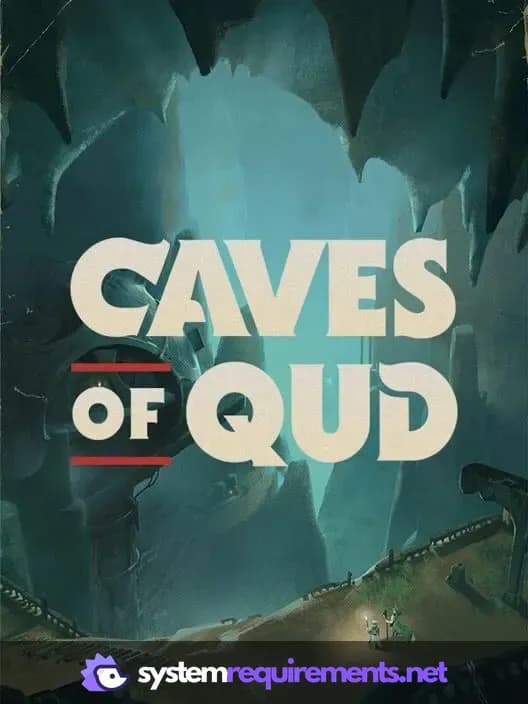
Caves of Qud PC game cover art

Caves of Qud Game Info

Developer

Freehold Games

Publisher

Kitfox Games

Release Date

December 5, 2024

Platforms

Linux, PC (Microsoft Windows), Mac, Nintendo Switch

Genres

Role-playing (RPG)SimulatorStrategyTurn-based strategy (TBS)AdventureIndie

Game Modes

  • Single player

Caves of Qud Screenshots
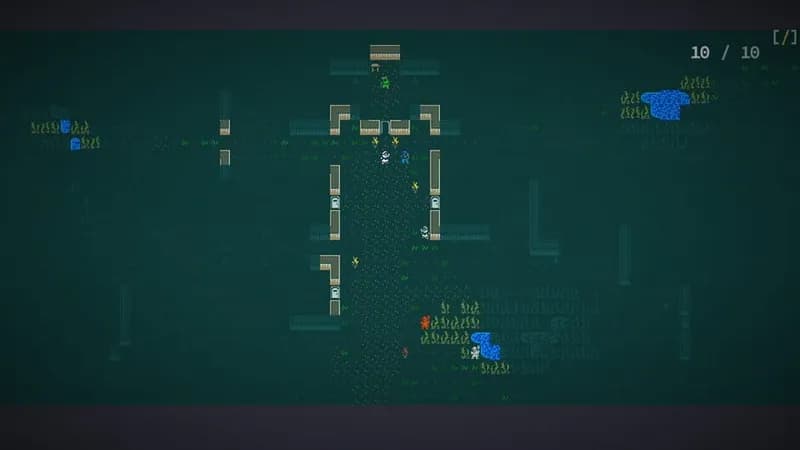
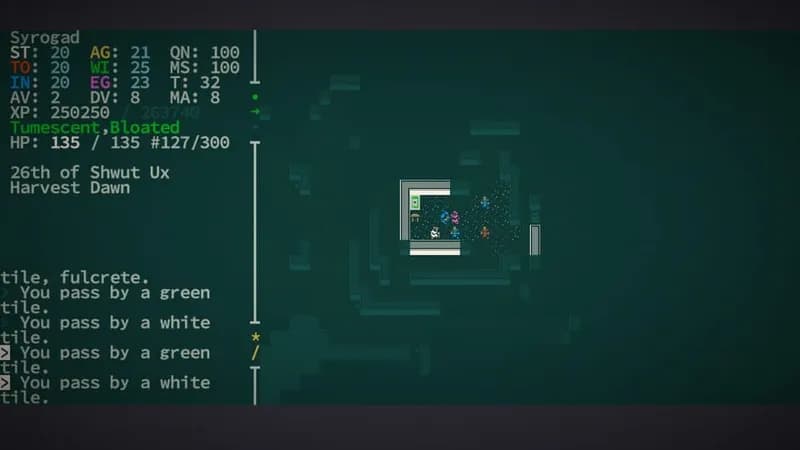
Caves of Qud gameplay screenshot 1
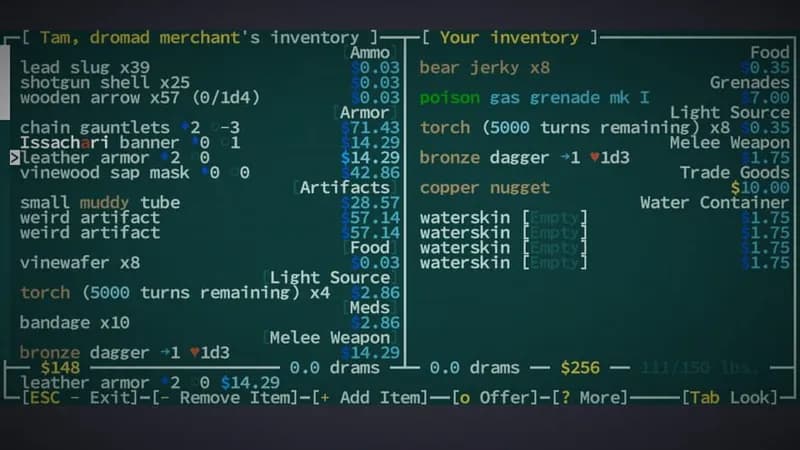
Caves of Qud gameplay screenshot 2
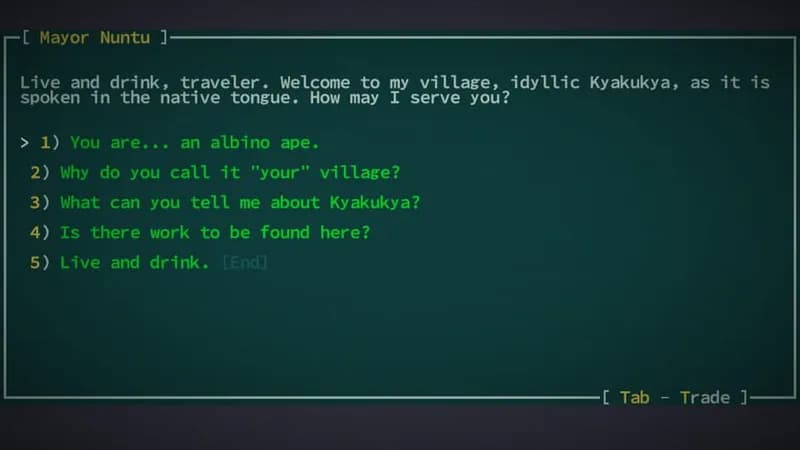
Caves of Qud gameplay screenshot 3
Caves of Qud gameplay screenshot 4
Caves of Qud System Requirements - Can Your PC Run It?