
All Games
Chivalry 2 System Requirements
June 8, 2021Torn Banner Studios86/100
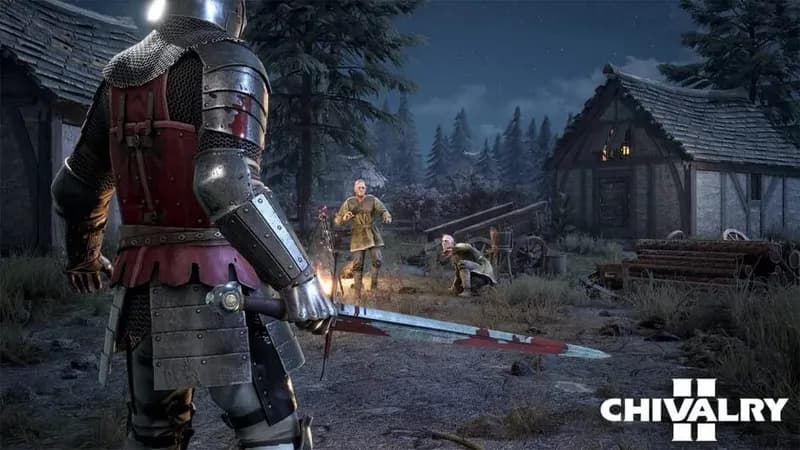
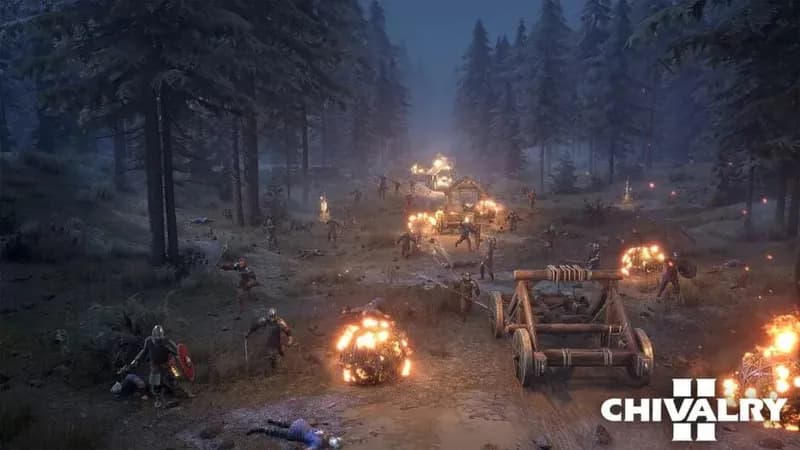
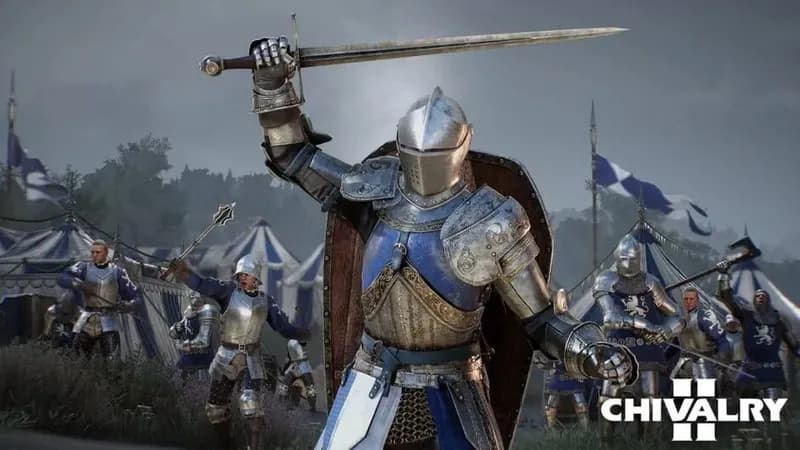
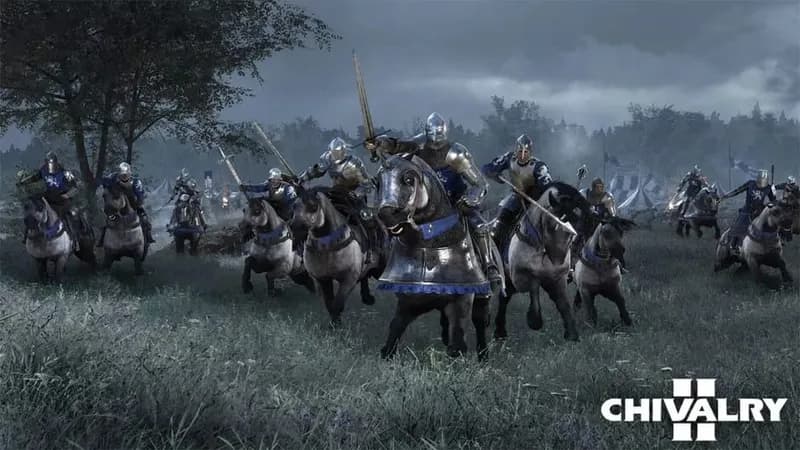
Engage in brutal medieval combat in Chivalry 2, a first-person multiplayer melee game. Experience large-scale battles with swordplay, ranged weaponry, and castle sieges reminiscent of historical warfare.
Chivalry 2 Minimum & Recommended Specs
Minimum: Intel Core i5-4570, NVIDIA GeForce GTX, 8 GB RAM. Recommended: 16 GB RAM RAM.
Minimum System Requirements
Recommended System Requirements
Announcement Trailer
Quick Performance Tips for Chivalry 2
#1
Lower shadow quality for a significant FPS boost.
#2
Disable or reduce anti-aliasing for better performance.
#3
Close unnecessary background applications.
#4
Update your graphics drivers to the latest version.
Chivalry 2 System Requirements FAQ
Can I run Chivalry 2 on a low-end PC?
To run Chivalry 2, your PC needs at least an Intel Core i5-4570 or AMD Ryzen 3 1200 CPU, an NVIDIA GeForce GTX 960 or AMD Radeon R9 290X GPU, and 8GB of RAM. If your system is below these specs, you may experience significant performance issues.
What GPU do I need for Chivalry 2?
The minimum GPU required is an NVIDIA GeForce GTX 960 or AMD Radeon R9 290X. For a smoother experience at higher settings, an NVIDIA GeForce GTX 1070 or AMD Radeon RX Vega-56 is recommended.
How much RAM does Chivalry 2 need?
Chivalry 2 requires a minimum of 8 GB of RAM. However, 16 GB of RAM is recommended for optimal performance, especially at higher graphical settings.
Will Chivalry 2 run on integrated graphics?
While it's technically possible, Chivalry 2 is unlikely to run well on integrated graphics. The game requires a dedicated graphics card to handle its visual demands. You'll likely encounter very low frame rates and graphical glitches.
What is the best graphics settings for Chivalry 2?
The best graphics settings depend on your hardware. Start with 'Medium' settings and adjust from there. If your frame rate is low, reduce settings like shadows, textures, and effects. Experiment to find a balance between visual quality and performance.
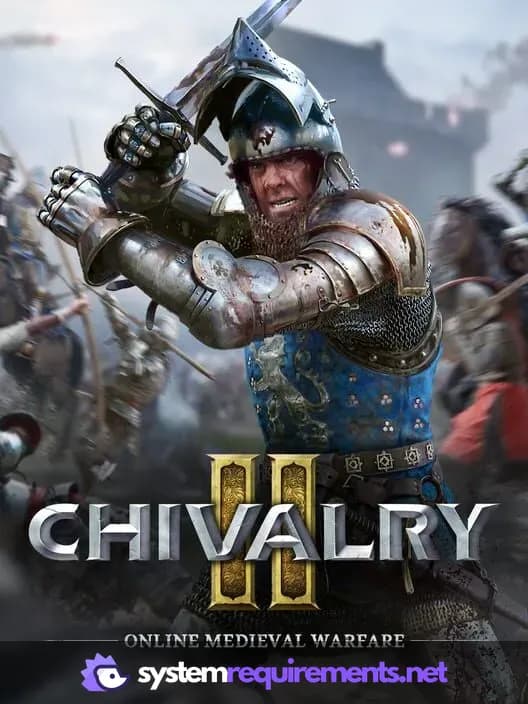
Chivalry 2 Game Info
Developer
Torn Banner Studios
Publisher
Tripwire Interactive
Release Date
June 8, 2021
Platforms
Xbox Series X|S, PlayStation 4, PC (Microsoft Windows), PlayStation 5, Xbox One
Genres
FightingTacticalHack and slash/Beat 'em upIndie
Game Modes
- Multiplayer
Chivalry 2 Screenshots

Optimize Your PC for Chivalry 2
Use our free tools to analyze and improve your gaming performance