
Command & Conquer Generals System Requirements
Control a global superpower and wage war with advanced military technology in Command & Conquer Generals. Select a faction, master its arsenal, and engage in strategic combat across a single-player campaign or intense multiplayer battles.
Command & Conquer Generals Minimum & Recommended Specs
Minimum: Intel Pentium III, 32MB AGP Video, 128MB RAM. Recommended: 256MB RAM RAM.
Minimum System Requirements
Recommended System Requirements
Trailer
Quick Performance Tips for Command & Conquer Generals
Lower the game resolution for better performance.
Disable shadows to significantly improve frame rates.
Reduce the unit detail level in the settings.
Close background applications while playing.
Command & Conquer Generals System Requirements FAQ
Can I run Command & Conquer Generals on a low-end PC?
What GPU do I need for Command & Conquer Generals?
How much RAM does Command & Conquer Generals need?
Will Command & Conquer Generals run on integrated graphics?
What is the best graphics settings for Command & Conquer Generals?
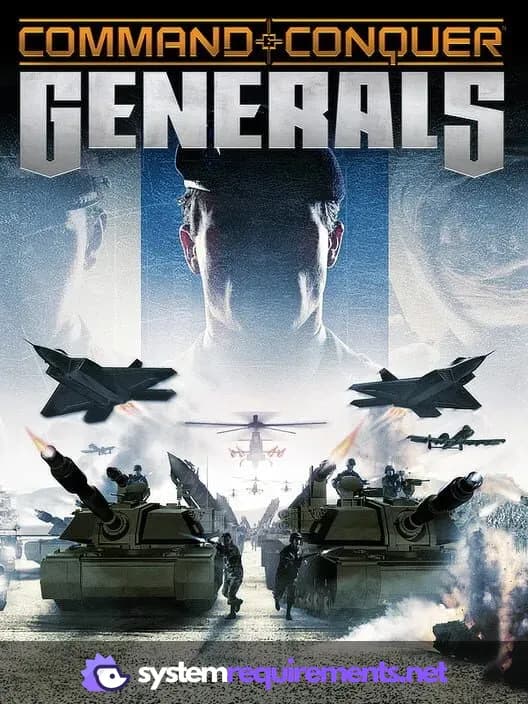
Command & Conquer Generals Game Info
Developer
EA Pacific
Publisher
Electronic Arts
Release Date
February 1, 2003
Platforms
PC (Microsoft Windows), Mac
Genres
Game Modes
- Single player
- Multiplayer
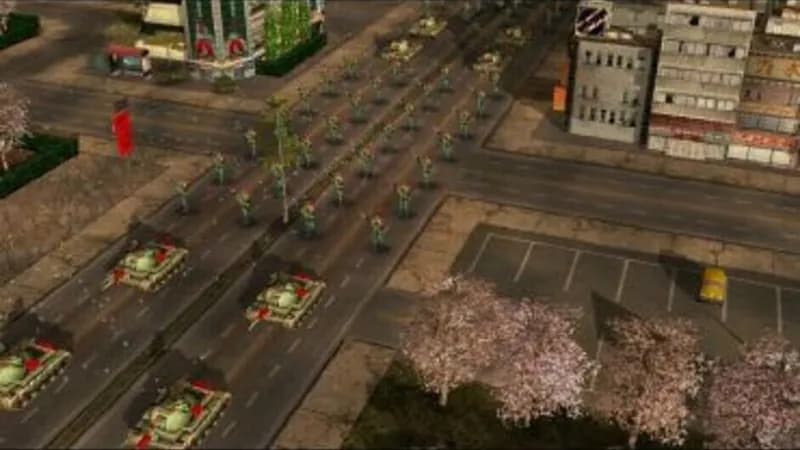
Command & Conquer Generals Screenshots
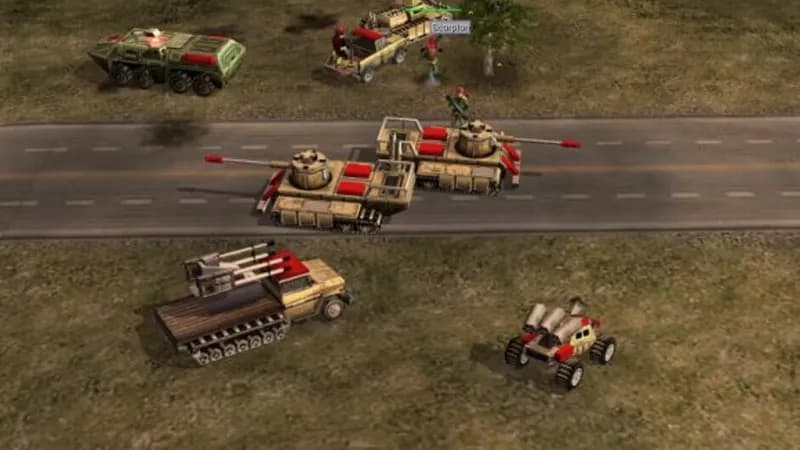
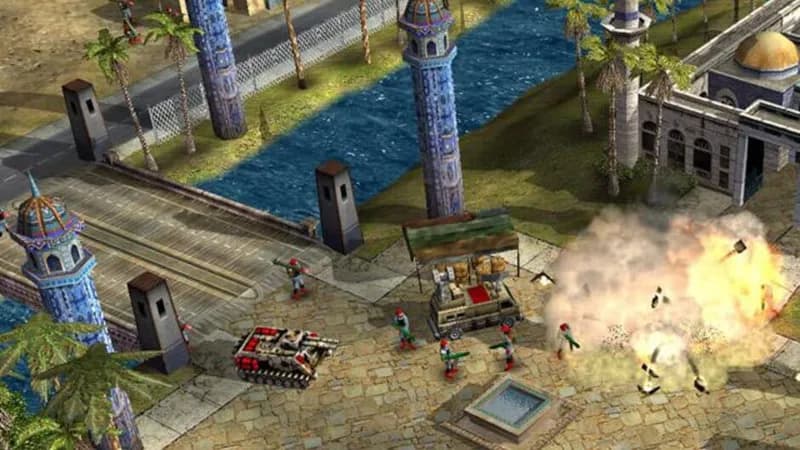
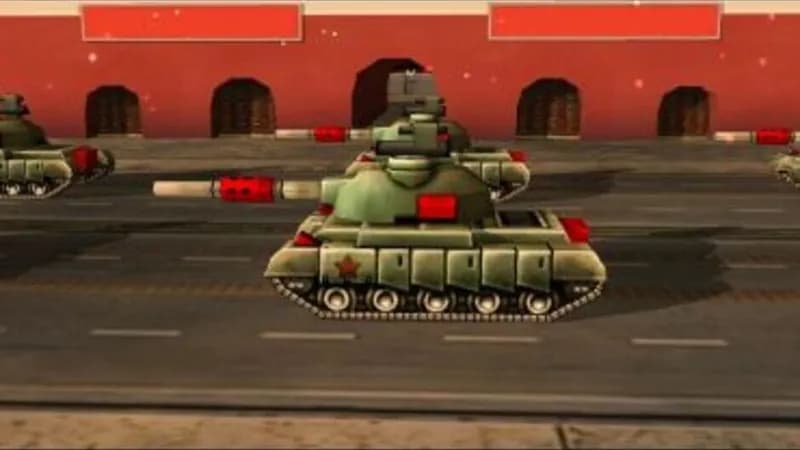
Games Similar to Command & Conquer Generals
Command & Conquer Generals Zero Hour
View requirements →
Command & Conquer Tiberian Sun and Firestorm
View requirements →
STAR WARS Galactic Battlegrounds Saga
View requirements →
Command & Conquer and The Covert Operations
View requirements →

Commandos: Origins
View requirements →
Tempest Rising
View requirements →
Optimize Your PC for Command & Conquer Generals
Use our free tools to analyze and improve your gaming performance