
All Games
Content Warning System Requirements
April 1, 2024Philip
Brave the terrors below with your crew, capturing footage of the bizarre and unsettling. Upload your recordings to gain notoriety and fund future expeditions into the depths.
Content Warning Minimum & Recommended Specs
Minimum: Intel Core i5-4460, NVIDIA GeForce GTX, 8 GB RAM. Recommended: 8 GB RAM RAM.
Minimum System Requirements
Recommended System Requirements
Upgrade Your Hardware
Trailer
Quick Performance Tips for Content Warning
#1
Lower shadow quality for a significant FPS boost.
#2
Reduce resolution for improved performance.
#3
Close unnecessary background applications.
#4
Update your graphics drivers for optimal performance.
Content Warning System Requirements FAQ
Can I run Content Warning on a low-end PC?
Content Warning has fairly modest requirements. If your PC meets the minimum specs (Intel Core i5-4460, NVIDIA GeForce GTX 960, 8 GB RAM), you should be able to run the game, but potentially at lower settings. If you're below the minimum, performance may be poor or the game may not run at all.
What GPU do I need for Content Warning?
The minimum required GPU is an NVIDIA GeForce GTX 960. For a smoother experience at higher settings, an NVIDIA GeForce GTX 1060 or equivalent is recommended.
How much RAM does Content Warning need?
Content Warning requires at least 8 GB of RAM. While the recommended specs also list 8 GB, having more RAM can always help with overall system performance, especially if you have other applications running in the background.
Will Content Warning run on integrated graphics?
While it's *possible* Content Warning might run on some higher-end integrated graphics solutions, it's not officially supported and performance is likely to be very poor. A dedicated graphics card is highly recommended for a playable experience.
What is the best graphics settings for Content Warning?
The 'best' settings depend on your hardware. Start with the recommended settings if you meet those specs. If you're below recommended, try lowering the resolution, shadow quality, and effects settings until you achieve a stable framerate.
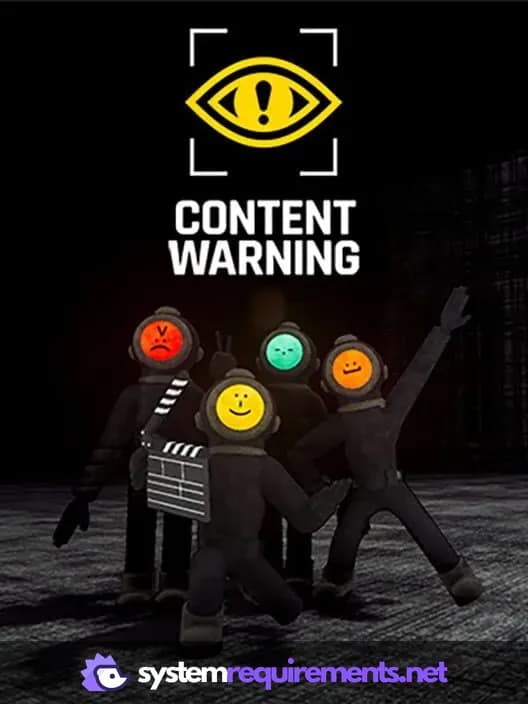
Content Warning Game Info
Developer
Philip
Publisher
Landfall Games
Release Date
April 1, 2024
Platforms
Xbox Series X|S, Nintendo Switch 2, PC (Microsoft Windows), PlayStation 5, Nintendo Switch
Genres
AdventureIndie
Game Modes
- Multiplayer
- Co-operative
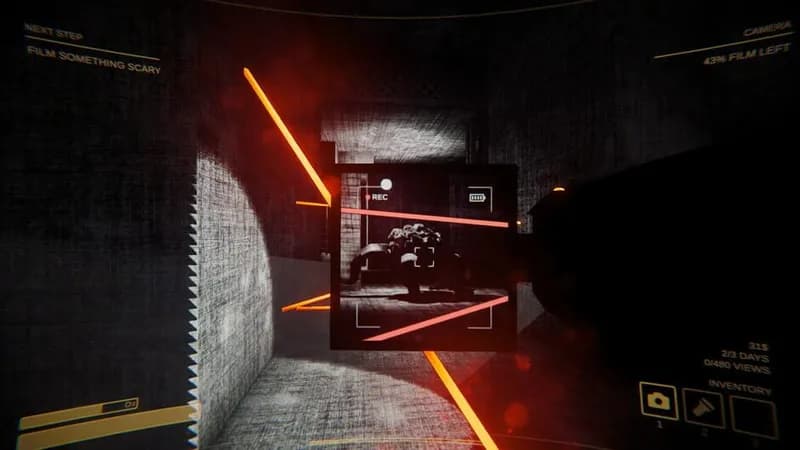
Content Warning Screenshots
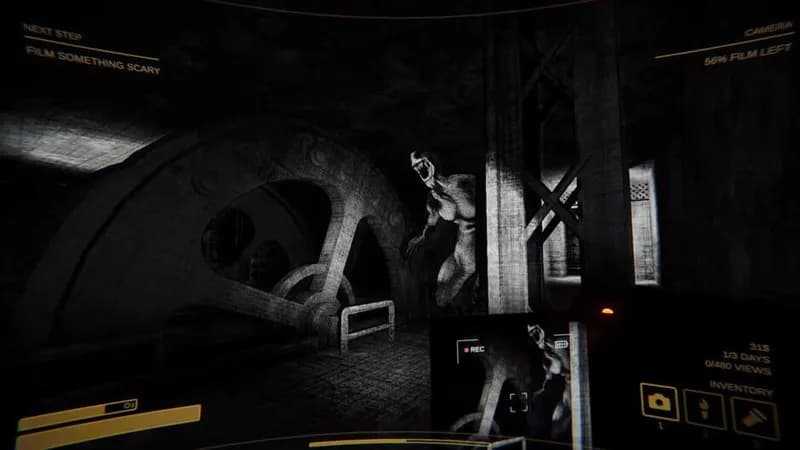
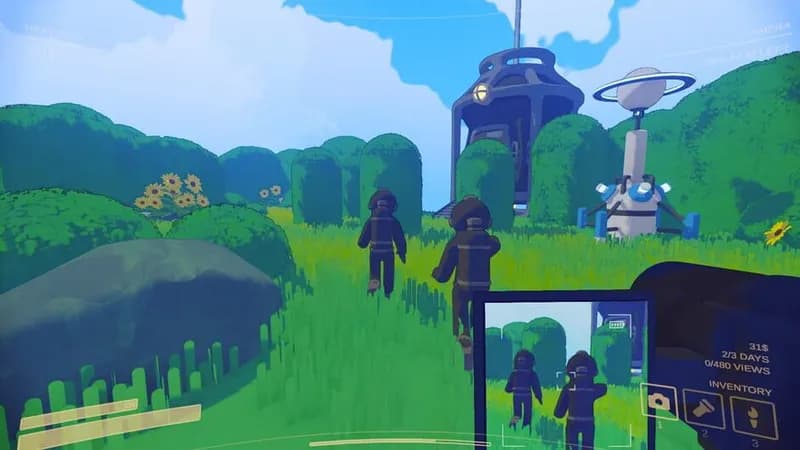
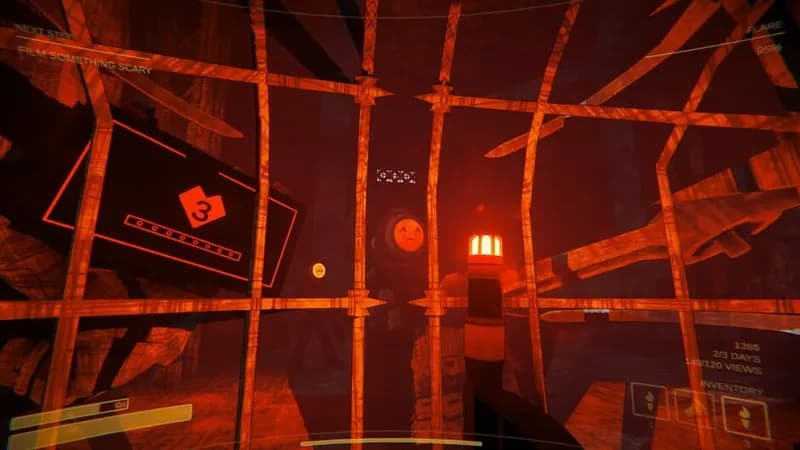

Optimize Your PC for Content Warning
Use our free tools to analyze and improve your gaming performance