
Crusader Kings III: Khans of the Steppe System Requirements
Crusader Kings III: Khans of the Steppe focuses on nomadic gameplay, adding new mechanics for managing tribal societies and conquering lands on the Eurasian Steppe. Players can lead or oppose powerful khans, contend with seasonal changes, and utilize unique nomadic powers.
Crusader Kings III: Khans of the Steppe Minimum & Recommended Specs
Minimum: Intel® Core™ i5-4670K, Nvidia® GeForce™ GTX, 8 GB RAM. Recommended: 16 GB RAM RAM.
Minimum System Requirements
Recommended System Requirements
Quick Performance Tips for Crusader Kings III: Khans of the Steppe
Lower graphics settings for better performance.
Close unnecessary background programs.
Upgrade your RAM if you're experiencing stuttering.
Consider an SSD for faster loading times.
Crusader Kings III: Khans of the Steppe System Requirements FAQ
Can I run Crusader Kings III: Khans of the Steppe on a low-end PC?
What GPU do I need for Crusader Kings III: Khans of the Steppe?
How much RAM does Crusader Kings III: Khans of the Steppe need?
Will Crusader Kings III: Khans of the Steppe run on integrated graphics?
What is the best graphics settings for Crusader Kings III: Khans of the Steppe?
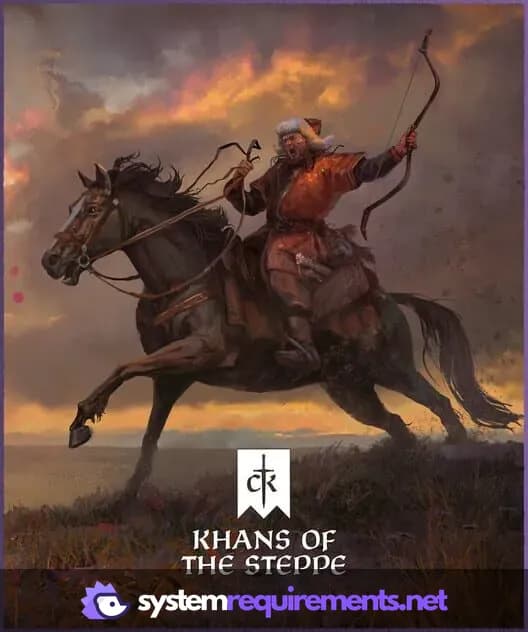
Crusader Kings III: Khans of the Steppe Game Info
Developer
Paradox Development Studio
Publisher
Paradox Interactive
Release Date
April 28, 2025
Platforms
Linux, PC (Microsoft Windows), Mac
Genres
Game Modes
- Single player
- Multiplayer
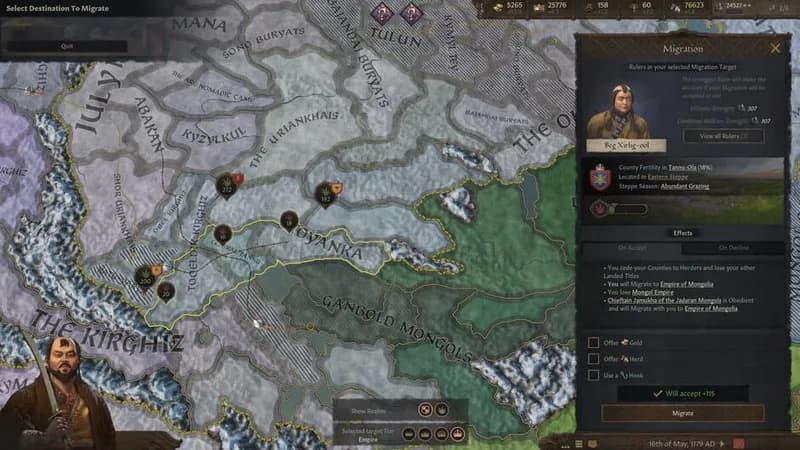
Crusader Kings III: Khans of the Steppe Screenshots
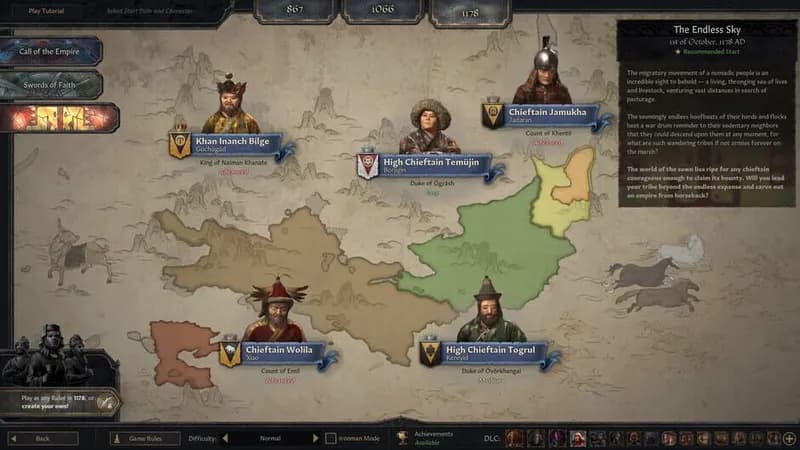
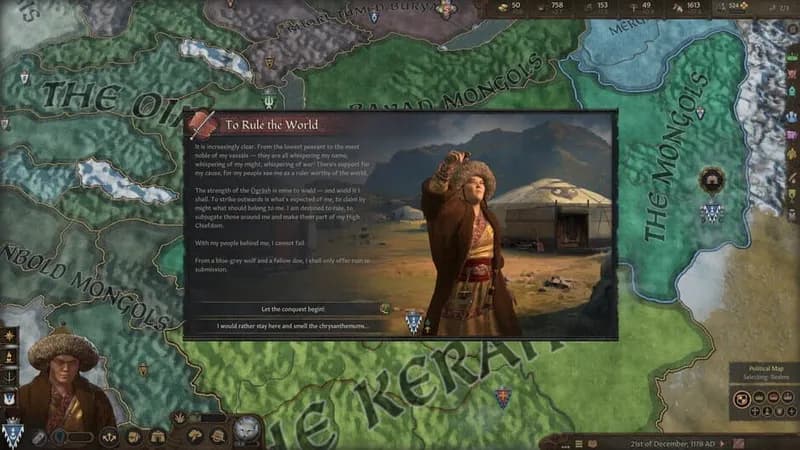
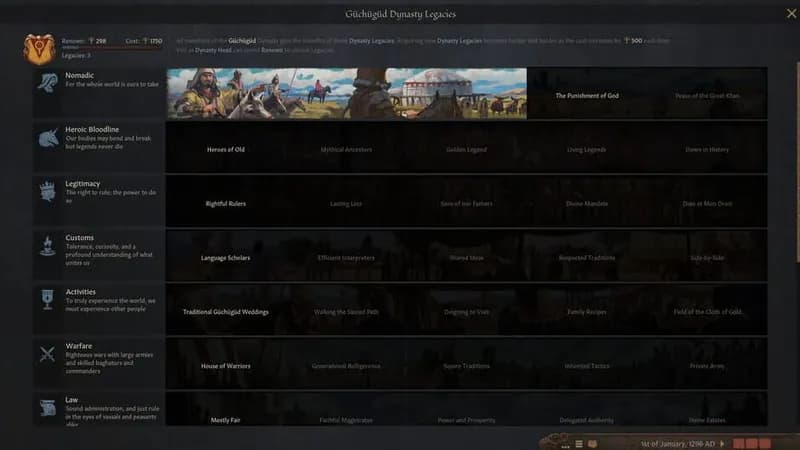
Games Similar to Crusader Kings III: Khans of the Steppe

Crusader Kings III: Tours & Tournaments
View requirements →

Crusader Kings III Creator Pack: Medieval Monuments
View requirements →
Sins of a Solar Empire II
View requirements →
Stronghold Crusader: Definitive Edition
View requirements →

Crusader Kings III: Roads to Power
View requirements →
Strategos
View requirements →
Optimize Your PC for Crusader Kings III: Khans of the Steppe
Use our free tools to analyze and improve your gaming performance
Estimate FPS for Crusader Kings III: Khans of the Steppe
Calculate expected frame rates with your hardware
Check for Bottlenecks
Find if your CPU or GPU is holding you back
Calculate PSU Wattage
Make sure your power supply can handle your build
Compare Graphics Cards
Find the best GPU upgrade for your needs