
All Games
Darkest Dungeon: The Shieldbreaker System Requirements
Darkest Dungeon: The Shieldbreaker Minimum & Recommended Specs
Minimum: Core 2 Duo, Open GL 3.2+, 2 GB RAM. Recommended: 4 GB RAM RAM.
Minimum System Requirements
Recommended System Requirements
Quick Performance Tips for Darkest Dungeon: The Shieldbreaker
#1
Lower resolution for a performance boost.
#2
Disable anti-aliasing for smoother gameplay.
#3
Close unnecessary background applications.
#4
Update your graphics drivers for best support.
Darkest Dungeon: The Shieldbreaker System Requirements FAQ
Can I run Darkest Dungeon: The Shieldbreaker on a low-end PC?
Yes, the minimum requirements are quite low. A Core 2 Duo or equivalent processor, 2 GB of RAM, and an OpenGL 3.2+ compliant graphics card should be sufficient to run the game at lower settings.
What GPU do I need for Darkest Dungeon: The Shieldbreaker?
For minimum settings, any OpenGL 3.2+ compliant graphics card should work. For recommended settings, a GeForce GTX 470 or AMD Radeon HD 5870 is suggested for optimal performance.
How much RAM does Darkest Dungeon: The Shieldbreaker need?
The game requires a minimum of 2 GB of RAM to run. However, 4 GB of RAM is recommended for a smoother experience, especially with other applications running in the background.
Will Darkest Dungeon: The Shieldbreaker run on integrated graphics?
It's possible, but performance may be limited. Ensure your integrated graphics solution meets the OpenGL 3.2+ requirement and be prepared to lower graphics settings for playable framerates.
What is the best graphics settings for Darkest Dungeon: The Shieldbreaker?
Experiment with different settings. Start with lower settings and gradually increase them until you find a balance between visual quality and performance. Disabling anti-aliasing can significantly improve framerate.
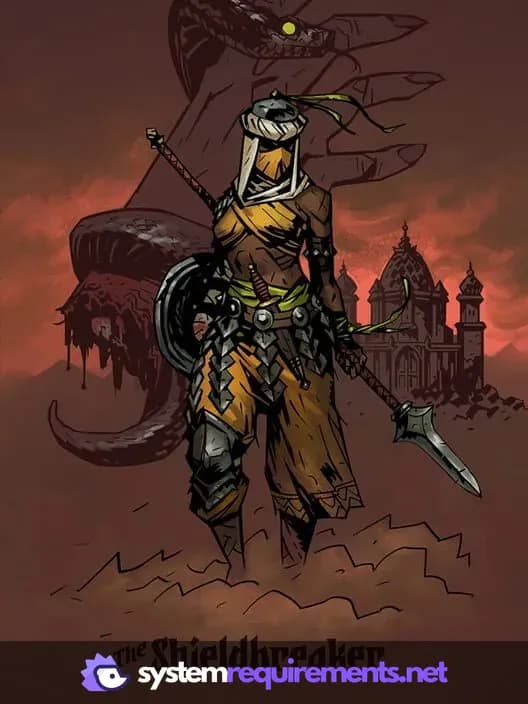
Darkest Dungeon: The Shieldbreaker Game Info
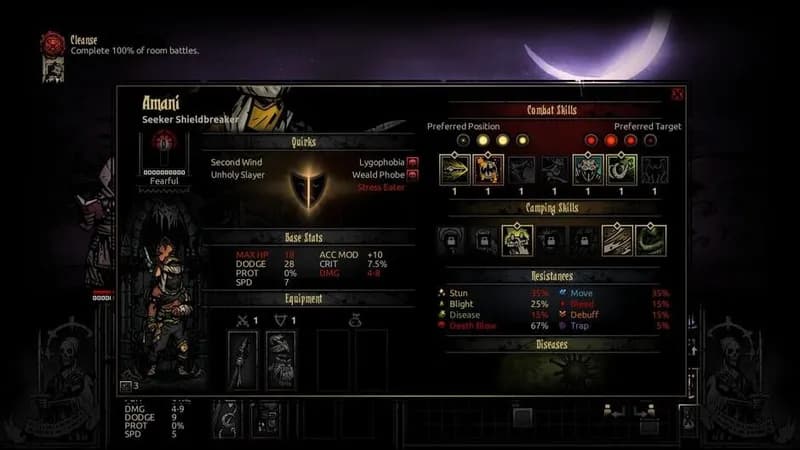
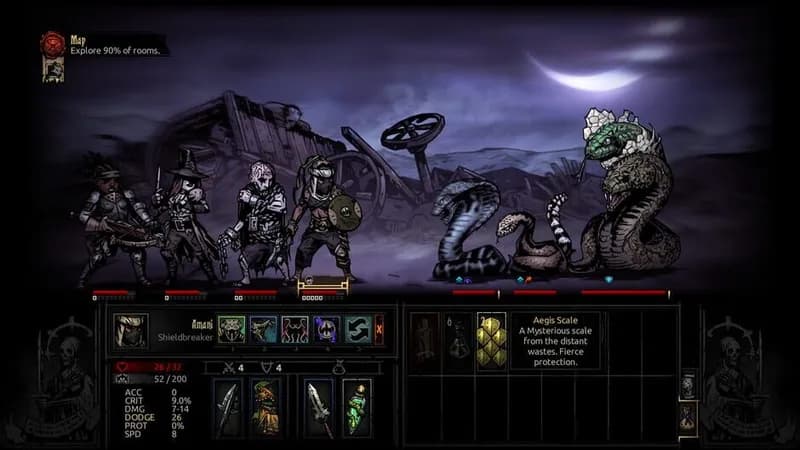
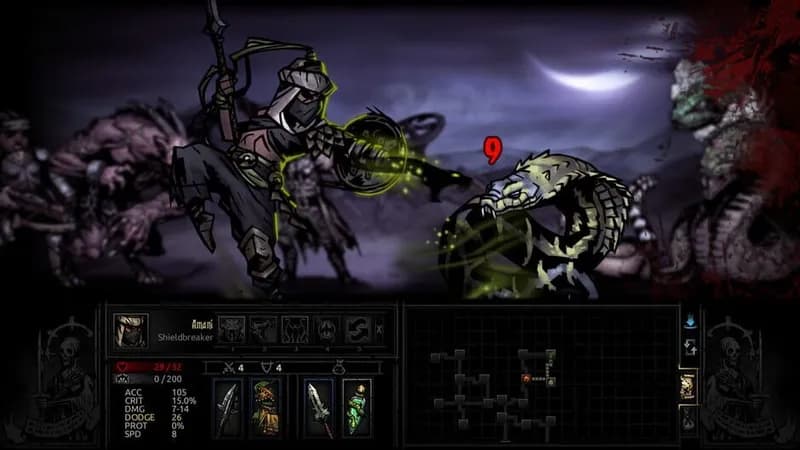
Darkest Dungeon: The Shieldbreaker Screenshots

Games Similar to Darkest Dungeon: The Shieldbreaker





Optimize Your PC for Darkest Dungeon: The Shieldbreaker
Use our free tools to analyze and improve your gaming performance