
All Games
DCS: F-16C System Requirements
December 4, 2024
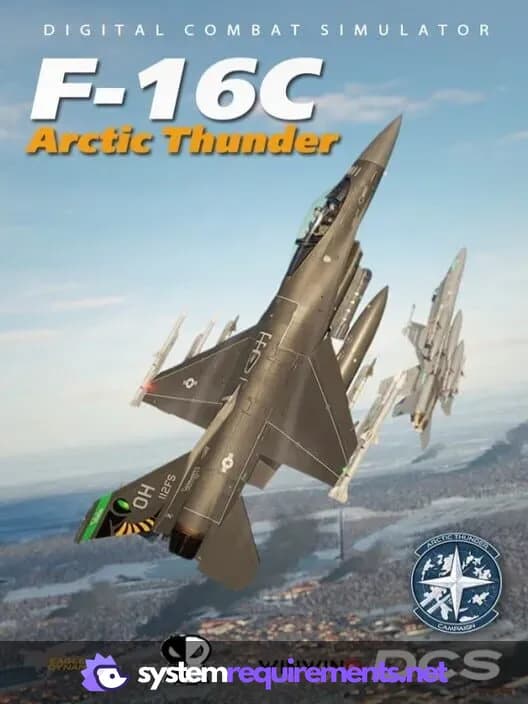
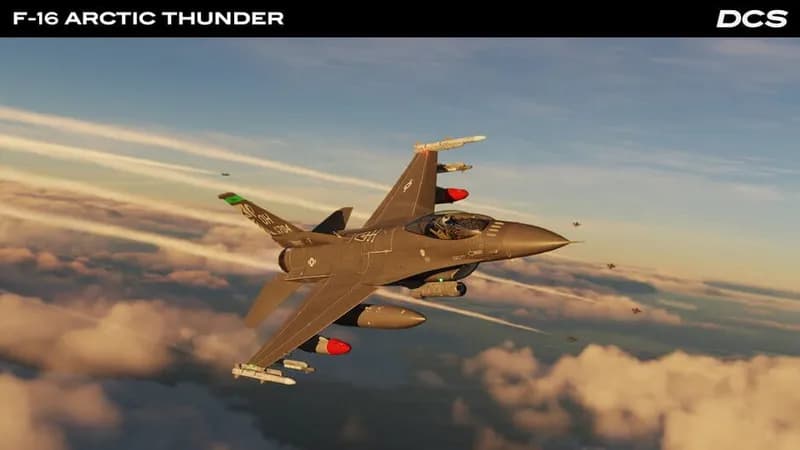
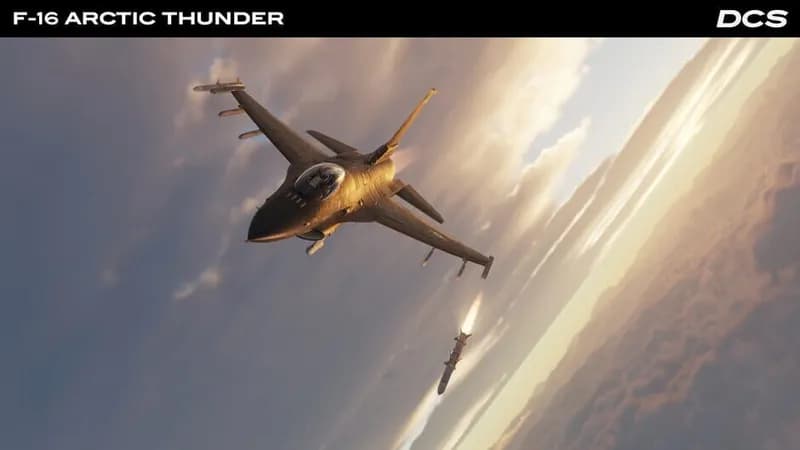
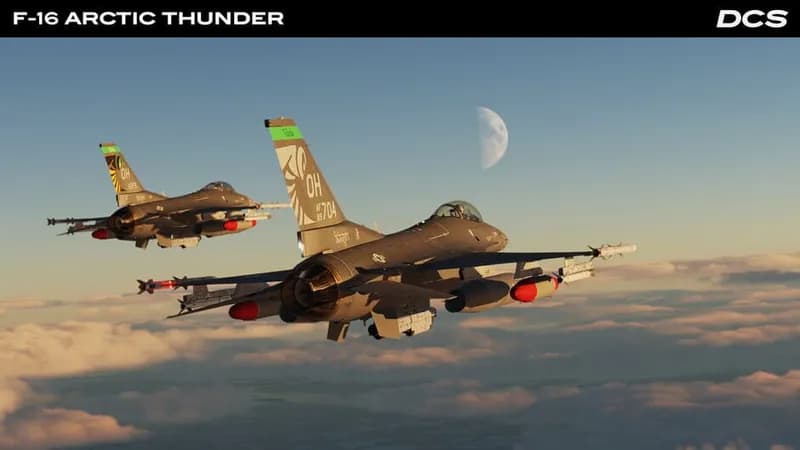
In a near-future scenario, Russia invades Finland, drawing in Western allies, including a U.S. Air National Guard squadron fresh from training in the UK. Players will pilot the F-16C within this escalating conflict, engaging in intense air combat over the Finnish landscape.
DCS: F-16C Minimum & Recommended Specs
Minimum: Intel Core i3-4100, NVIDIA GeForce GTX, 8 GB RAM. Recommended: 16 GB RAM RAM.
Minimum System Requirements
Recommended System Requirements
Quick Performance Tips for DCS: F-16C
#1
Lower shadow quality for a significant FPS boost.
#2
Reduce terrain object density to improve performance.
#3
Limit visibility range to reduce GPU load.
#4
Disable or reduce anti-aliasing for smoother gameplay.
DCS: F-16C System Requirements FAQ
Can I run DCS: F-16C on a low-end PC?
While DCS: F-16C might launch and run on a PC meeting the minimum requirements (Intel Core i3-4100 or AMD FX-6300, NVIDIA GeForce GTX 760 or AMD Radeon R9 280X, 8 GB RAM), expect very low frame rates and graphical settings. A significant performance upgrade is highly recommended for a playable experience.
What GPU do I need for DCS: F-16C?
The minimum GPU is an NVIDIA GeForce GTX 760 or AMD Radeon R9 280X, but for a smooth and enjoyable experience, especially with higher settings, an NVIDIA GeForce GTX 1070 or AMD Radeon RX Vega 56 or better is recommended.
How much RAM does DCS: F-16C need?
DCS: F-16C requires a minimum of 8 GB of RAM. However, 16 GB of RAM is highly recommended, especially when running multiple modules or using high graphical settings. Insufficient RAM can lead to stuttering and performance issues.
Will DCS: F-16C run on integrated graphics?
Running DCS: F-16C on integrated graphics is not recommended. The game is graphically demanding, and integrated graphics solutions typically lack the processing power and dedicated memory required for a playable frame rate, even at the lowest settings.
What is the best graphics settings for DCS: F-16C?
The best graphics settings depend on your hardware. Start with the 'High' preset if you meet or exceed the recommended specs. If you're closer to the minimum specs, begin with the 'Low' or 'Medium' preset and gradually increase settings until you find a balance between visual quality and performance. Pay close attention to shadow quality, terrain detail, and visibility range, as these have the biggest impact on frame rates.
DCS: F-16C Game Info
Publisher
Eagle Dynamics
Release Date
December 4, 2024
Platforms
PC (Microsoft Windows)
Genres
Simulator
Game Modes
- Single player
DCS: F-16C Screenshots

Games Similar to DCS: F-16C




Optimize Your PC for DCS: F-16C
Use our free tools to analyze and improve your gaming performance