
All Games
Dead Frontier 2 System Requirements
July 15, 2019Creaky Corpse
Brave the persistent, zombie-ridden apocalypse in this online survival RPG. Scavenge resources, forge alliances with other players, and carve out a foothold amidst a decaying world where danger lurks around every corner.
Dead Frontier 2 Minimum & Recommended Specs
Minimum: Intel Core i3-4170, GeForce GTX 460, 8 GB RAM. Recommended: 16 GB RAM RAM.
Minimum System Requirements
Recommended System Requirements
Quick Performance Tips for Dead Frontier 2
#1
Lower shadow quality for a significant FPS boost.
#2
Disable anti-aliasing if you're struggling with performance.
#3
Close unnecessary background applications to free up RAM.
#4
Update your graphics drivers for optimal performance.
Dead Frontier 2 System Requirements FAQ
Can I run Dead Frontier 2 on a low-end PC?
Dead Frontier 2 can run on a low-end PC if it meets the minimum requirements: Intel Core i3-4170 or AMD FX-8120, GeForce GTX 460 1GB or AMD HD 6850 1GB, and 8 GB of RAM. However, expect lower frame rates and graphical settings.
What GPU do I need for Dead Frontier 2?
At a minimum, you'll need a GeForce GTX 460 1GB or AMD HD 6850 1GB to play Dead Frontier 2. For a smoother experience with higher settings, a GeForce GTX 970 4GB or AMD R9 380 4GB is recommended.
How much RAM does Dead Frontier 2 need?
Dead Frontier 2 requires at least 8 GB of RAM to run. For optimal performance and to avoid stuttering, 16 GB of RAM is recommended, especially if you have other applications running in the background.
Will Dead Frontier 2 run on integrated graphics?
Running Dead Frontier 2 on integrated graphics is not recommended. While it *might* launch, performance will likely be very poor and unplayable due to the game's graphical demands. A dedicated GPU is strongly advised.
What is the best graphics settings for Dead Frontier 2?
The best graphics settings depend on your hardware. Start with the 'Medium' preset and adjust from there. If you're experiencing low FPS, lower settings like shadows, textures, and anti-aliasing. Experiment to find the balance between visual quality and performance.
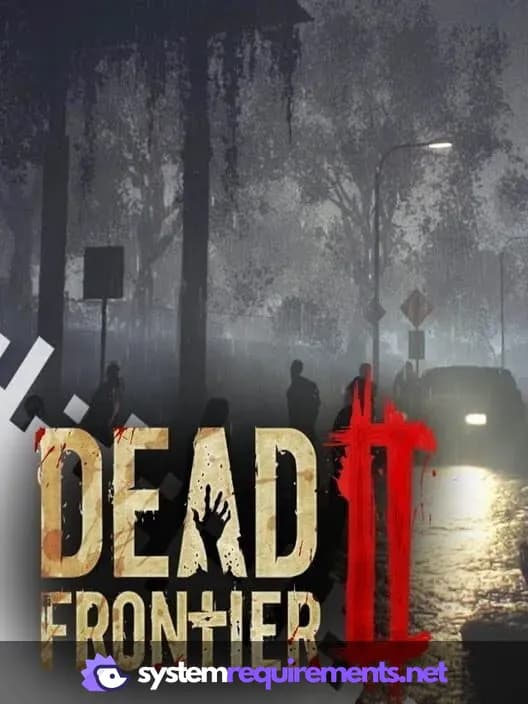
Dead Frontier 2 Game Info
Developer
Creaky Corpse
Publisher
Creaky Corpse
Release Date
July 15, 2019
Platforms
PC (Microsoft Windows)
Genres
Role-playing (RPG)Indie
Game Modes
- Single player
- Multiplayer
- Co-operative
- Massively Multiplayer Online (MMO)
Dead Frontier 2 Screenshots


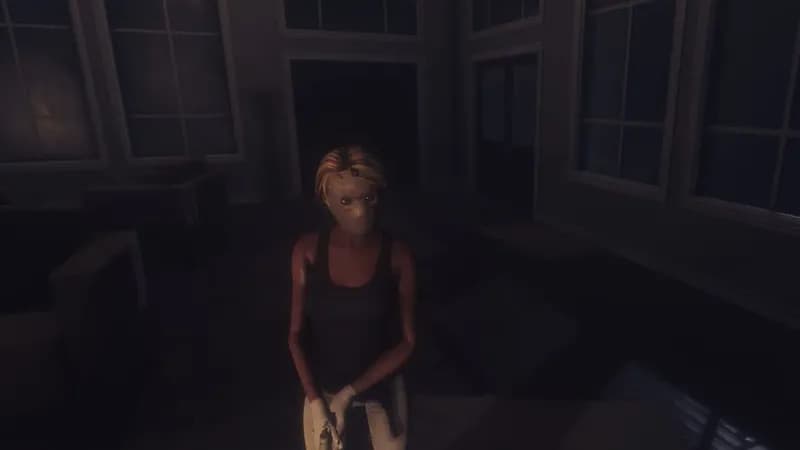
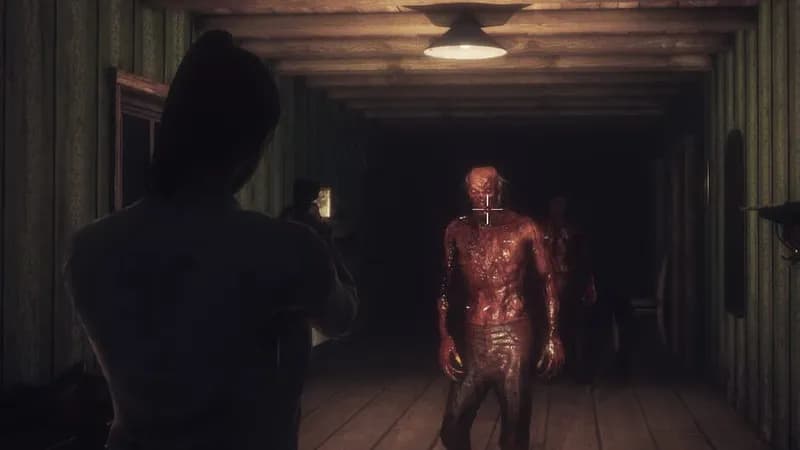



Optimize Your PC for Dead Frontier 2
Use our free tools to analyze and improve your gaming performance