
All Games
DOOM Eternal System Requirements
March 19, 2020id Software86/100
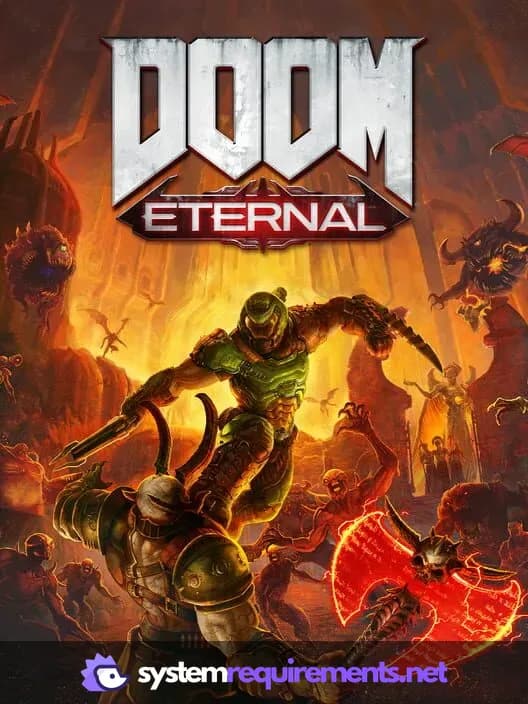
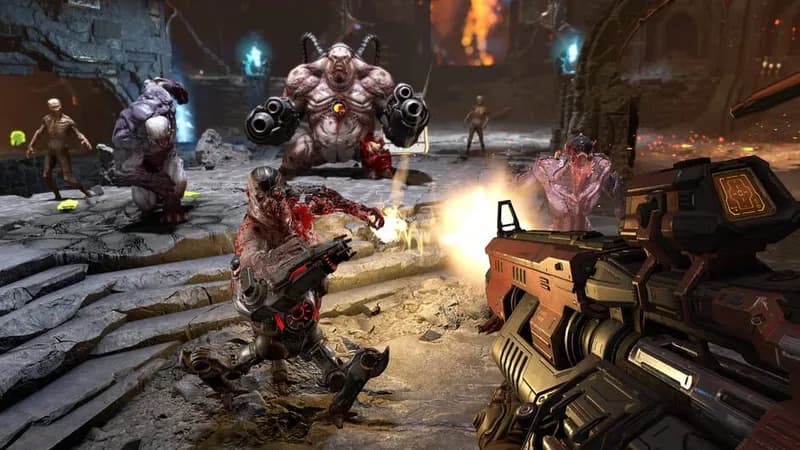
As the Slayer, you are Earth's last line of defense against a demonic invasion spanning multiple realms. Your mission: eradicate the forces of Hell and prevent humanity's extinction.
DOOM Eternal Minimum & Recommended Specs
Minimum: Intel Core i5-3300, NVIDIA GeForce GTX, 8 GB RAM. Recommended: 8 GB RAM RAM.
Minimum System Requirements
Recommended System Requirements
Trailer
Quick Performance Tips for DOOM Eternal
#1
Lower the resolution for a quick FPS boost.
#2
Disable or reduce shadow quality for better performance.
#3
Update your graphics drivers for optimal performance.
#4
Close unnecessary background applications.
DOOM Eternal System Requirements FAQ
Can I run DOOM Eternal on a low-end PC?
To play DOOM Eternal, your PC must meet at least the minimum requirements: an Intel Core i5-3300 or AMD Ryzen 3 1200 processor, an NVIDIA GeForce GTX 970 (4GB) or AMD Radeon R9 290 (4GB) graphics card, and 8 GB of RAM. If your PC falls short of these specs, you may experience performance issues or be unable to run the game.
What GPU do I need for DOOM Eternal?
For minimum settings, you'll need at least an NVIDIA GeForce GTX 970 (4GB) or AMD Radeon R9 290 (4GB). For recommended settings and a smoother experience, aim for an NVIDIA GeForce GTX 1060 (6GB) or AMD Radeon RX 580 (8GB).
How much RAM does DOOM Eternal need?
DOOM Eternal requires a minimum of 8 GB of RAM. While the recommended specs also list 8 GB, having more RAM (16GB or higher) can improve performance, especially if you have other applications running in the background.
Will DOOM Eternal run on integrated graphics?
DOOM Eternal is unlikely to run well, if at all, on integrated graphics. The game requires a dedicated graphics card with at least 4GB of VRAM to meet the minimum requirements. Integrated graphics generally do not meet this specification.
What is the best graphics settings for DOOM Eternal?
The best graphics settings depend on your hardware. Start with the 'Medium' preset and adjust from there. If you're exceeding 60 FPS, try increasing settings like texture quality and shadow quality. If you're struggling to maintain 60 FPS, lower settings like resolution, anti-aliasing, and shadow quality.
DOOM Eternal Game Info
Developer
id Software
Publisher
Bethesda Softworks
Release Date
March 19, 2020
Platforms
Google Stadia, Xbox Series X|S, PlayStation 4, PC (Microsoft Windows), PlayStation 5
Genres
Shooter
Game Modes
- Single player
- Multiplayer
DOOM Eternal Screenshots






Optimize Your PC for DOOM Eternal
Use our free tools to analyze and improve your gaming performance