All Games

Easy Red 2 System Requirements

November 10, 2020Corvostudio di Amadei Marco

Engage in combined arms warfare across expansive, destructible landscapes. Manage resources and coordinate with teammates in single-player, cooperative, or competitive World War II scenarios featuring infantry, vehicles, and aircraft.

Easy Red 2 Minimum & Recommended Specs

Minimum: Intel Core i5-4460, NVIDIA GeForce GTX, 4 GB RAM. Recommended: 8 GB RAM RAM.

Minimum System Requirements

OS
Windows 7
Processor
Intel Core i5-4460CPU Deals
RAM
4 GB RAMRAM Deals
Graphics Card
NVIDIA GeForce GTX 750GPU Deals
DirectX
Version 11
Storage
10 GB available spaceSSD Deals

Recommended System Requirements

OS
Windows 10
Processor
Intel Core i7-4770KCPU Deals
RAM
8 GB RAMRAM Deals
Graphics Card
NVIDIA GeForce GTX 970GPU Deals
DirectX
Version 11
Storage
10 GB available spaceSSD Deals

Trailer

Quick Performance Tips for Easy Red 2

#1

Lower shadow quality for a significant FPS boost.

#2

Reduce draw distance to improve performance in large maps.

#3

Disable or lower anti-aliasing for better FPS.

#4

Close unnecessary background applications while playing.

Easy Red 2 System Requirements FAQ

Can I run Easy Red 2 on a low-end PC?
It depends. If your PC meets the minimum requirements (Intel Core i5-4460, NVIDIA GeForce GTX 750, 4 GB RAM), you should be able to play on low settings with acceptable performance. However, for a smoother experience, especially with larger battles, meeting the recommended specs is advised.
What GPU do I need for Easy Red 2?
At a minimum, you'll need an NVIDIA GeForce GTX 750. For better performance and higher settings, an NVIDIA GeForce GTX 970 or equivalent is recommended.
How much RAM does Easy Red 2 need?
Easy Red 2 requires at least 4 GB of RAM to run. For a smoother experience and to avoid stuttering, especially in large battles, 8 GB of RAM is recommended.
Will Easy Red 2 run on integrated graphics?
While it's *possible* Easy Red 2 might launch on some integrated graphics solutions, performance will likely be very poor and unplayable. A dedicated graphics card is highly recommended.
What is the best graphics settings for Easy Red 2?
The best settings depend on your hardware. Start with medium settings and adjust from there. If you're experiencing low FPS, lower settings like shadows, textures, and draw distance. Prioritize a stable framerate over visual fidelity for the best gameplay experience.
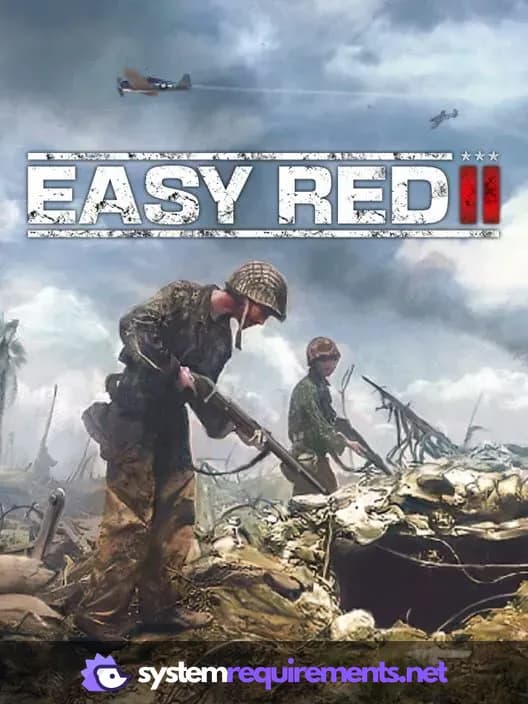
Easy Red 2 PC game cover art

Easy Red 2 Game Info

Developer

Corvostudio di Amadei Marco

Release Date

November 10, 2020

Platforms

Xbox Series X|S, PlayStation 4, PC (Microsoft Windows), PlayStation 5, Xbox One

Genres

ShooterSimulatorStrategyTacticalIndie

Game Modes

  • Single player
  • Multiplayer
  • Co-operative

Easy Red 2 Screenshots
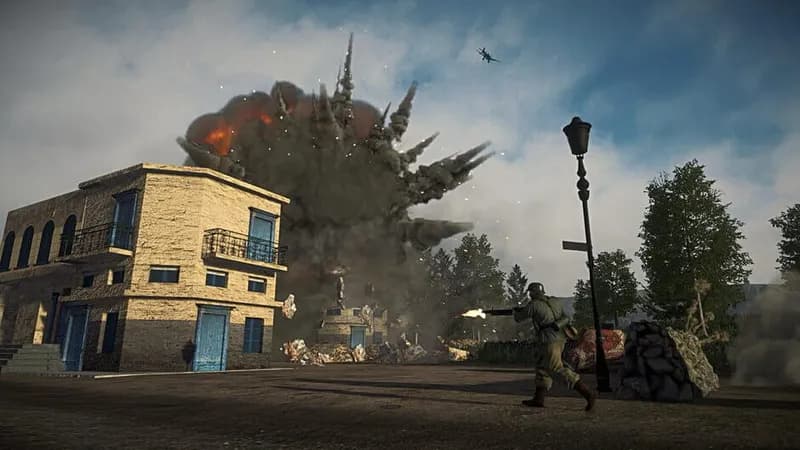
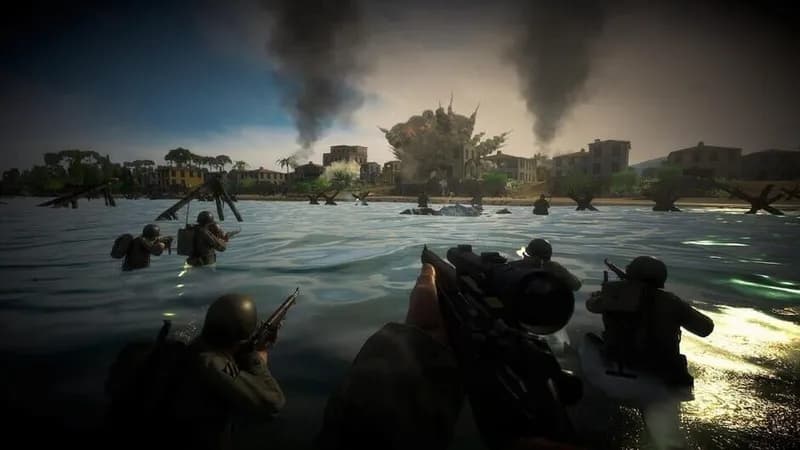
Easy Red 2 gameplay screenshot 1
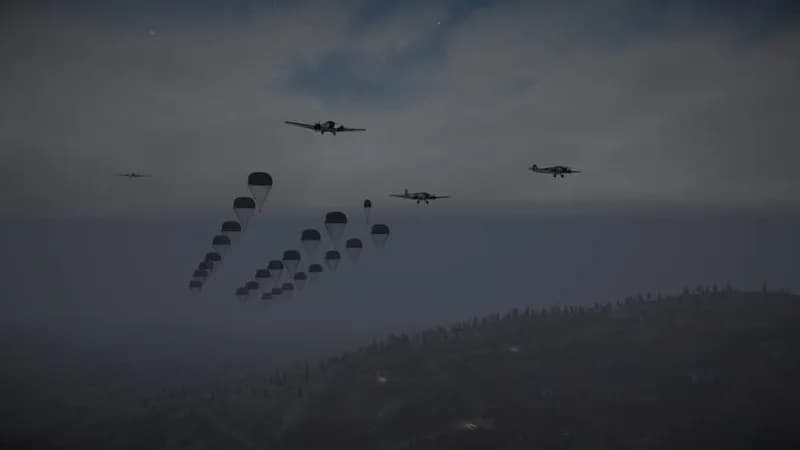
Easy Red 2 gameplay screenshot 2
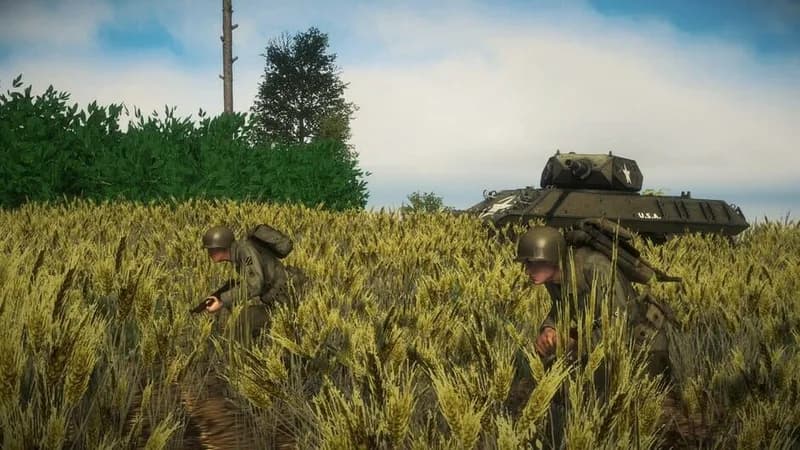
Easy Red 2 gameplay screenshot 3
Easy Red 2 gameplay screenshot 4
Easy Red 2 System Requirements - Can Your PC Run It?