
All Games
Eco System Requirements
February 6, 2018Strange Loop Games
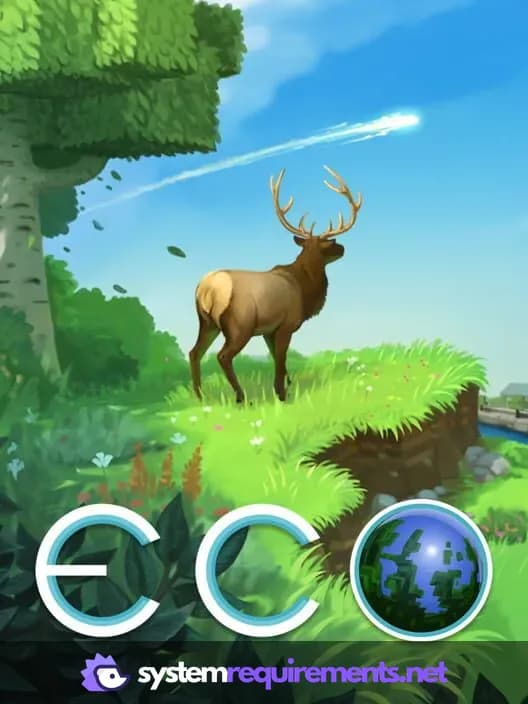
Eco presents a complex, reactive world where player actions directly impact a simulated ecosystem on the brink of collapse. Facing imminent planetary destruction, collaborate to develop technology and infrastructure, balancing survival with environmental preservation.
Eco Minimum & Recommended Specs
Minimum: Intel Core i5-2300, Nvidia GeForce GTX, 4 GB RAM. Recommended: 8 GB RAM RAM.
Minimum System Requirements
Recommended System Requirements
Launch Trailer
Quick Performance Tips for Eco
#1
Lower shadow quality for a big FPS boost.
#2
Reduce view distance to improve performance.
#3
Close unnecessary background programs.
#4
Upgrade your RAM if you experience stuttering.
Eco System Requirements FAQ
Can I run Eco on a low-end PC?
Eco can run on lower-end PCs, but you'll likely need to adjust graphics settings for optimal performance. The minimum requirements are an Intel Core i5-2300 or AMD FX-4300, Nvidia GeForce GTX 560 (1GB) or AMD Radeon HD 7850 (2GB), and 4 GB of RAM. Expect lower frame rates on larger servers or with complex simulations.
What GPU do I need for Eco?
The minimum GPU for Eco is an Nvidia GeForce GTX 560 (1GB) or AMD Radeon HD 7850 (2GB). For a smoother experience at higher settings, an Nvidia GeForce GTX 970 (4GB) or AMD Radeon R9 290X (4GB) is recommended.
How much RAM does Eco need?
Eco requires a minimum of 4 GB of RAM. However, 8 GB of RAM is recommended for better performance, especially on servers with many players or complex world simulations.
Will Eco run on integrated graphics?
While it might technically launch, running Eco on integrated graphics is not recommended. You'll likely experience very low frame rates and significant performance issues, making the game difficult to play. A dedicated graphics card is highly recommended.
What is the best graphics settings for Eco?
The best graphics settings depend on your hardware. Start with the 'Medium' preset and adjust from there. Lowering settings like 'Shadow Quality', 'View Distance', and 'Water Quality' can significantly improve performance on lower-end systems. Experiment to find the balance between visual quality and frame rate that works best for you.
Eco Game Info
Developer
Strange Loop Games
Publisher
Strange Loop Games
Release Date
February 6, 2018
Platforms
Linux, PC (Microsoft Windows), Mac
Genres
SimulatorAdventureIndie
Game Modes
- Single player
- Multiplayer
- Co-operative
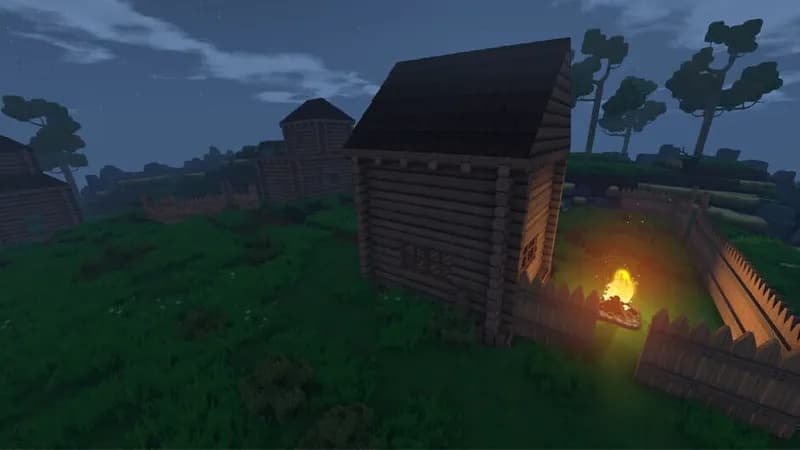
Eco Screenshots





Optimize Your PC for Eco
Use our free tools to analyze and improve your gaming performance