
All Games
eFootball System Requirements
September 30, 2021Konami30/100
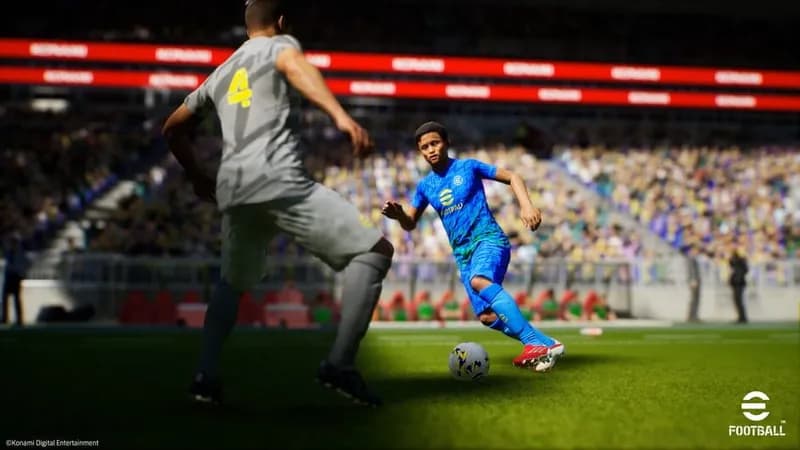
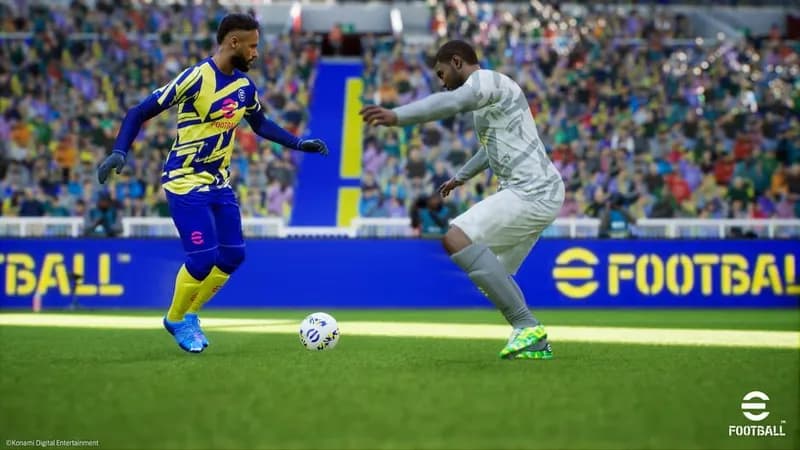
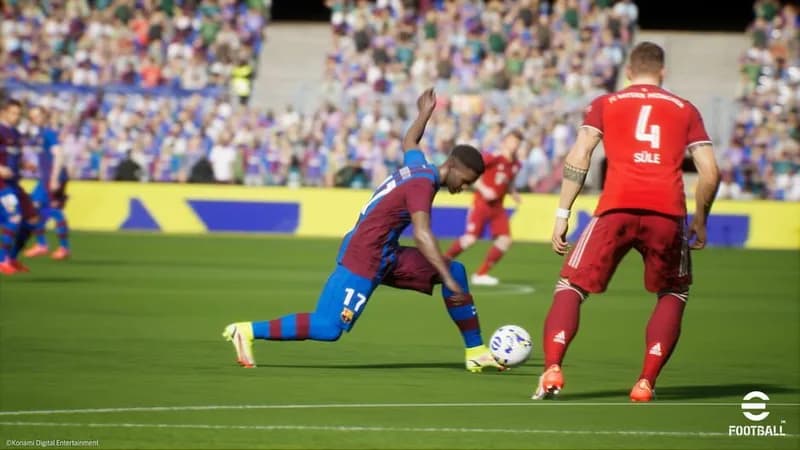
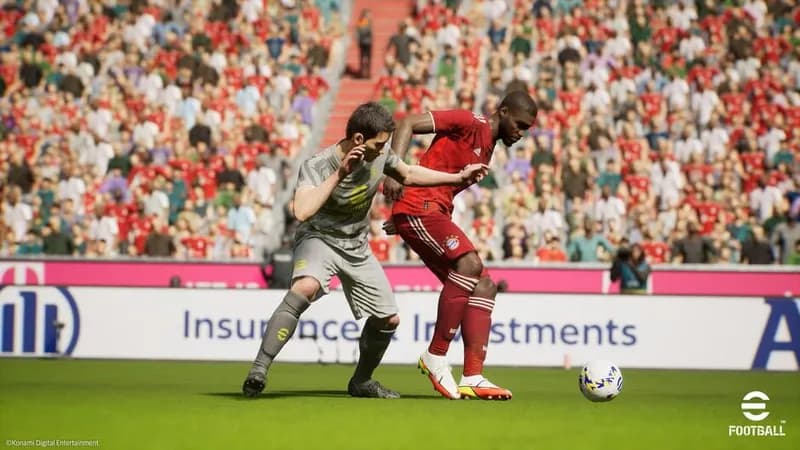
Konami's free-to-play football simulator, eFootball, arrived in September 2021, succeeding the Pro Evolution Soccer (PES) series. Built on the Unreal Engine, this title represents a fundamental change for the franchise.
eFootball Minimum & Recommended Specs
Minimum: Intel Core i5-2300, GeForce GTX 660, 8 GB RAM. Recommended: 8 GB RAM RAM.
Minimum System Requirements
Recommended System Requirements
Gameplay Trailer
Quick Performance Tips for eFootball
#1
Lower graphics settings for better FPS.
#2
Close unnecessary background apps.
#3
Update your graphics drivers.
#4
Ensure your PC meets minimum specs.
eFootball System Requirements FAQ
Can I run eFootball on a low-end PC?
eFootball requires at least an Intel Core i5-2300 or AMD FX-4350 CPU, a GeForce GTX 660 Ti or Radeon HD 7790 GPU, and 8 GB of RAM to run. If your PC is below these specs, you may experience performance issues or be unable to play.
What GPU do I need for eFootball?
The minimum required GPU is a GeForce GTX 660 Ti or Radeon HD 7790. For recommended settings, aim for a GeForce GTX 1060 or Radeon RX 590.
How much RAM does eFootball need?
eFootball requires a minimum of 8 GB of RAM. While the recommended specs also list 8 GB, having more RAM (e.g., 16 GB) can improve overall performance and stability.
Will eFootball run on integrated graphics?
While it's technically possible, eFootball is unlikely to run well on integrated graphics. A dedicated GPU is highly recommended for a playable experience.
What is the best graphics settings for eFootball?
The best graphics settings depend on your hardware. Start with the 'Low' preset and gradually increase settings until you find a balance between visual quality and performance. Pay attention to frame rate and adjust accordingly.
eFootball Game Info
Developer
Konami
Publisher
Konami
Release Date
September 30, 2021
Platforms
Xbox Series X|S, PlayStation 4, PC (Microsoft Windows), PlayStation 5, Xbox One
Genres
SimulatorSport
Game Modes
- Single player
- Multiplayer
eFootball Screenshots


Optimize Your PC for eFootball
Use our free tools to analyze and improve your gaming performance