
All Games
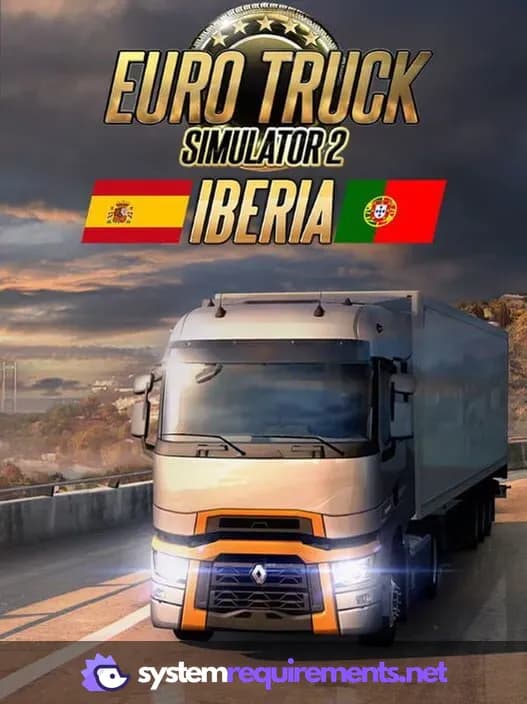
Euro Truck Simulator 2 - Iberia System Requirements
April 8, 2021SCS Software
Explore the varied landscapes of Iberia, delivering cargo across its historic cities and connecting its robust export economy to Europe. From arid plains to lush forests, navigate narrow streets and visit iconic landmarks throughout Spain and Portugal.
Euro Truck Simulator 2 - Iberia Minimum & Recommended Specs
Minimum: Dual core CPU, GeForce GTS 450-class, 4 GB RAM. Recommended: 8 GB RAM RAM.
Minimum System Requirements
Recommended System Requirements
Upgrade Your Hardware
Trailer
Quick Performance Tips for Euro Truck Simulator 2 - Iberia
#1
Lower the scaling option in graphics settings.
#2
Reduce shadow quality for a significant FPS boost.
#3
Disable or lower mirror quality in settings.
#4
Close background apps to free up RAM.
Euro Truck Simulator 2 - Iberia System Requirements FAQ
Can I run Euro Truck Simulator 2 - Iberia on a low-end PC?
Yes, but you'll need at least a dual-core 2.4 GHz CPU, a GeForce GTS 450-class (or Intel HD 4000), and 4 GB of RAM. Expect lower graphics settings and potentially lower frame rates.
What GPU do I need for Euro Truck Simulator 2 - Iberia?
For minimum settings, a GeForce GTS 450-class (or Intel HD 4000) is sufficient. For recommended settings, a GeForce GTX 760-class (with 2GB of VRAM) is recommended for smoother gameplay at higher settings.
How much RAM does Euro Truck Simulator 2 - Iberia need?
At least 4 GB of RAM is required to run the game. However, 8 GB of RAM is recommended for a better experience, especially at higher graphics settings and with mods.
Will Euro Truck Simulator 2 - Iberia run on integrated graphics?
Yes, it can run on integrated graphics like Intel HD 4000, but performance will be limited. Expect very low settings and potentially low frame rates. A dedicated GPU is highly recommended for a better experience.
What is the best graphics settings for Euro Truck Simulator 2 - Iberia?
The best settings depend on your hardware. If you meet the recommended specs, try 'High' settings. If you have lower specs, start with 'Low' or 'Medium' and adjust individual settings like shadow quality and draw distance to find a balance between visual quality and performance.
Euro Truck Simulator 2 - Iberia Game Info
Developer
SCS Software
Publisher
SCS Software
Release Date
April 8, 2021
Platforms
Linux, PC (Microsoft Windows), Mac
Genres
SimulatorIndie
Game Modes
- Single player
- Multiplayer
- Co-operative
Euro Truck Simulator 2 - Iberia Screenshots


Games Similar to Euro Truck Simulator 2 - Iberia





Optimize Your PC for Euro Truck Simulator 2 - Iberia
Use our free tools to analyze and improve your gaming performance