All Games

Fable Anniversary System Requirements

February 4, 2014Lionhead Studios65/100

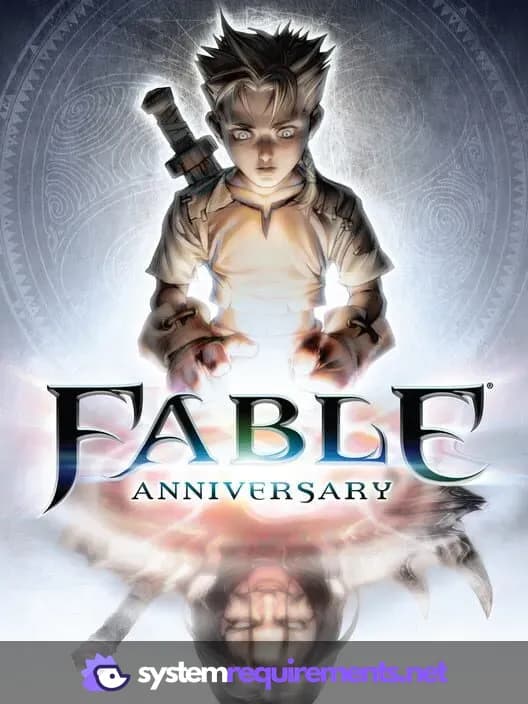
Fable Anniversary revamps the classic RPG with updated HD graphics and sound. A new difficulty mode removes resurrection and intensifies enemy encounters, challenging even veteran players to shape their hero's destiny through morally-driven choices that impact their appearance and reputation.

Fable Anniversary Minimum & Recommended Specs

Minimum: Intel 2GHz Pentium, Nvidia GeForce 6800, 3 GB RAM. Recommended: 4 GB RAM RAM.

Minimum System Requirements

OS
Windows 7
Processor
Intel 2GHz Pentium 4CPU Deals
RAM
3 GB RAMRAM Deals
Graphics Card
Nvidia GeForce 6800 / ATI X800 ProGPU Deals
DirectX
9.0c
Storage
10 GB available spaceSSD Deals

Recommended System Requirements

OS
Windows 7/8
Processor
Intel Core 2 Duo E6600CPU Deals
RAM
4 GB RAMRAM Deals
Graphics Card
Nvidia GeForce 8800GT / ATI HD 2900XTGPU Deals
DirectX
9.0c
Storage
10 GB available spaceSSD Deals

Trailer

Quick Performance Tips for Fable Anniversary

#1

Lower shadow quality for a quick FPS boost.

#2

Disable anti-aliasing on low-end systems.

#3

Reduce texture detail if you experience stuttering.

#4

Close background apps to free up RAM.

Fable Anniversary System Requirements FAQ

Can I run Fable Anniversary on a low-end PC?
Fable Anniversary can run on relatively older hardware. Check if your PC meets the minimum specs: Intel 2GHz Pentium 4, Nvidia GeForce 6800 / ATI X800 Pro, and 3 GB of RAM. Performance may vary depending on your specific configuration.
What GPU do I need for Fable Anniversary?
The minimum GPU required is an Nvidia GeForce 6800 or an ATI X800 Pro. For a smoother experience, an Nvidia GeForce 8800GT or ATI HD 2900XT is recommended.
How much RAM does Fable Anniversary need?
You need at least 3 GB of RAM to run Fable Anniversary. 4 GB of RAM is recommended for better performance and stability.
Will Fable Anniversary run on integrated graphics?
While it might technically launch, running Fable Anniversary on integrated graphics is not recommended. You'll likely experience significant performance issues and low frame rates. A dedicated GPU is highly advised.
What is the best graphics settings for Fable Anniversary?
If you meet the recommended specs, you should be able to run the game on medium to high settings. If you're below the recommended specs, start with low settings and gradually increase them until you find a balance between visual quality and performance.
Fable Anniversary PC game cover art

Fable Anniversary Game Info

Developer

Lionhead Studios

Publisher

Microsoft Studios

Release Date

February 4, 2014

Platforms

PC (Microsoft Windows), Xbox 360

Genres

Role-playing (RPG)Adventure

Game Modes

  • Single player

Fable Anniversary Screenshots
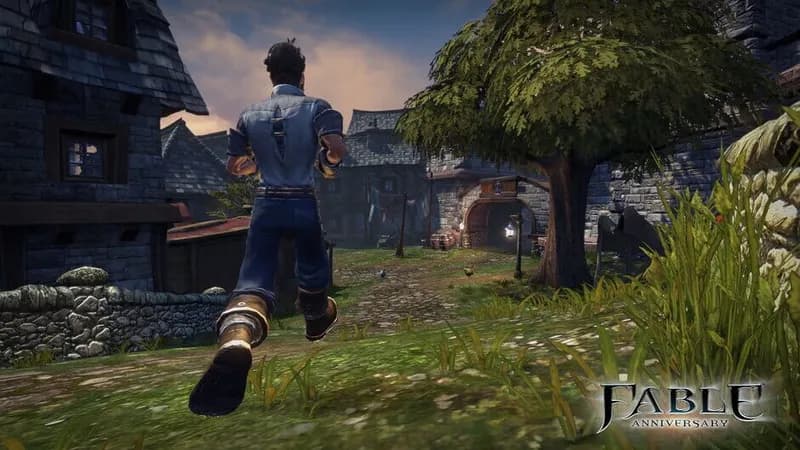
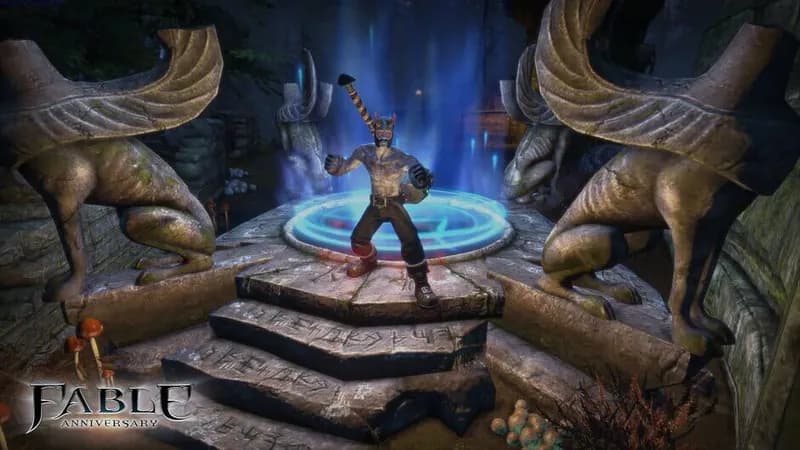
Fable Anniversary gameplay screenshot 1
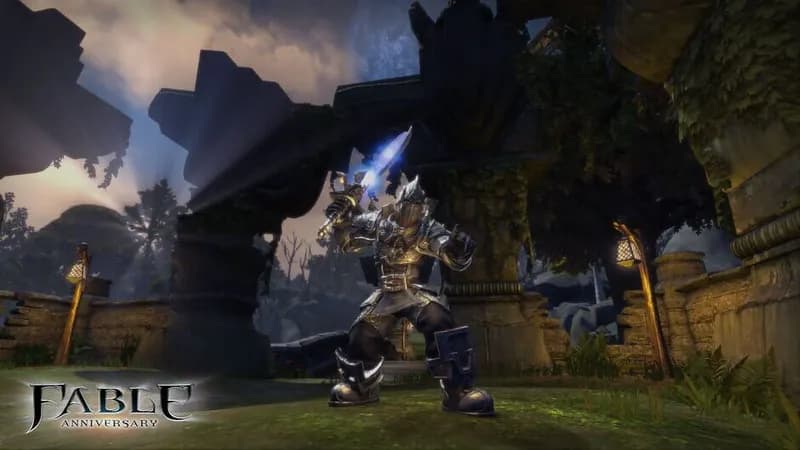
Fable Anniversary gameplay screenshot 2
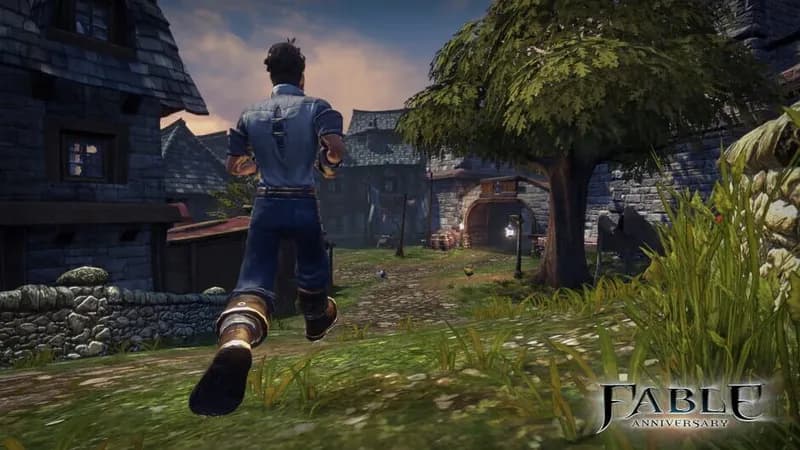
Fable Anniversary gameplay screenshot 3
Fable Anniversary gameplay screenshot 4
Fable Anniversary System Requirements - Can Your PC Run It?