
All Games
Geometry Dash System Requirements
August 12, 2013RobTop Games
Navigate treacherous, rhythmic landscapes in Geometry Dash. Master precise jumps and aerial maneuvers to conquer challenging, obstacle-laden levels.
Geometry Dash Minimum & Recommended Specs
Minimum: Intel Pentium 4, Any, 512 MB RAM. Recommended: 1 GB RAM RAM.
Minimum System Requirements
Recommended System Requirements
Upgrade Your Hardware
Trailer
Quick Performance Tips for Geometry Dash
#1
Lower the game resolution if you experience lag.
#2
Disable 'Smooth Fix' in settings for better performance.
#3
Close unnecessary background applications.
#4
Update your graphics drivers for potential improvements.
Geometry Dash System Requirements FAQ
Can I run Geometry Dash on a low-end PC?
Yes, Geometry Dash has very low system requirements. As long as you have at least an Intel Pentium 4 2.0GHz or AMD Athlon XP 2000+ processor, any graphics card, and 512 MB of RAM, you should be able to run the game. However, for a smoother experience, especially with more complex levels, meeting the recommended specs is advised.
What GPU do I need for Geometry Dash?
Geometry Dash can run on virtually any graphics card. The game's graphical demands are minimal, so even older or integrated graphics solutions should be sufficient. The system requirements state 'Any' graphics card.
How much RAM does Geometry Dash need?
Geometry Dash requires a minimum of 512 MB of RAM. However, 1 GB of RAM is recommended for a smoother experience, especially when playing longer or more complex levels.
Will Geometry Dash run on integrated graphics?
Yes, Geometry Dash is designed to run on integrated graphics cards. Its low system requirements mean that dedicated graphics are not necessary.
What is the best graphics settings for Geometry Dash?
Geometry Dash doesn't have extensive graphics options. If you're experiencing lag, try disabling 'Smooth Fix' and 'High Detail' in the game settings. Also, ensure your display resolution is set appropriately for your monitor.
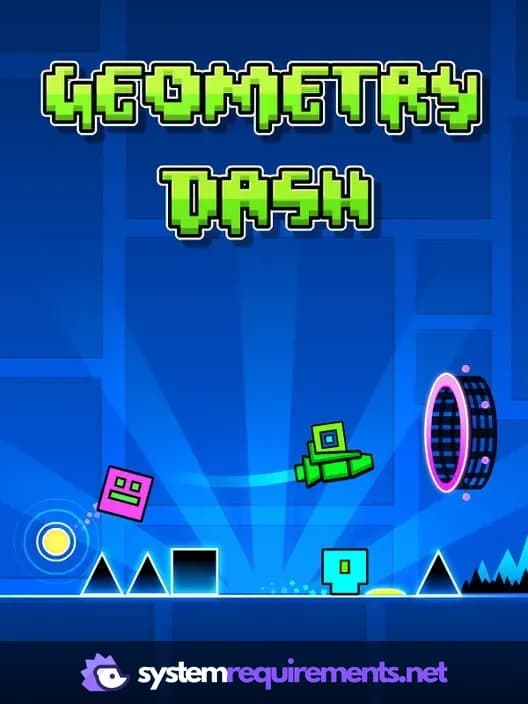
Geometry Dash Game Info
Developer
RobTop Games
Publisher
RobTop Games
Release Date
August 12, 2013
Platforms
Android, PC (Microsoft Windows), iOS, Mac
Genres
MusicPlatformIndieArcade
Game Modes
- Single player
Geometry Dash Screenshots










Optimize Your PC for Geometry Dash
Use our free tools to analyze and improve your gaming performance