
All Games
Gloomwood System Requirements
September 5, 2022Dillon Rogers
Navigate a plague-ridden, gothic metropolis using shadows and a collection of unconventional armaments. Evade the city's curse in this stealth-driven experience, hearkening back to classic immersive sims and survival horror titles.
Gloomwood Minimum & Recommended Specs
Minimum: Intel Core 2, GeForce GT 220, 2 GB RAM. Recommended: 4 GB RAM RAM.
Minimum System Requirements
Recommended System Requirements
Trailer
Quick Performance Tips for Gloomwood
#1
Lower shadow quality for a big FPS boost.
#2
Reduce texture resolution on low-end PCs.
#3
Disable anti-aliasing for smoother gameplay.
#4
Close background apps to free up RAM.
Gloomwood System Requirements FAQ
Can I run Gloomwood on a low-end PC?
Gloomwood can run on older hardware, but performance may vary. Aim for at least the minimum specs: Intel Core 2 Duo E4600 or AMD Athlon 64 X2 6000+, GeForce GT 220 or Radeon HD 4650, and 2GB of RAM. Expect lower frame rates and graphical settings.
What GPU do I need for Gloomwood?
For minimum settings, a GeForce GT 220 or Radeon HD 4650 is required. For a smoother experience at higher settings, aim for a GeForce GTX 650 or Radeon HD 7770.
How much RAM does Gloomwood need?
Gloomwood requires a minimum of 2GB of RAM. 4GB is recommended for better performance and stability, especially at higher settings.
Will Gloomwood run on integrated graphics?
Running Gloomwood on integrated graphics is not officially supported. Performance will likely be very poor, even at the lowest settings. A dedicated graphics card is highly recommended.
What is the best graphics settings for Gloomwood?
Experiment to find the best balance between visual quality and performance. Start with medium settings and adjust individual options like shadows, textures, and draw distance to find what works best for your system. Lowering shadow quality often provides a significant performance boost.
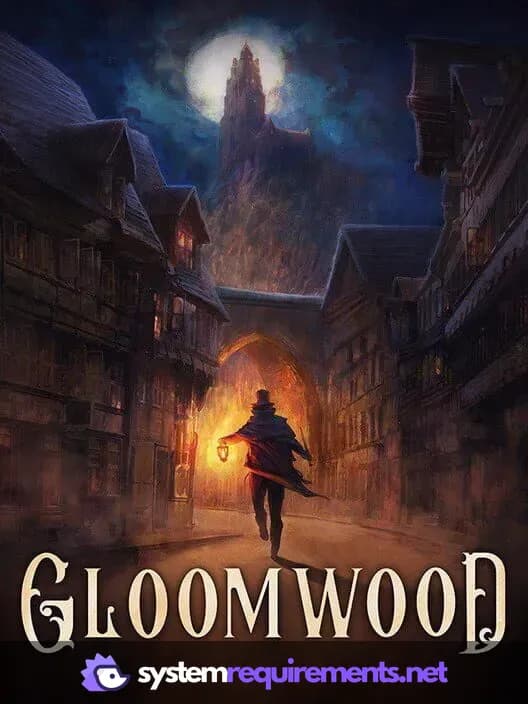
Gloomwood Game Info
Developer
Dillon Rogers
Publisher
New Blood Interactive
Release Date
September 5, 2022
Platforms
PC (Microsoft Windows)
Genres
ShooterAdventureIndie
Game Modes
- Single player
Gloomwood Screenshots
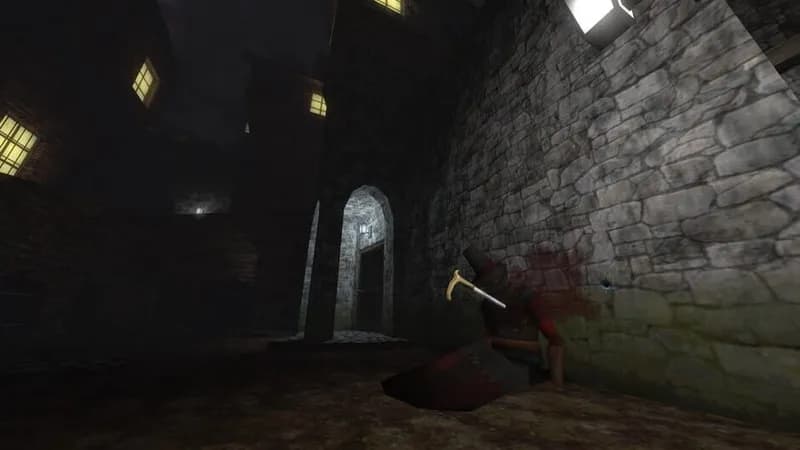
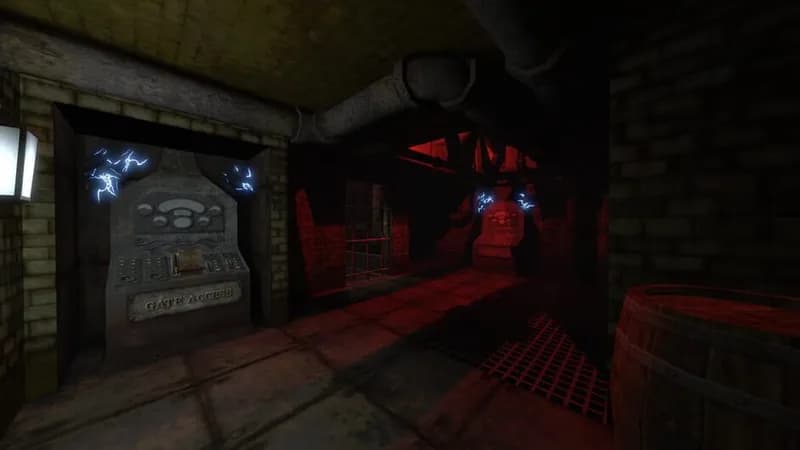
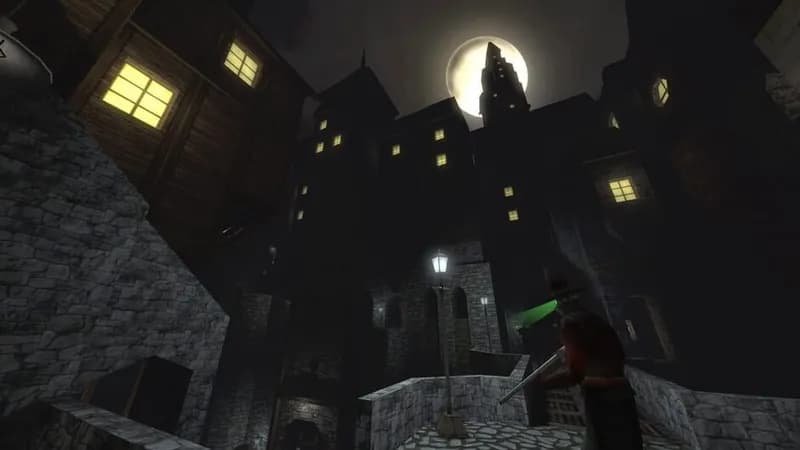
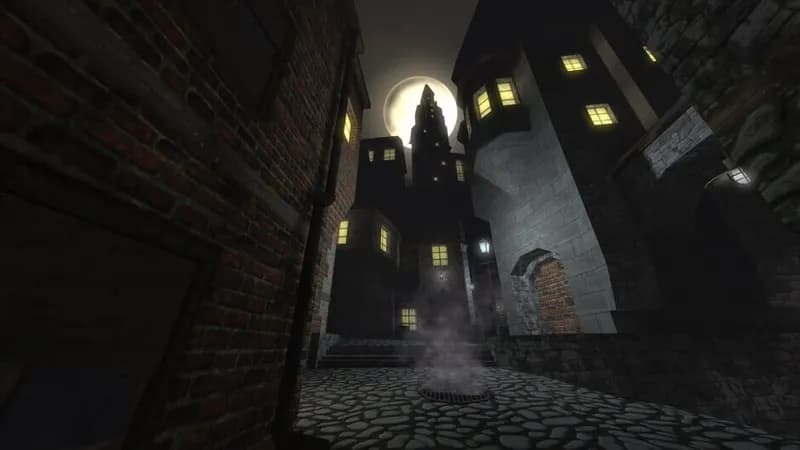


Optimize Your PC for Gloomwood
Use our free tools to analyze and improve your gaming performance