
All Games
Going Medieval System Requirements
June 1, 2021Gramophone Games
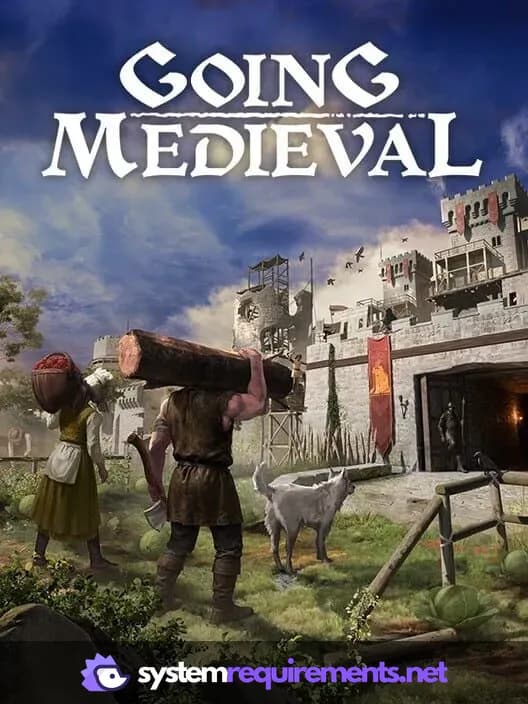
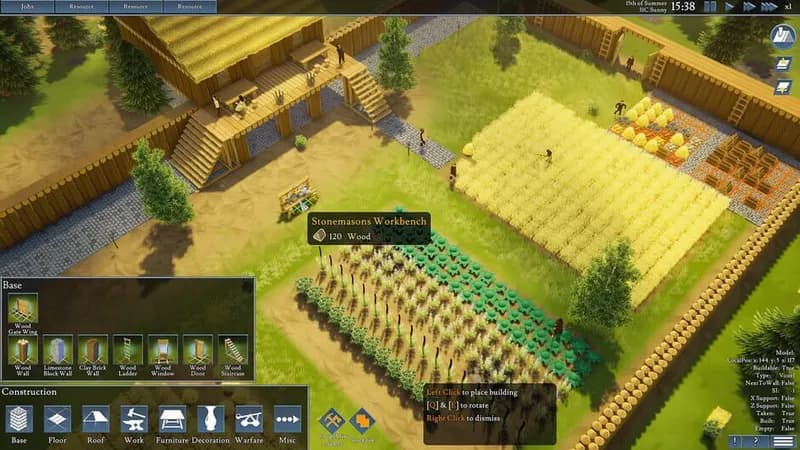
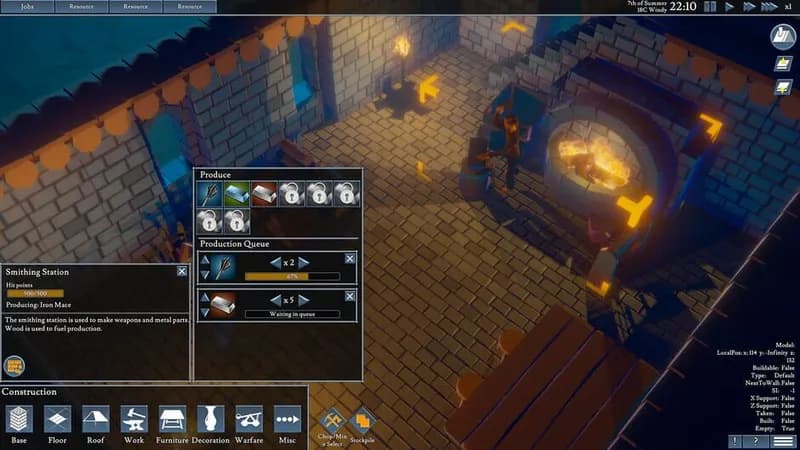
Oversee a burgeoning medieval settlement, constructing defenses and infrastructure to ensure its survival. Manage resources and develop your populace, preparing them for inevitable conflicts and societal advancement.
Going Medieval Minimum & Recommended Specs
Minimum: Intel Core i5-2400, Geforce GTX 560, 6 GB RAM. Recommended: 8 GB RAM RAM.
Minimum System Requirements
Recommended System Requirements
Announcement Trailer
Quick Performance Tips for Going Medieval
#1
Lower the 'Simulation Quality' setting for a big performance boost.
#2
Limit the number of settlers to reduce CPU load.
#3
Reduce shadow quality or disable shadows entirely.
#4
Close unnecessary background applications while playing.
Going Medieval System Requirements FAQ
Can I run Going Medieval on a low-end PC?
If your PC meets the minimum requirements (Intel Core i5-2400 or AMD FX-6300, Geforce GTX 560 2GB or AMD Radeon HD 7790 2GB, and 6 GB of RAM), you should be able to run Going Medieval, but likely at lower settings and with potentially lower frame rates, especially with larger settlements.
What GPU do I need for Going Medieval?
At a minimum, you'll need a Geforce GTX 560 2GB or an AMD Radeon HD 7790 2GB. For a smoother experience at higher settings, a Geforce GTX 970 4GB or an AMD Radeon RX 580 4GB is recommended.
How much RAM does Going Medieval need?
Going Medieval requires a minimum of 6 GB of RAM. However, 8 GB of RAM is recommended for optimal performance, especially as your settlement grows in size and complexity.
Will Going Medieval run on integrated graphics?
While it's *possible* Going Medieval might launch on some higher-end integrated graphics solutions, it's unlikely to provide a playable experience. The game is CPU and GPU intensive, and dedicated graphics cards are highly recommended.
What is the best graphics settings for Going Medieval?
The best graphics settings depend on your hardware. Start with 'Medium' settings and adjust from there. Lowering shadows, reflections, and simulation quality can significantly improve performance. Experiment to find the best balance between visual quality and frame rate.
Going Medieval Game Info
Developer
Gramophone Games
Publisher
Gramophone Games
Release Date
June 1, 2021
Platforms
PC (Microsoft Windows)
Genres
Role-playing (RPG)SimulatorStrategyIndie
Game Modes
- Single player
Going Medieval Screenshots



Optimize Your PC for Going Medieval
Use our free tools to analyze and improve your gaming performance