
All Games
GROUND BRANCH System Requirements
August 14, 2018
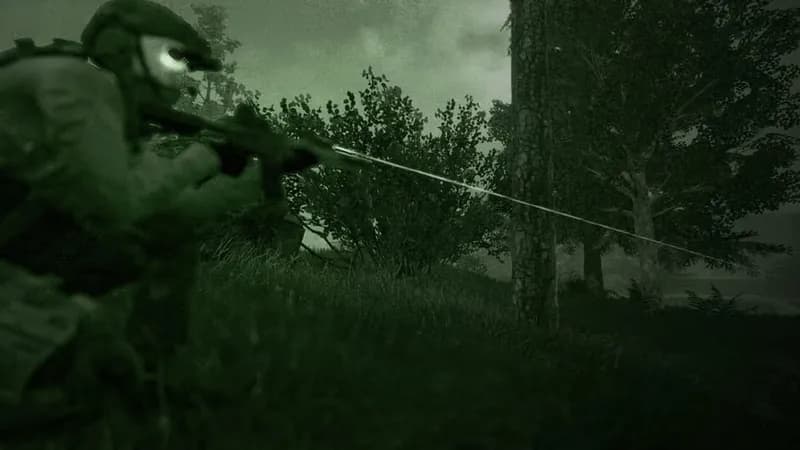
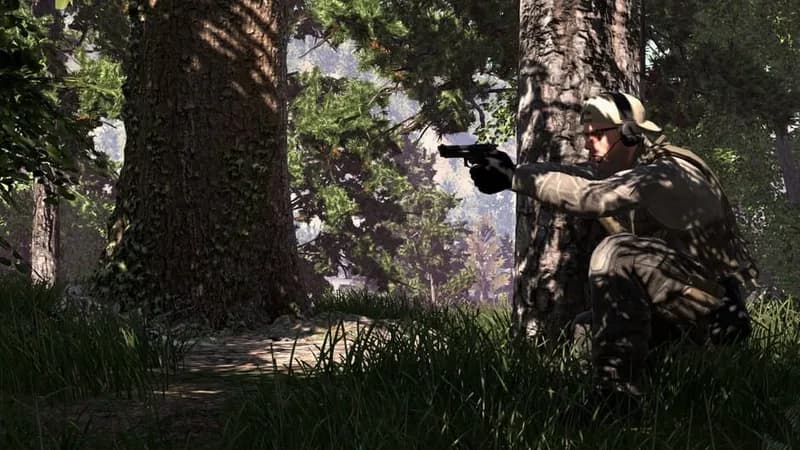
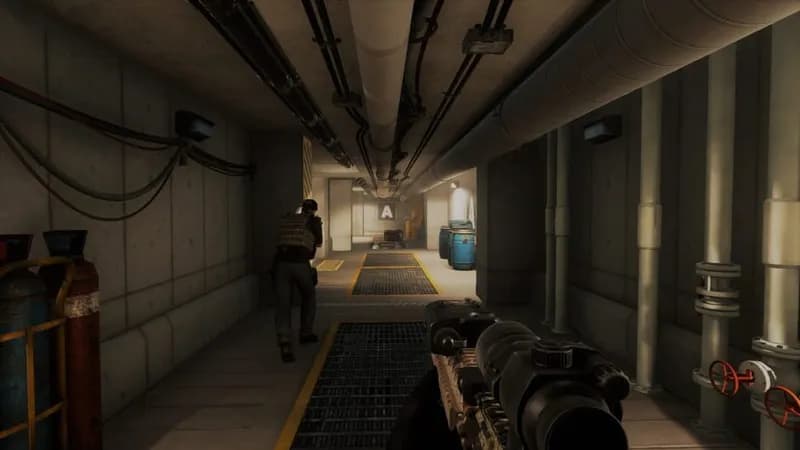
GROUND BRANCH demands tactical precision in close-quarters combat, rewarding methodical planning and deep firearm modification. Created with expertise from classic tactical shooter development, expect high lethality and intricate character control.
GROUND BRANCH Minimum & Recommended Specs
Minimum: Intel Core i5-4460, NVIDIA GeForce GTX, 8 GB RAM. Recommended: 16 GB RAM RAM.
Minimum System Requirements
Recommended System Requirements
Launch Trailer
Quick Performance Tips for GROUND BRANCH
#1
Lower shadow quality for a significant FPS boost.
#2
Reduce anti-aliasing settings for smoother gameplay.
#3
Close background apps to free up RAM and CPU.
#4
Update your graphics drivers for optimized performance.
GROUND BRANCH System Requirements FAQ
Can I run GROUND BRANCH on a low-end PC?
While GROUND BRANCH might technically launch on a PC that meets the minimum requirements (Intel Core i5-4460 / AMD FX-6300, NVIDIA GeForce GTX 960 4GB / AMD Radeon R7 370 4GB, 8 GB RAM), you'll likely experience low frame rates and graphical compromises. For a smoother experience, aim for the recommended specs or higher.
What GPU do I need for GROUND BRANCH?
For minimum performance, you'll need at least an NVIDIA GeForce GTX 960 (4GB) or an AMD Radeon R7 370 (4GB). However, for a more enjoyable experience with higher settings, an NVIDIA GeForce GTX 1060 (6GB) or an AMD Radeon RX 580 (8GB) is recommended.
How much RAM does GROUND BRANCH need?
GROUND BRANCH requires a minimum of 8 GB of RAM to run. For a smoother and more stable experience, especially with multiple players or complex scenarios, 16 GB of RAM is highly recommended.
Will GROUND BRANCH run on integrated graphics?
It's highly unlikely that GROUND BRANCH will run well, if at all, on integrated graphics. The game is graphically demanding and requires a dedicated graphics card to render the environments and effects effectively. You'll need a dedicated GPU that meets the minimum requirements.
What is the best graphics settings for GROUND BRANCH?
The best graphics settings depend on your hardware. Start with the 'Medium' preset and adjust from there. If you're getting low frame rates, lower settings like shadows, anti-aliasing, and texture quality. Experiment to find a balance between visual fidelity and performance.
GROUND BRANCH Game Info
Publisher
MicroProse
Release Date
August 14, 2018
Platforms
PC (Microsoft Windows)
Genres
ShooterSimulatorTacticalIndie
Game Modes
- Single player
- Multiplayer
- Co-operative
GROUND BRANCH Screenshots
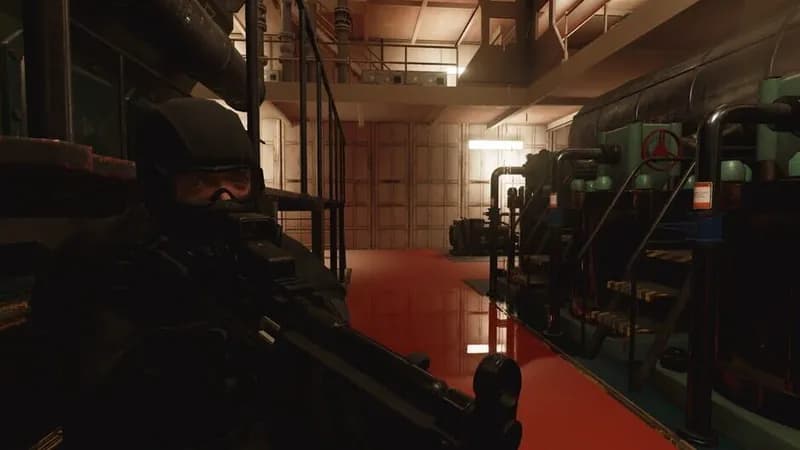
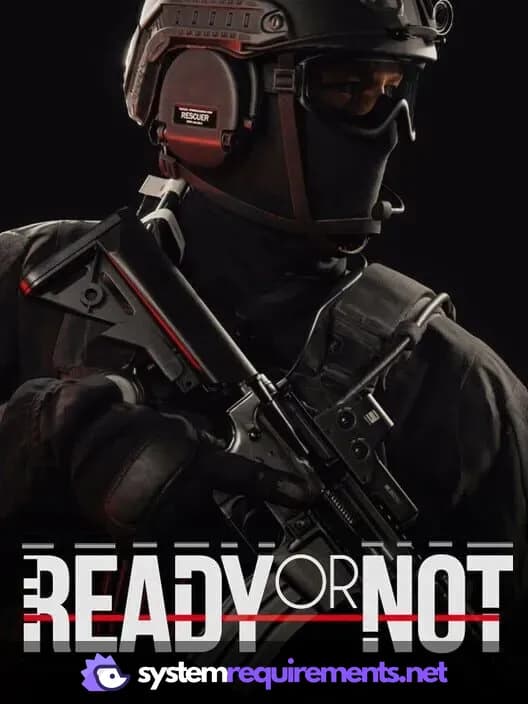
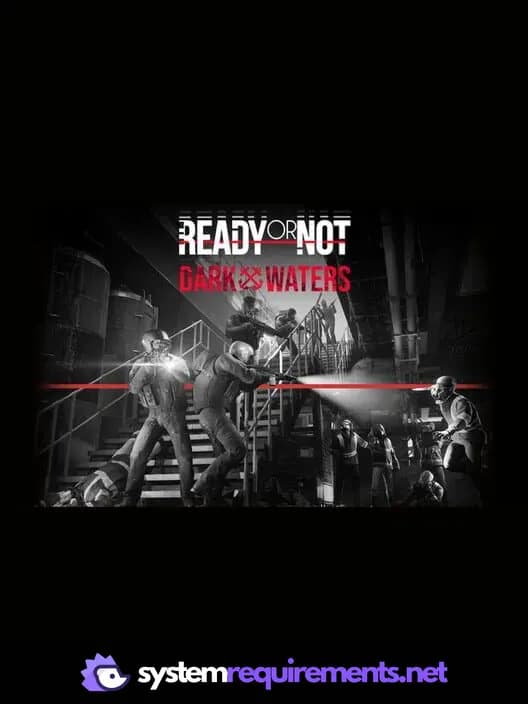
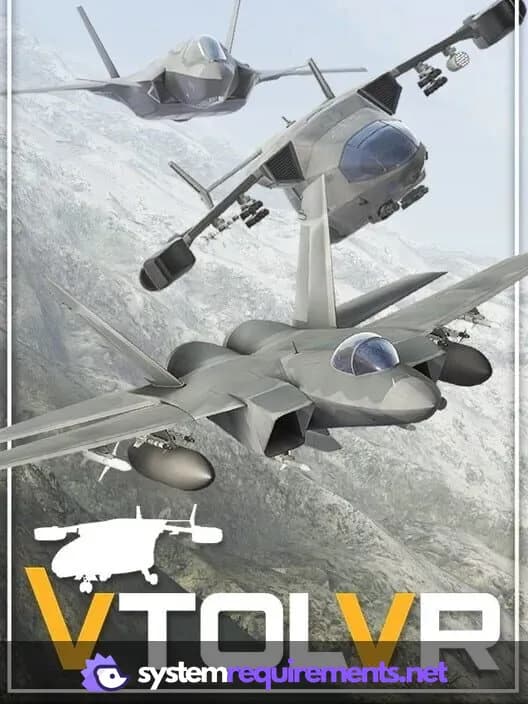

Optimize Your PC for GROUND BRANCH
Use our free tools to analyze and improve your gaming performance