All Games

Indiana Jones and the Emperor's Tomb System Requirements

February 24, 2003The Collective59/100

Venture to 1930s China as Indiana Jones, battling Nazis and underworld figures to secure a potent artifact. Utilize Indy's whip and pistol, plus engage in new hand-to-hand combat, wielding improvised weapons to survive perilous action sequences and martial arts masters.

Indiana Jones and the Emperor's Tomb Minimum & Recommended Specs

Minimum: Pentium III 733, 32 MB DirectX, 128 MB RAM. Recommended: 256 MB RAM RAM.

Minimum System Requirements

OS
Windows 98/ME/2000/XP
Processor
Pentium III 733 MHzCPU Deals
RAM
128 MB RAMRAM Deals
Graphics Card
32 MB DirectX 8.1 compatible video cardGPU Deals
DirectX
DirectX 8.1
Storage
2 GB available spaceSSD Deals

Recommended System Requirements

Processor
Pentium 4 1.2 GHzCPU Deals
RAM
256 MB RAMRAM Deals
Graphics Card
64 MB DirectX 8.1 compatible video cardGPU Deals
DirectX
DirectX 8.1
Storage
2 GB available spaceSSD Deals

Trailer

Quick Performance Tips for Indiana Jones and the Emperor's Tomb

#1

Lower the resolution for a significant performance boost.

#2

Disable anti-aliasing if you're experiencing slowdowns.

#3

Close unnecessary background applications to free up RAM.

#4

Update your graphics card drivers for better compatibility.

Indiana Jones and the Emperor's Tomb System Requirements FAQ

Can I run Indiana Jones and the Emperor's Tomb on a low-end PC?
To run the game at minimum settings, you'll need at least a Pentium III 733 MHz processor, 128 MB of RAM, and a DirectX 8.1 compatible video card with 32 MB of memory. If your PC meets these specs, you should be able to play, but performance may be limited.
What GPU do I need for Indiana Jones and the Emperor's Tomb?
The minimum requirement is a DirectX 8.1 compatible video card with 32 MB of memory. For a better experience, a 64 MB DirectX 8.1 compatible video card is recommended. Specific models aren't listed, but anything comparable to a GeForce 3 or Radeon 8500 should work well.
How much RAM does Indiana Jones and the Emperor's Tomb need?
The game requires a minimum of 128 MB of RAM. However, 256 MB of RAM is recommended for smoother gameplay and fewer loading issues, especially on higher settings.
Will Indiana Jones and the Emperor's Tomb run on integrated graphics?
It's unlikely to run well on most integrated graphics solutions from that era. Integrated graphics cards often lacked the dedicated memory and processing power needed for even minimum settings. You may experience very low frame rates or graphical glitches.
What is the best graphics settings for Indiana Jones and the Emperor's Tomb?
With a recommended setup (Pentium 4 1.2 GHz, 64 MB video card, 256 MB RAM), you should be able to run the game at medium to high settings. Experiment with resolution and texture detail to find a balance between visual quality and performance.
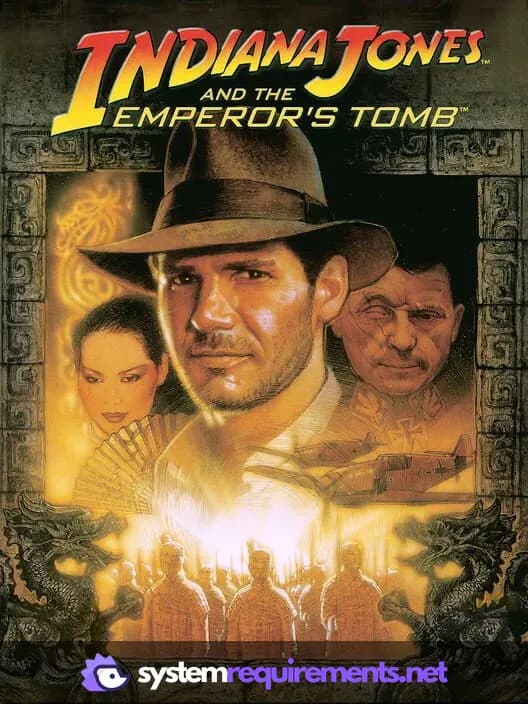
Indiana Jones and the Emperor's Tomb PC game cover art

Indiana Jones and the Emperor's Tomb Game Info

Developer

The Collective

Publisher

Aspyr Media

Release Date

February 24, 2003

Platforms

Xbox, PC (Microsoft Windows), Mac, PlayStation 2

Genres

Adventure

Game Modes

  • Single player

Indiana Jones and the Emperor's Tomb Screenshots
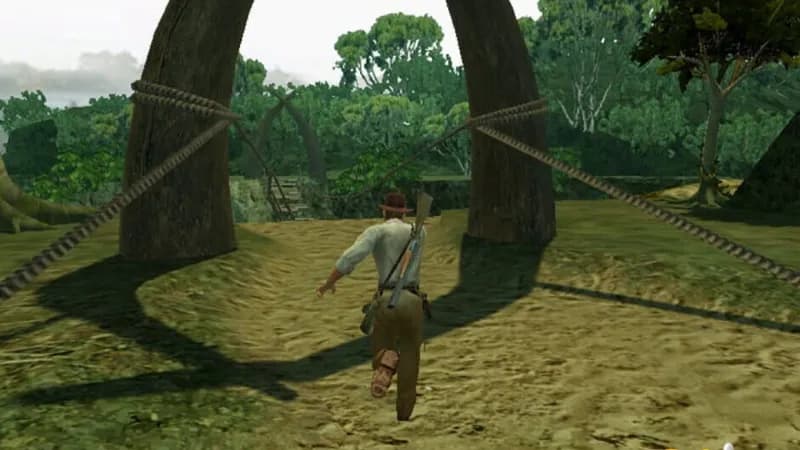
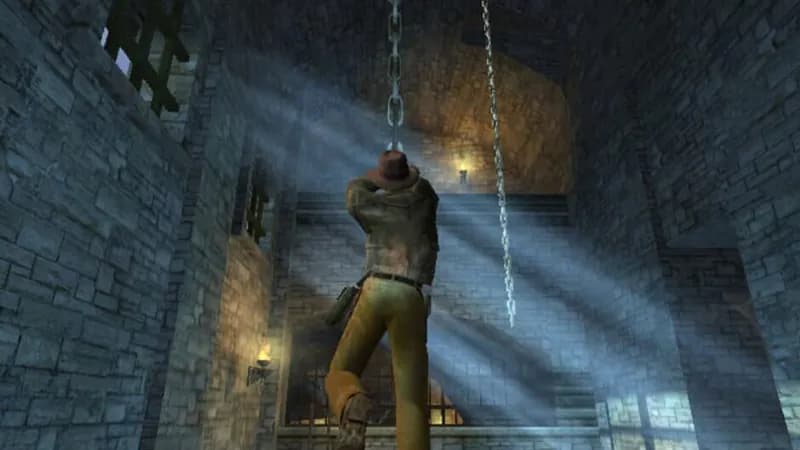
Indiana Jones and the Emperor's Tomb gameplay screenshot 1
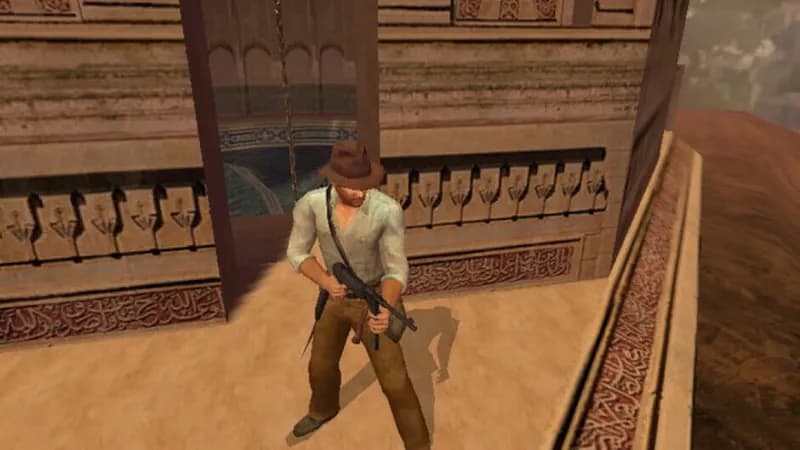
Indiana Jones and the Emperor's Tomb gameplay screenshot 2
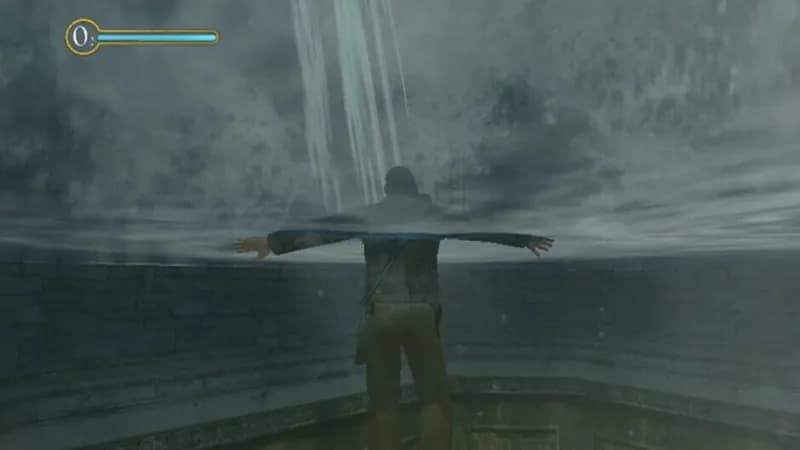
Indiana Jones and the Emperor's Tomb gameplay screenshot 3
Indiana Jones and the Emperor's Tomb gameplay screenshot 4
Indiana Jones and the Emperor's Tomb System Requirements - Can Your PC Run It?