
All Games
JR EAST Train Simulator System Requirements
November 15, 2022ONGAKUKAN
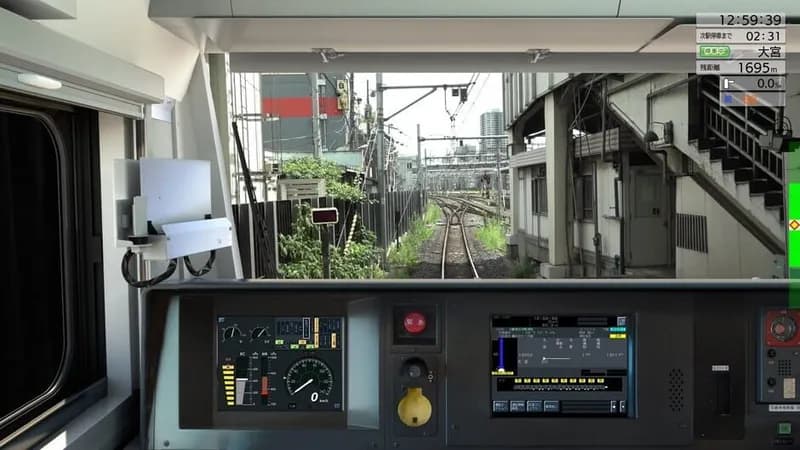
Experience a faithful recreation of JR East train operations, adapted from the same professional-grade simulator used for driver training. This PC title offers a unique glimpse into the complexities of Japanese railway management.
JR EAST Train Simulator Minimum & Recommended Specs
Minimum: Intel Core i5-4460, NVIDIA GeForce GTX, 8 GB RAM. Recommended: 16 GB RAM RAM.
Minimum System Requirements
Recommended System Requirements
Upgrade Your Hardware
Trailer
Quick Performance Tips for JR EAST Train Simulator
#1
Lower shadow quality for a FPS boost.
#2
Reduce draw distance for smoother gameplay.
#3
Close unnecessary background apps.
#4
Update your graphics drivers for best performance.
JR EAST Train Simulator System Requirements FAQ
Can I run JR EAST Train Simulator on a low-end PC?
To run JR EAST Train Simulator smoothly, your PC needs to meet at least the minimum requirements: an Intel Core i5-4460 processor, NVIDIA GeForce GTX 750 Ti graphics card, and 8 GB of RAM. If your PC is below these specs, you may experience performance issues like low frame rates or stuttering.
What GPU do I need for JR EAST Train Simulator?
The minimum GPU required is an NVIDIA GeForce GTX 750 Ti. For a smoother and more visually appealing experience, especially at higher resolutions and settings, an NVIDIA GeForce GTX 1060 or better is recommended.
How much RAM does JR EAST Train Simulator need?
JR EAST Train Simulator requires a minimum of 8 GB of RAM. However, 16 GB of RAM is recommended for optimal performance, especially if you plan to run the game with higher graphics settings or have other applications running in the background.
Will JR EAST Train Simulator run on integrated graphics?
While it might technically launch, running JR EAST Train Simulator on integrated graphics is not recommended. The game is graphically demanding, and integrated graphics cards typically lack the necessary processing power to provide a playable experience. You will likely encounter very low frame rates and graphical glitches.
What is the best graphics settings for JR EAST Train Simulator?
The best graphics settings depend on your hardware. If you meet the recommended specs, you can likely run the game on high or ultra settings. If you meet the minimum specs, start with low or medium settings and gradually increase them until you find a balance between visual quality and performance. Pay attention to settings like shadow quality and draw distance, as they can significantly impact performance.
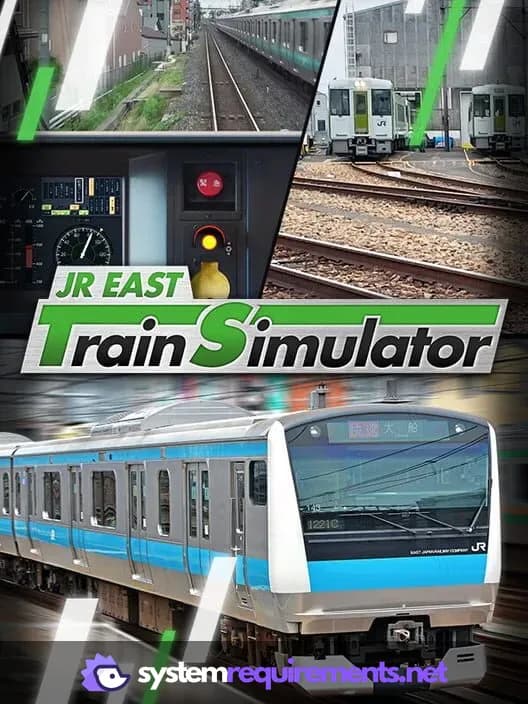
JR EAST Train Simulator Game Info
Developer
ONGAKUKAN
Publisher
East Japan Railway Company
Release Date
November 15, 2022
Platforms
PC (Microsoft Windows)
Genres
Simulator
Game Modes
- Single player
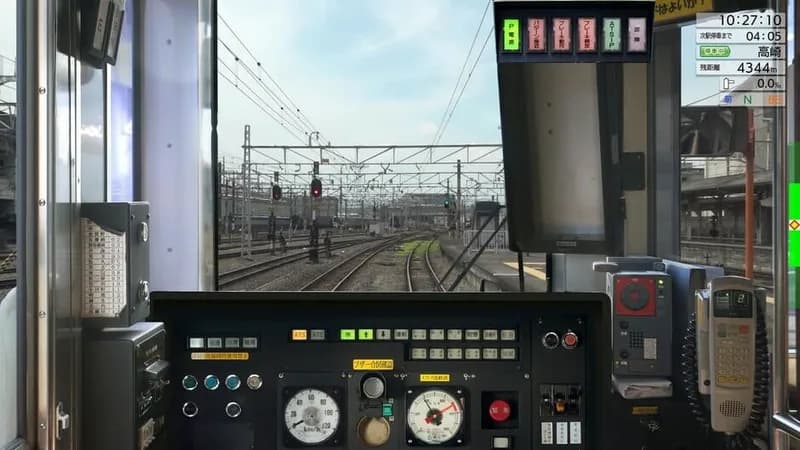
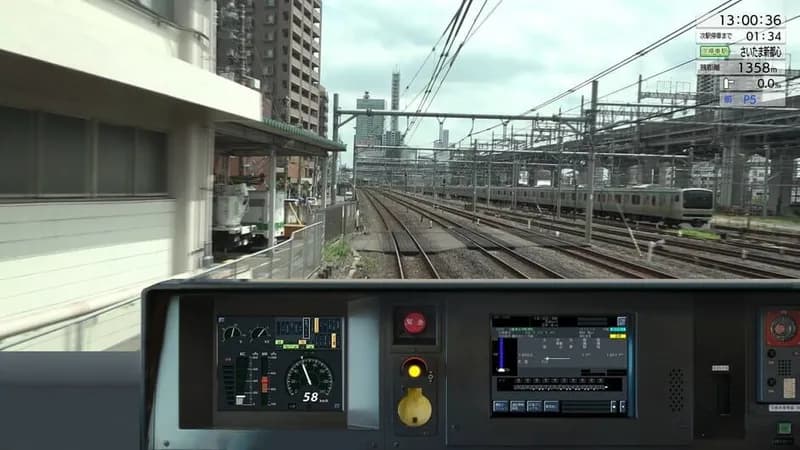
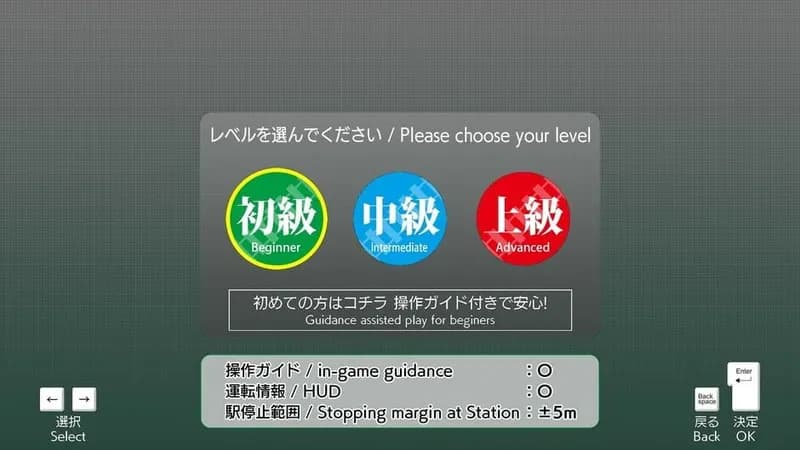
JR EAST Train Simulator Screenshots


Optimize Your PC for JR EAST Train Simulator
Use our free tools to analyze and improve your gaming performance