
All Games
Let's Play! Oink Games System Requirements
December 14, 2021Oink Games
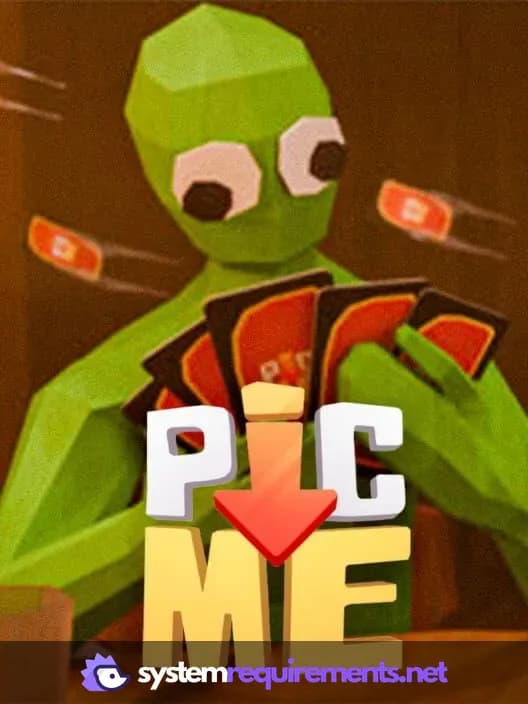
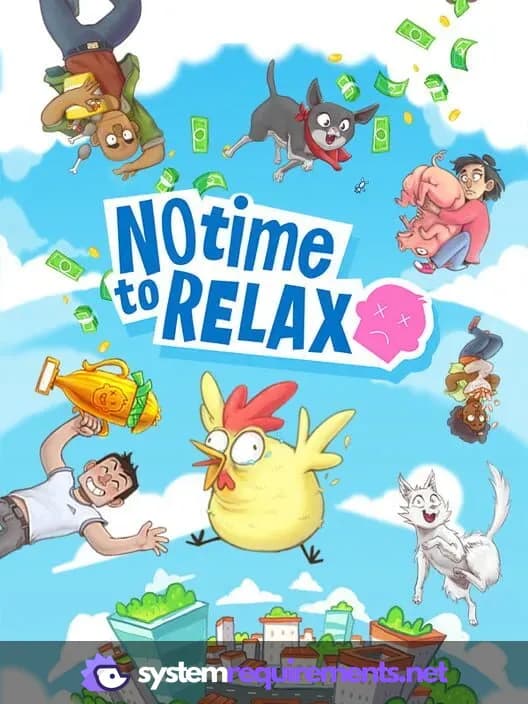
Experience digital adaptations of Oink Games' tabletop titles like Deep Sea Adventure and A Fake Artist Goes to New York. Enjoy solo play against AI, local multiplayer with family, or online matches with friends.
Let's Play! Oink Games Minimum & Recommended Specs
Minimum: Intel Core i3-2100, NVIDIA GeForce GTX, 4 GB RAM. Recommended: 8 GB RAM RAM.
Minimum System Requirements
Recommended System Requirements
Release Date Trailer
Quick Performance Tips for Let's Play! Oink Games
#1
Close unnecessary background applications for more RAM.
#2
Lower the game's resolution for a performance boost.
#3
Disable shadows or set them to low for better FPS.
#4
Update your graphics drivers for optimal performance.
Let's Play! Oink Games System Requirements FAQ
Can I run Let's Play! Oink Games on a low-end PC?
While the minimum requirements are relatively low (Intel Core i3-2100 / AMD A8-5600K, NVIDIA GeForce GTX 650 / AMD Radeon HD 7750, 4 GB RAM), performance may be limited on lower-end systems. Expect lower frame rates and potential stuttering, especially with more players.
What GPU do I need for Let's Play! Oink Games?
At a minimum, you'll need an NVIDIA GeForce GTX 650 or AMD Radeon HD 7750. For a smoother experience, especially at higher resolutions, an NVIDIA GeForce GTX 960 or AMD Radeon R9 290 is recommended.
How much RAM does Let's Play! Oink Games need?
The game requires a minimum of 4 GB of RAM. However, 8 GB of RAM is recommended for optimal performance and to prevent slowdowns, especially during longer play sessions or with multiple applications running in the background.
Will Let's Play! Oink Games run on integrated graphics?
While technically possible, running Let's Play! Oink Games on integrated graphics is not recommended. Performance will likely be poor, even at the lowest settings. A dedicated graphics card is highly recommended for a playable experience.
What is the best graphics settings for Let's Play! Oink Games?
If you meet the recommended specs, you should be able to run the game at high settings. If you're struggling with performance, try lowering the resolution, shadow quality, and anti-aliasing settings. Experiment to find the best balance between visual quality and performance.

Let's Play! Oink Games Game Info
Developer
Oink Games
Publisher
Oink Games
Release Date
December 14, 2021
Platforms
Android, PC (Microsoft Windows), iOS, PlayStation 5, Nintendo Switch
Genres
IndieCard & Board Game
Game Modes
- Multiplayer
Let's Play! Oink Games Screenshots
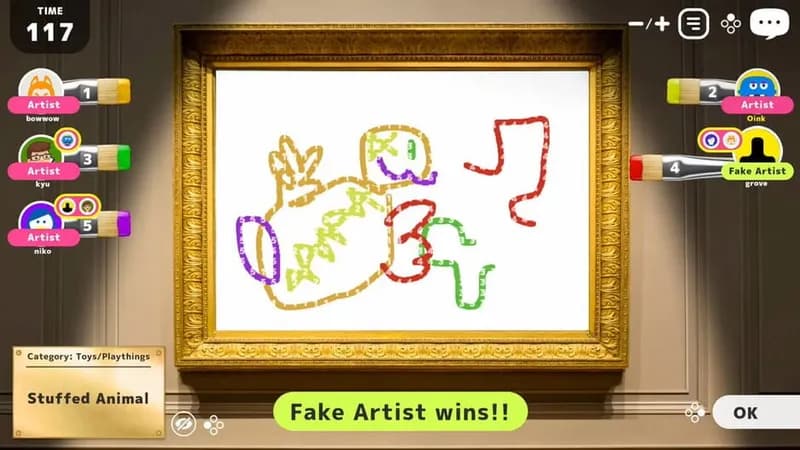
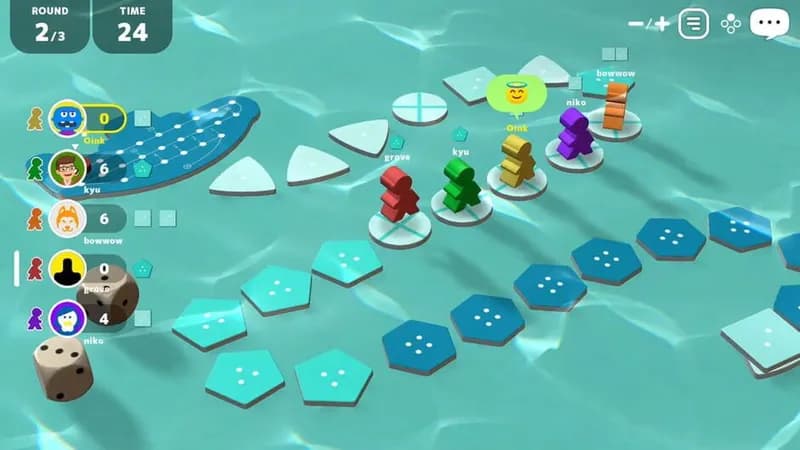
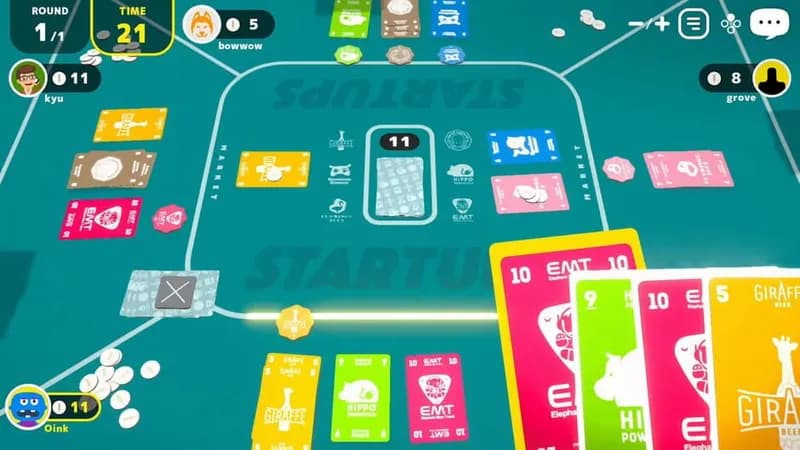
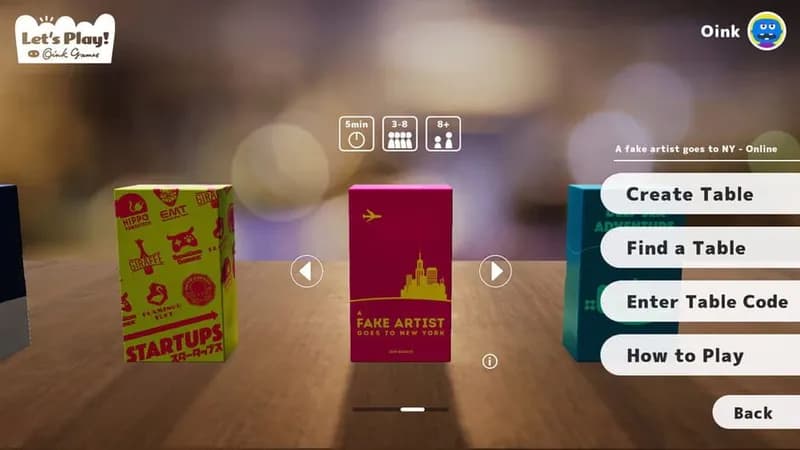




Optimize Your PC for Let's Play! Oink Games
Use our free tools to analyze and improve your gaming performance