All Games

Limbus Company System Requirements

February 27, 2023Project Moon

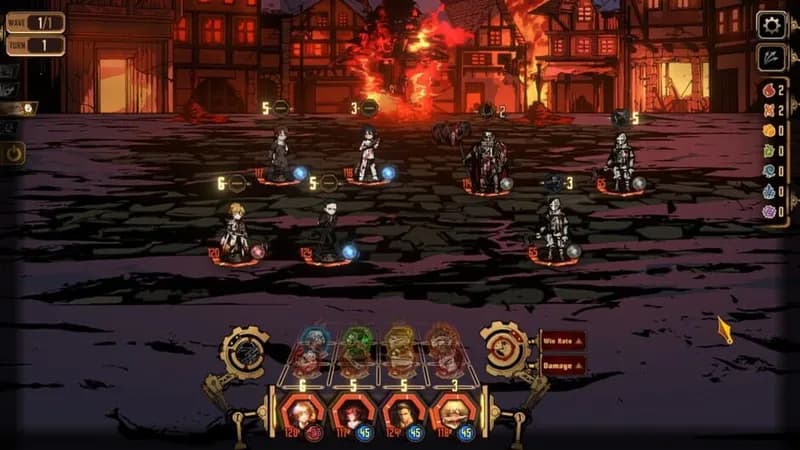
Project Moon's latest installment challenges players to lead twelve literary-themed Sinners through a desolate urban landscape. Command your squad in strategic turn-based battles, leveraging the Identity system for deep customization as you hunt down powerful artifacts and confront inner turmoil.

Limbus Company Minimum & Recommended Specs

Minimum: Intel Core i3-4170, NVIDIA GeForce GTX, 8 GB RAM. Recommended: 16 GB RAM RAM.

Minimum System Requirements

OS
Windows 7 64bit
Processor
Intel Core i3-4170CPU Deals
RAM
8 GB RAMRAM Deals
Graphics Card
NVIDIA GeForce GTX 750 TiGPU Deals
DirectX
Version 11
Storage
30 GB available spaceSSD Deals

Recommended System Requirements

OS
Windows 10 64bit
Processor
Intel Core i5-9600KCPU Deals
RAM
16 GB RAMRAM Deals
Graphics Card
NVIDIA GeForce GTX 1660GPU Deals
DirectX
Version 11
Storage
30 GB available spaceSSD Deals

Trailer

Quick Performance Tips for Limbus Company

#1

Close unnecessary background applications to free up RAM.

#2

Lower the game's resolution for a significant performance boost.

#3

Disable VSync if you're experiencing input lag.

#4

Update your graphics drivers for the latest performance improvements.

Limbus Company System Requirements FAQ

Can I run Limbus Company on a low-end PC?
Limbus Company can run on lower-end PCs, but you'll need at least an Intel Core i3-4170 processor, an NVIDIA GeForce GTX 750 Ti graphics card, and 8 GB of RAM. You may need to lower graphics settings for optimal performance.
What GPU do I need for Limbus Company?
The minimum GPU requirement is an NVIDIA GeForce GTX 750 Ti. For a smoother experience at higher settings, an NVIDIA GeForce GTX 1660 is recommended.
How much RAM does Limbus Company need?
Limbus Company requires a minimum of 8 GB of RAM. For better performance and stability, especially at higher settings, 16 GB of RAM is recommended.
Will Limbus Company run on integrated graphics?
While it might technically launch, running Limbus Company on integrated graphics is not recommended. You will likely experience significant performance issues. A dedicated graphics card is highly advised for a playable experience.
What is the best graphics settings for Limbus Company?
The best graphics settings depend on your hardware. Start with the 'Medium' preset and adjust from there. If you're experiencing lag, lower settings like 'Shadow Quality' and 'Texture Quality'. Experiment to find a balance between visual fidelity and performance.
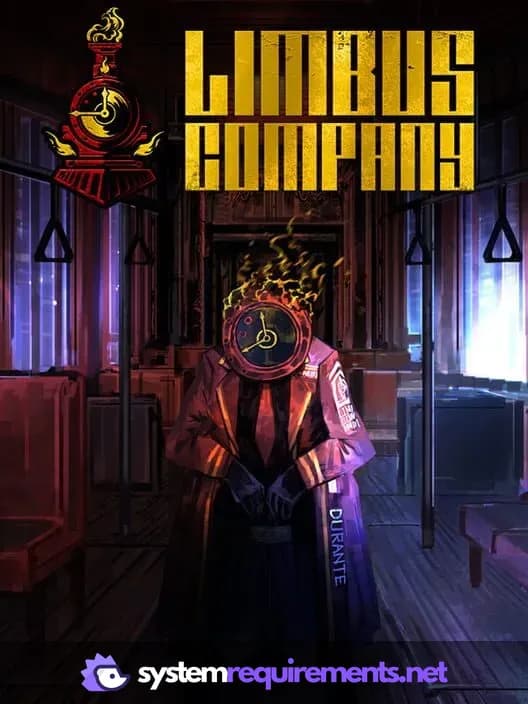
Limbus Company PC game cover art

Limbus Company Game Info

Developer

Project Moon

Publisher

Project Moon

Release Date

February 27, 2023

Platforms

Android, PC (Microsoft Windows), iOS

Genres

Role-playing (RPG)StrategyAdventureVisual Novel

Game Modes

  • Single player

Limbus Company Screenshots

Limbus Company gameplay screenshot 1
Limbus Company gameplay screenshot 2
Limbus Company gameplay screenshot 3
Limbus Company gameplay screenshot 4
Limbus Company System Requirements - Can Your PC Run It?