
Motor Town: Behind The Wheel System Requirements
Explore a dynamic open world behind the wheel, earning credits through cargo runs, bus routes, or taxi fares. Upgrade your vehicle collection and hone your skills on the race track in this driving-focused experience.
Motor Town: Behind The Wheel Minimum & Recommended Specs
Minimum: Intel Core i3-4130, NVIDIA GeForce GTX, 4 GB RAM. Recommended: 8 GB RAM RAM.
Minimum System Requirements
Recommended System Requirements
Upgrade Your Hardware
Trailer
Quick Performance Tips for Motor Town: Behind The Wheel
Lower your shadow quality for a significant FPS boost.
Reduce the view distance to improve performance.
Close unnecessary background applications.
Update your graphics drivers for optimal performance.
Motor Town: Behind The Wheel System Requirements FAQ
Can I run Motor Town: Behind The Wheel on a low-end PC?
What GPU do I need for Motor Town: Behind The Wheel?
How much RAM does Motor Town: Behind The Wheel need?
Will Motor Town: Behind The Wheel run on integrated graphics?
What is the best graphics settings for Motor Town: Behind The Wheel?
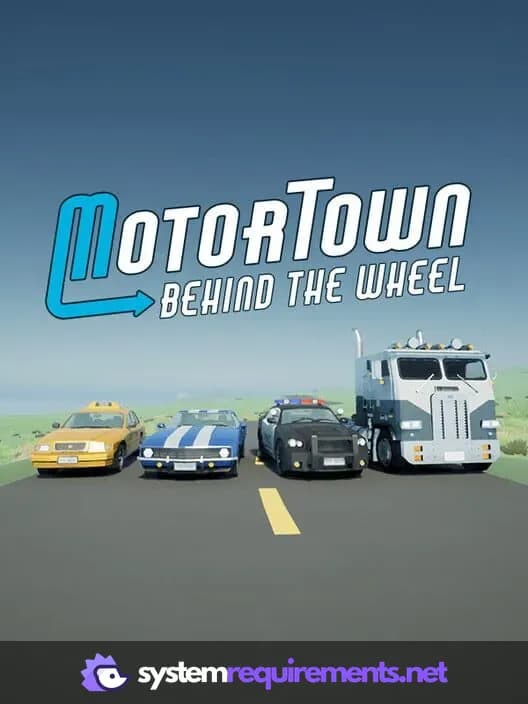
Motor Town: Behind The Wheel Game Info
Release Date
December 17, 2021
Platforms
PC (Microsoft Windows)
Genres
Game Modes
- Single player
- Multiplayer
- Co-operative
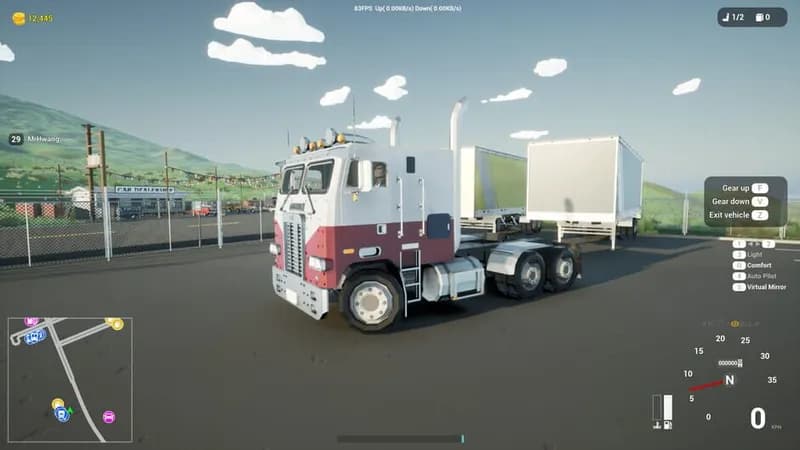
Motor Town: Behind The Wheel Screenshots
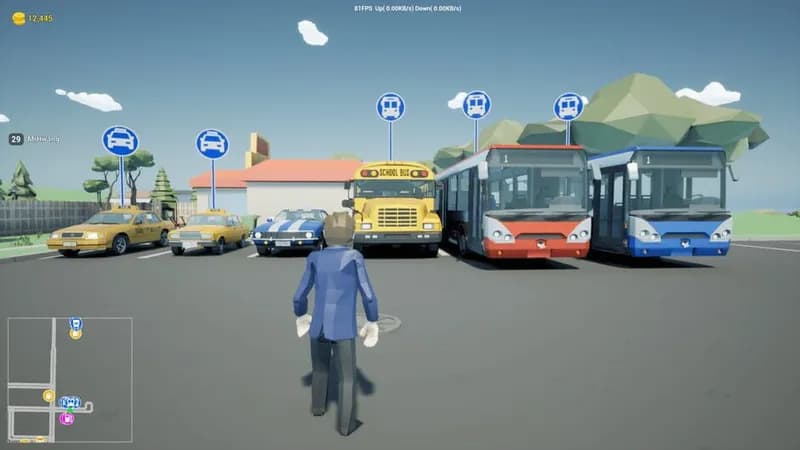
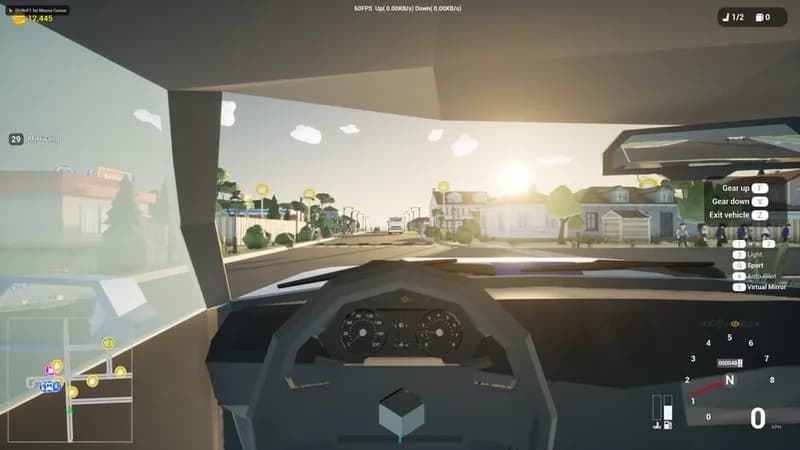
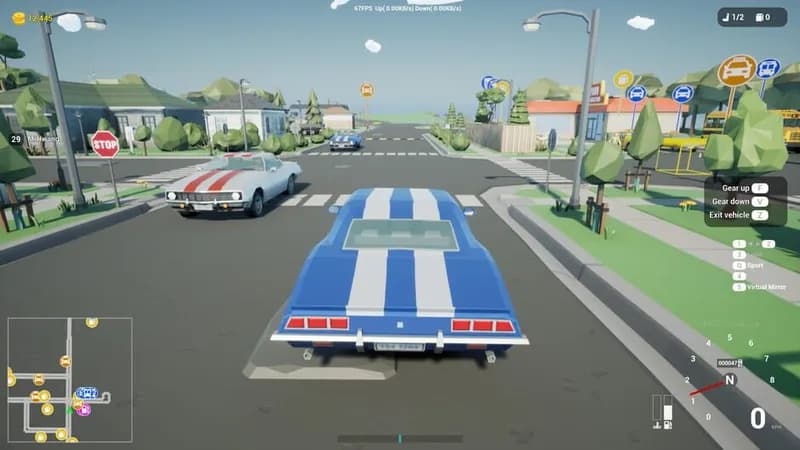
Games Similar to Motor Town: Behind The Wheel
Need for Speed Heat
View requirements →
Assetto Corsa Competizione
View requirements →
Euro Truck Simulator 2 - Nordic Horizons
View requirements →
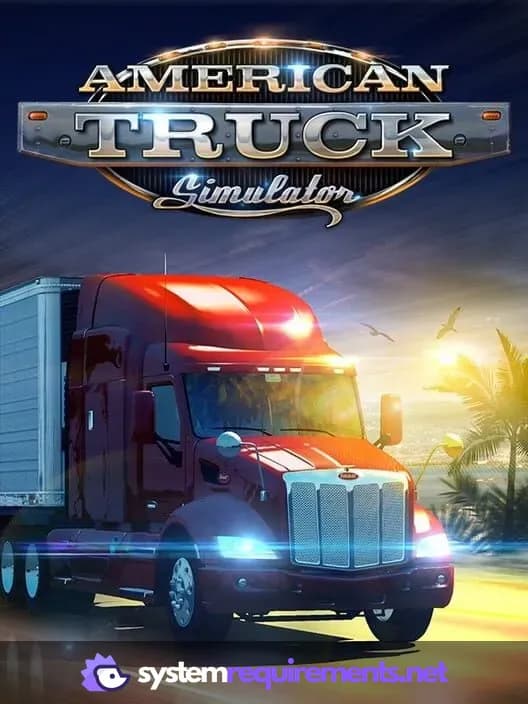
American Truck Simulator
View requirements →
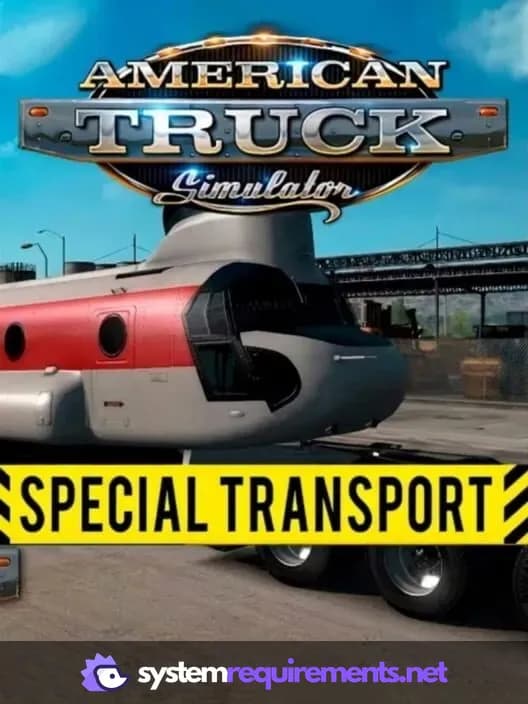
American Truck Simulator - Special Transport
View requirements →
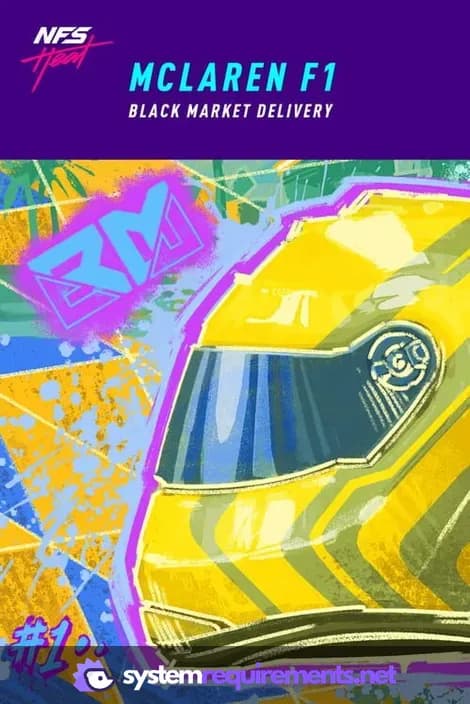
Need for Speed Heat - McLaren F1 Black Market Delivery
View requirements →
Optimize Your PC for Motor Town: Behind The Wheel
Use our free tools to analyze and improve your gaming performance