
All Games
Muse Dash - Muse Plus System Requirements
October 4, 2023PeroPeroGames
Muse Plus grants access to the majority of Muse Dash's content, including a large library of songs and most unlockable characters and cosmetics. Note that this expansion is platform-specific and does not transfer across devices.
Muse Dash - Muse Plus Minimum & Recommended Specs
Minimum: Intel Pentium Dual-Core, Nvidia GeForce 7600, 2 GB RAM. Recommended: 4 GB RAM RAM.
Minimum System Requirements
Recommended System Requirements
Upgrade Your Hardware
Quick Performance Tips for Muse Dash - Muse Plus
#1
Close unnecessary background apps.
#2
Lower the game resolution.
#3
Disable anti-aliasing for better FPS.
#4
Update your graphics drivers.
Muse Dash - Muse Plus System Requirements FAQ
Can I run Muse Dash - Muse Plus on a low-end PC?
Muse Dash - Muse Plus is designed to be lightweight! As long as you meet the minimum requirements (Intel Pentium Dual-Core E2180, Nvidia GeForce 7600 GT, 2 GB RAM), you should be able to run it, though you might need to lower the graphics settings.
What GPU do I need for Muse Dash - Muse Plus?
At a minimum, you'll need an Nvidia GeForce 7600 GT. For a smoother experience, an Nvidia GeForce GT 630 or better is recommended.
How much RAM does Muse Dash - Muse Plus need?
You'll need at least 2 GB of RAM to run Muse Dash - Muse Plus. 4 GB of RAM is recommended for optimal performance, especially if you have other applications running in the background.
Will Muse Dash - Muse Plus run on integrated graphics?
It might run on some integrated graphics solutions, but performance may be poor. We recommend a dedicated graphics card like the GeForce 7600 GT (minimum) for a better experience.
What is the best graphics settings for Muse Dash - Muse Plus?
If you're experiencing performance issues, try lowering the resolution and turning off anti-aliasing and other post-processing effects. Experiment to find the best balance between visual quality and performance.

Muse Dash - Muse Plus Game Info
Developer
PeroPeroGames
Publisher
hasuhasu
Release Date
October 4, 2023
Platforms
PC (Microsoft Windows), Mac
Genres
MusicIndie
Game Modes
- Single player
Muse Dash - Muse Plus Screenshots
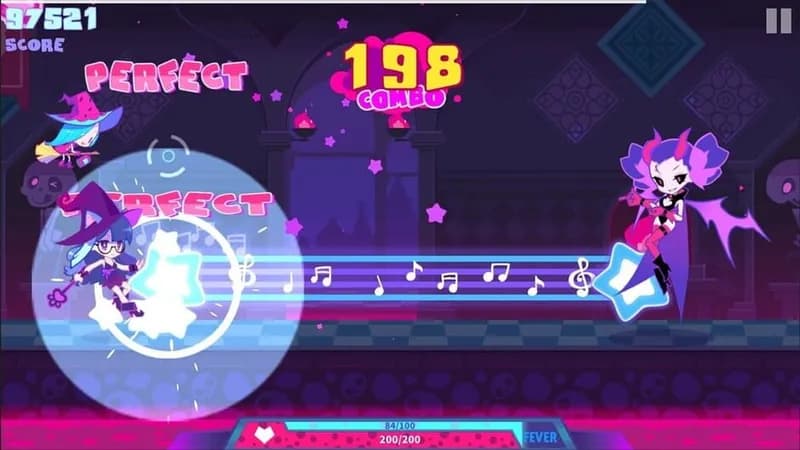
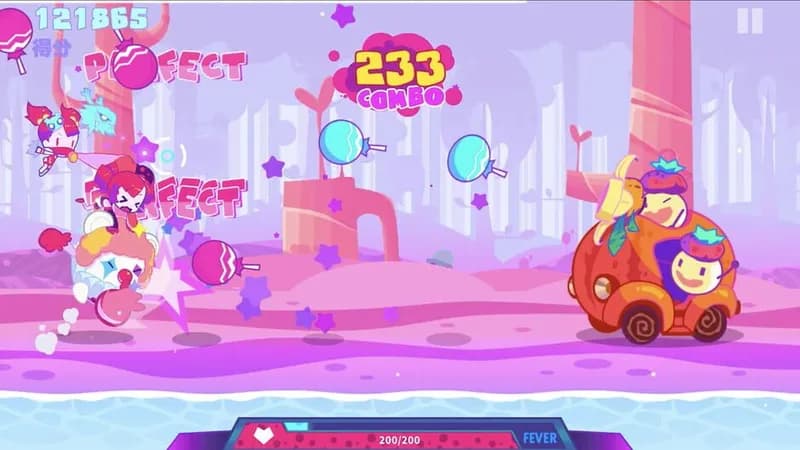




Optimize Your PC for Muse Dash - Muse Plus
Use our free tools to analyze and improve your gaming performance