All Games

Poppy Playtime - Chapter 3 System Requirements

January 30, 2024Mob Entertainment

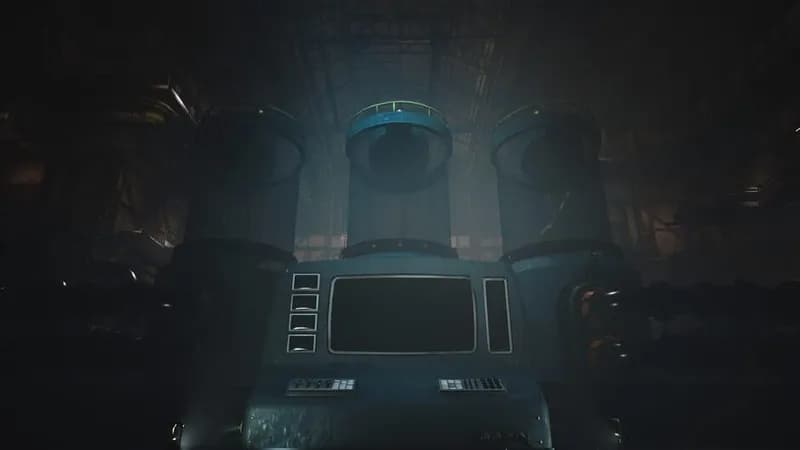
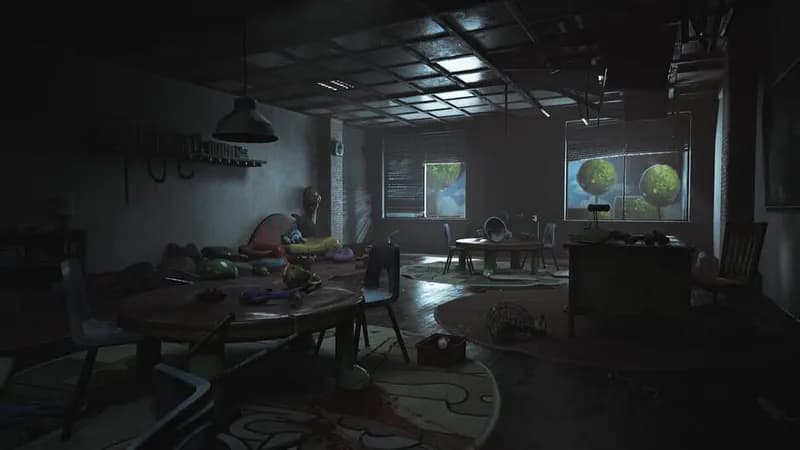
Venture into the abandoned Playcare orphanage, located deep beneath the defunct toy factory. Navigate the decaying halls while solving intricate puzzles and evading the terrors that stalk the shadows to uncover the secrets hidden within.

Poppy Playtime - Chapter 3 Minimum & Recommended Specs

Minimum: Intel Core i5-8500, NVIDIA GeForce GTX, 8 GB RAM. Recommended: 16 GB RAM RAM.

Minimum System Requirements

OS
Windows 10 64-bit
Processor
Intel Core i5-8500 / AMD Ryzen 5 3600CPU Deals
RAM
8 GB RAMRAM Deals
Graphics Card
NVIDIA GeForce GTX 1060 / AMD Radeon RX 580GPU Deals
DirectX
Version 12
Storage
20 GB available spaceSSD Deals

Recommended System Requirements

OS
Windows 10 64-bit
Processor
Intel Core i5-10600K / AMD Ryzen 5 5600XCPU Deals
RAM
16 GB RAMRAM Deals
Graphics Card
NVIDIA GeForce RTX 2060 / AMD Radeon RX 6700 XTGPU Deals
DirectX
Version 12
Storage
20 GB available spaceSSD Deals

Gameplay Trailer

Quick Performance Tips for Poppy Playtime - Chapter 3

#1

Lower the resolution for a significant FPS boost.

#2

Disable or reduce shadow quality for better performance.

#3

Close unnecessary background applications.

#4

Update your graphics drivers to the latest version.

Poppy Playtime - Chapter 3 System Requirements FAQ

Can I run Poppy Playtime - Chapter 3 on a low-end PC?
If your PC meets the minimum requirements (Intel Core i5-8500 / AMD Ryzen 5 3600, NVIDIA GeForce GTX 1060 / AMD Radeon RX 580, 8 GB RAM), you should be able to play, but expect lower frame rates and potentially lower graphics settings. If your PC is below the minimum specs, it's unlikely the game will run smoothly or at all.
What GPU do I need for Poppy Playtime - Chapter 3?
The minimum GPU requirement is an NVIDIA GeForce GTX 1060 or an AMD Radeon RX 580. For a smoother experience with higher settings, an NVIDIA GeForce RTX 2060 or an AMD Radeon RX 6700 XT is recommended.
How much RAM does Poppy Playtime - Chapter 3 need?
The game requires a minimum of 8 GB of RAM. However, 16 GB of RAM is recommended for optimal performance and to avoid potential stuttering or memory-related issues.
Will Poppy Playtime - Chapter 3 run on integrated graphics?
It's highly unlikely that Poppy Playtime - Chapter 3 will run well on integrated graphics. The game is graphically demanding, and dedicated GPUs like the GTX 1060 or RX 580 are required for even the minimum settings.
What is the best graphics settings for Poppy Playtime - Chapter 3?

The best graphics settings depend on your hardware. If you meet the recommended specs, you should be able to play on high or ultra settings. If you meet the minimum specs, start with low or medium settings and adjust upwards until you find a balance between visual quality and performance.
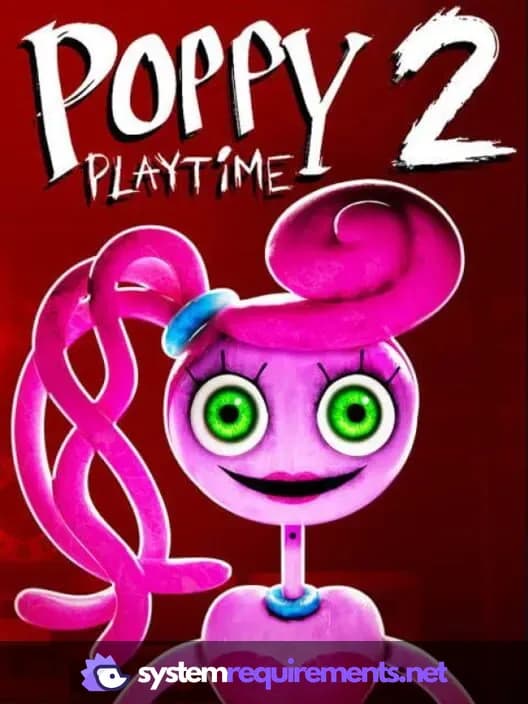
Poppy Playtime - Chapter 3 PC game cover art

Poppy Playtime - Chapter 3 Game Info

Developer

Mob Entertainment

Publisher

Mob Entertainment

Release Date

January 30, 2024

Platforms

Xbox Series X|S, PlayStation 4, Android, PC (Microsoft Windows), iOS

Genres

PuzzleAdventureIndie

Game Modes

  • Single player

Poppy Playtime - Chapter 3 Screenshots
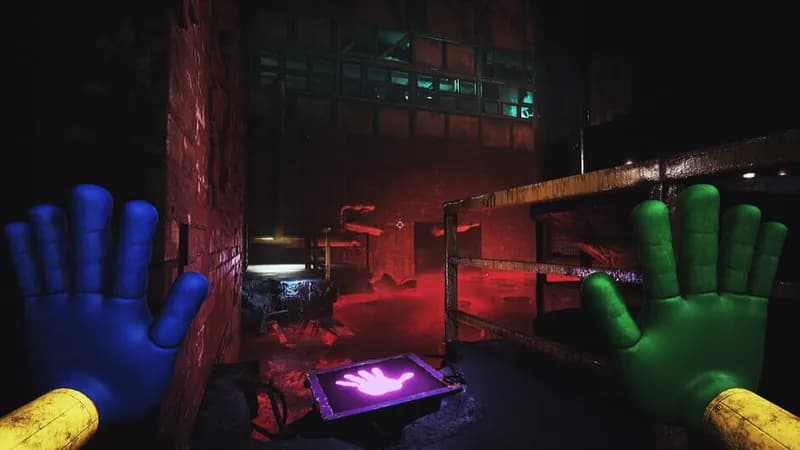
Poppy Playtime - Chapter 3 gameplay screenshot 1
Poppy Playtime - Chapter 3 gameplay screenshot 2
Poppy Playtime - Chapter 3 gameplay screenshot 3
Poppy Playtime - Chapter 3 gameplay screenshot 4
Poppy Playtime - Chapter 3 System Requirements - Can Your PC Run It?