All Games

Project Hospital System Requirements

October 30, 2018Oxymoron Games

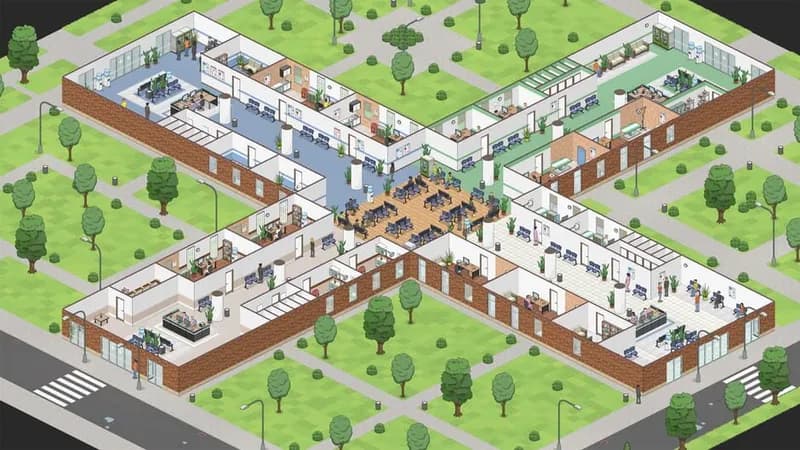
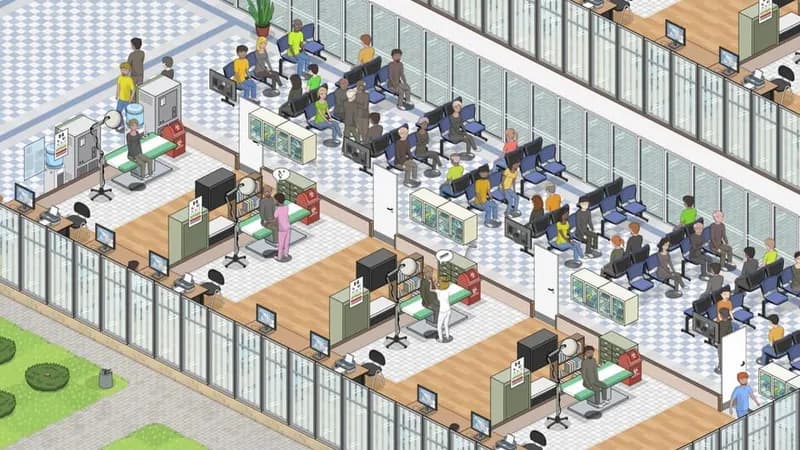
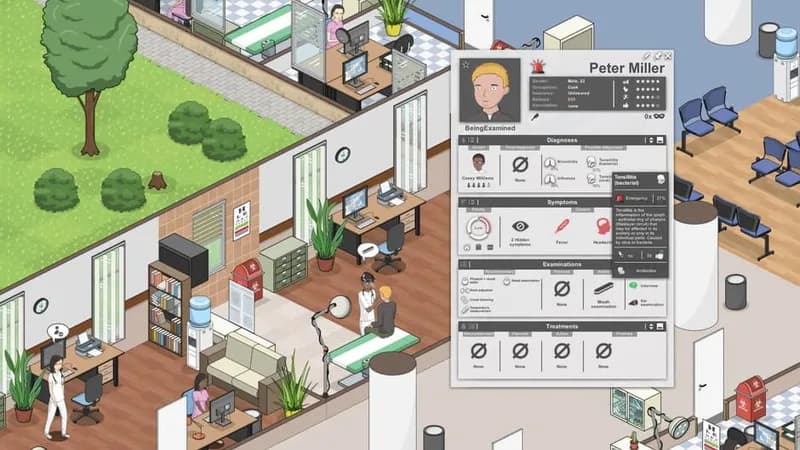
In Project Hospital, manage a medical center, balancing facility design with patient care. Diagnose complex illnesses, manage staff satisfaction, and navigate insurance contracts to achieve your chosen priorities, whether that's profit, patient recovery, or solving challenging cases.

Project Hospital Minimum & Recommended Specs

Minimum: Intel Core i3-4130, GeForce GTX 460, 4 GB RAM. Recommended: 8 GB RAM RAM.

Minimum System Requirements

OS
Windows 7/8/10
Processor
Intel Core i3-4130 or equivalentCPU Deals
RAM
4 GB RAMRAM Deals
Graphics Card
GeForce GTX 460 or equivalentGPU Deals
DirectX
Version 11
Storage
8 GB available spaceSSD Deals

Recommended System Requirements

OS
Windows 7/8/10
Processor
Intel Core i5-4690K or equivalentCPU Deals
RAM
8 GB RAMRAM Deals
Graphics Card
GeForce GTX 970 or equivalentGPU Deals
DirectX
Version 11
Storage
8 GB available spaceSSD Deals

Announcement Trailer

Quick Performance Tips for Project Hospital

#1

Lower the shadow quality for a significant performance boost.

#2

Reduce the number of patients displayed at once.

#3

Disable unnecessary visual effects like bloom or ambient occlusion.

#4

Close other applications while playing to free up RAM.

Project Hospital System Requirements FAQ

Can I run Project Hospital on a low-end PC?
Project Hospital can run on a low-end PC if it meets the minimum requirements: Intel Core i3-4130 or equivalent, GeForce GTX 460 or equivalent, and 4 GB of RAM. However, you may experience lower frame rates and graphical settings.
What GPU do I need for Project Hospital?
At a minimum, you'll need a GeForce GTX 460 or equivalent. For a smoother experience with higher settings, a GeForce GTX 970 or equivalent is recommended.
How much RAM does Project Hospital need?
Project Hospital requires a minimum of 4 GB of RAM. For optimal performance, especially with larger hospitals, 8 GB of RAM is recommended.
Will Project Hospital run on integrated graphics?
While it *might* run on some integrated graphics solutions, performance will likely be poor and is not officially supported. A dedicated graphics card is highly recommended for a playable experience.
What is the best graphics settings for Project Hospital?
The best graphics settings depend on your hardware. If you meet the recommended specs, you should be able to run on high. If you are closer to the minimum, start with low settings and gradually increase them until you find a balance between visual quality and performance.
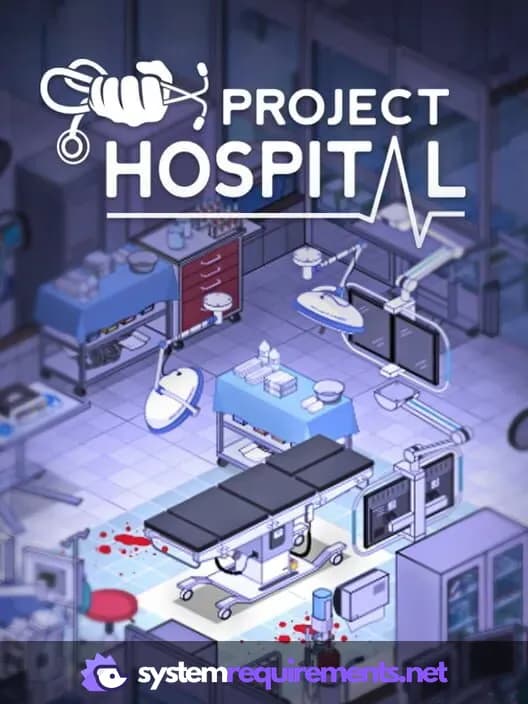
Project Hospital PC game cover art

Project Hospital Game Info

Developer

Oxymoron Games

Publisher

Oxymoron Games

Release Date

October 30, 2018

Platforms

Linux, PC (Microsoft Windows), Mac

Genres

SimulatorStrategyIndie

Game Modes

  • Single player

Project Hospital Screenshots
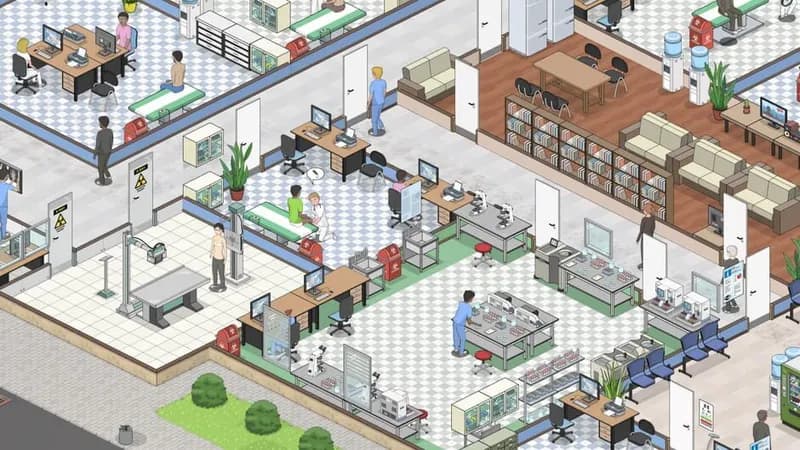
Project Hospital gameplay screenshot 1
Project Hospital gameplay screenshot 2
Project Hospital gameplay screenshot 3
Project Hospital gameplay screenshot 4
Project Hospital System Requirements - Can Your PC Run It?