
All Games
Ravenfield System Requirements
May 18, 2017SteelRaven7
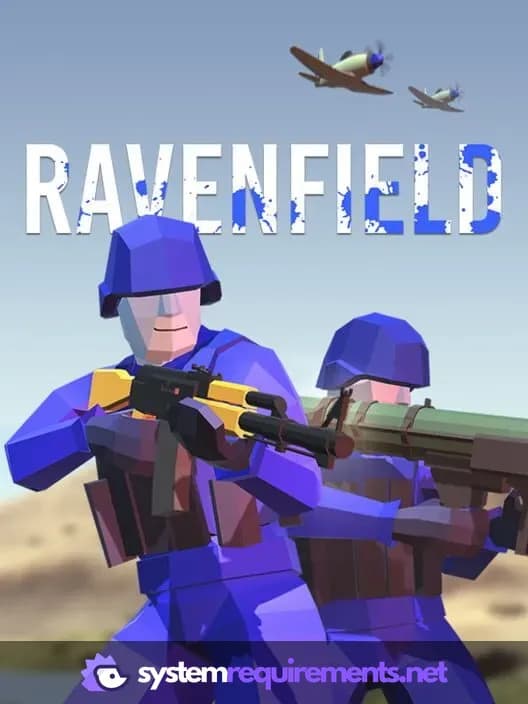
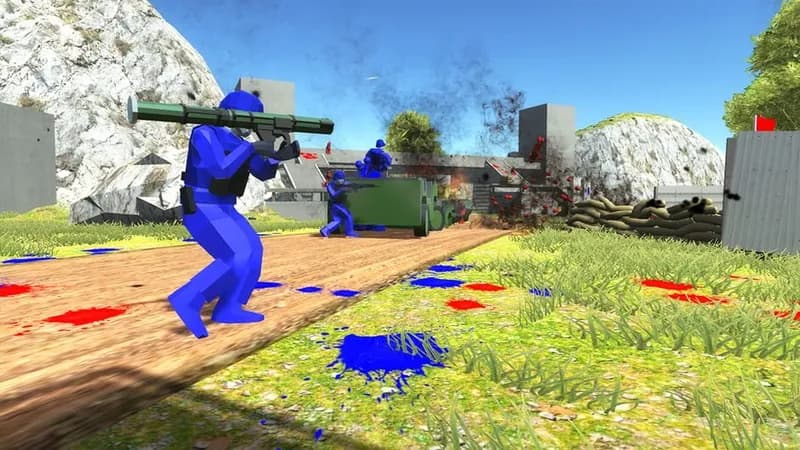
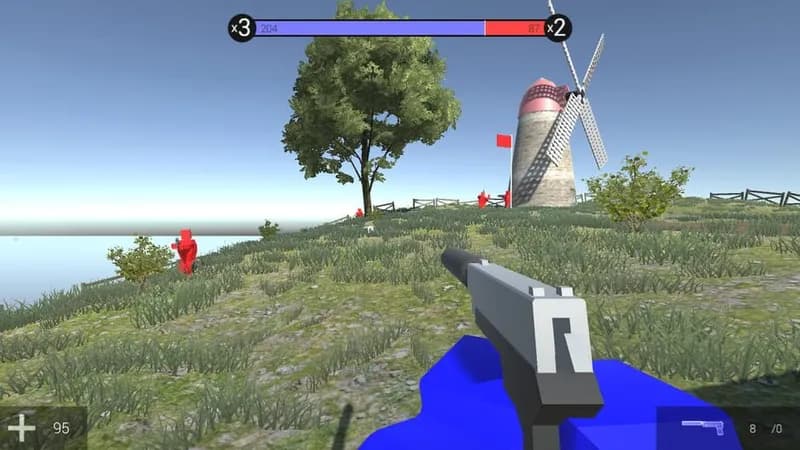
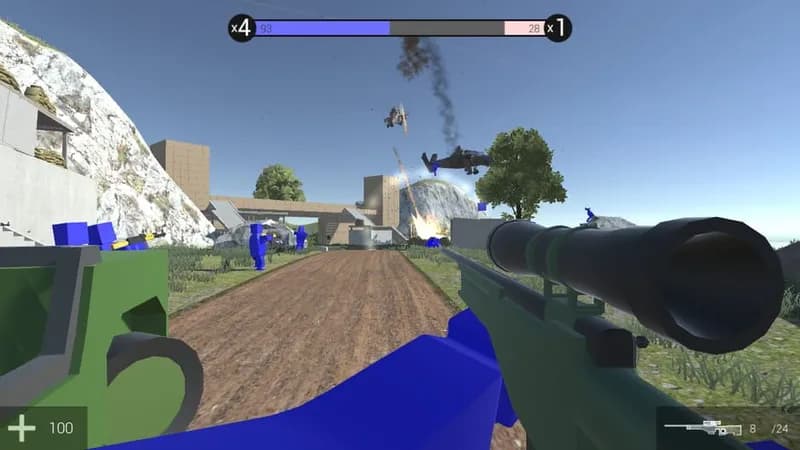
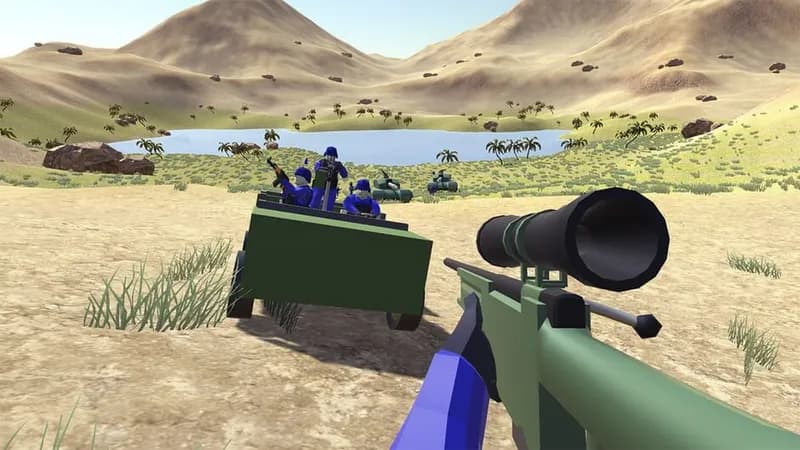
Engage in large-scale skirmishes as either BLUE or RED, battling across diverse landscapes. Experience emergent gameplay driven by physics-based interactions and a straightforward AI system in this indie project.
Ravenfield Minimum & Recommended Specs
Minimum: 2 GHz Processor, Intel HD 3000, 4 GB RAM. Recommended: 8 GB RAM RAM.
Minimum System Requirements
Recommended System Requirements
Upgrade Your Hardware
Gameplay video
Quick Performance Tips for Ravenfield
#1
Reduce the number of bots in the match for better performance.
#2
Lower the graphics settings to 'Fastest' for maximum FPS.
#3
Close unnecessary background applications to free up RAM.
#4
Decrease the resolution for a significant performance boost.
Ravenfield System Requirements FAQ
Can I run Ravenfield on a low-end PC?
Ravenfield can run on low-end PCs, but you'll likely need to lower the graphics settings and reduce the number of bots in a match to maintain a playable framerate. Make sure your PC meets the minimum requirements: a 2 GHz processor, Intel HD 3000 graphics, and 4 GB of RAM.
What GPU do I need for Ravenfield?
At a minimum, you'll need a GPU equivalent to an Intel HD 3000 to run Ravenfield. For a smoother experience with higher settings and more bots, an Nvidia GeForce GTX 750 or better is recommended.
How much RAM does Ravenfield need?
Ravenfield requires a minimum of 4 GB of RAM. However, 8 GB of RAM is recommended for smoother gameplay, especially with larger maps and more bots.
Will Ravenfield run on integrated graphics?
Yes, Ravenfield can run on integrated graphics like the Intel HD 3000, which meets the minimum requirement. However, expect to play at lower settings and with fewer bots to maintain a playable framerate. Performance may vary depending on your specific integrated graphics model and CPU.
What is the best graphics settings for Ravenfield?
The best graphics settings depend on your hardware. Start with the 'Fastest' preset and gradually increase settings like texture quality and shadow detail until you find a balance between visual quality and performance. Reducing the number of bots has the biggest impact on performance.
Ravenfield Game Info
Developer
SteelRaven7
Publisher
SteelRaven7
Release Date
May 18, 2017
Platforms
Linux, PC (Microsoft Windows), Mac
Genres
ShooterIndie
Game Modes
- Single player
Ravenfield Screenshots

Optimize Your PC for Ravenfield
Use our free tools to analyze and improve your gaming performance