All Games

Ravenswatch System Requirements

September 26, 2024Passtech Games90/100

Step into a world consumed by a twisted Nightmare, where legendary figures fight for survival. This action roguelike, from the studio behind Curse of the Dead Gods, challenges players to overcome corruption alone or with allies in online co-op.

Ravenswatch Minimum & Recommended Specs

Minimum: Intel Core i5-4460, NVIDIA GeForce GTX, 8 GB RAM. Recommended: 8 GB RAM RAM.

Minimum System Requirements

OS
Windows 10 64-bit
Processor
Intel Core i5-4460 / AMD FX-6300CPU Deals
RAM
8 GB RAMRAM Deals
Graphics Card
NVIDIA GeForce GTX 760 / AMD Radeon R7 260XGPU Deals
DirectX
Version 11
Storage
5 GB available spaceSSD Deals

Recommended System Requirements

OS
Windows 10 64-bit
Processor
Intel Core i7-3770 / AMD FX-9590CPU Deals
RAM
8 GB RAMRAM Deals
Graphics Card
NVIDIA GeForce GTX 970 / AMD Radeon R9 390XGPU Deals
DirectX
Version 11
Storage
5 GB available spaceSSD Deals

Trailer

Quick Performance Tips for Ravenswatch

#1

Lower shadow quality for a significant performance boost.

#2

Disable or reduce anti-aliasing for increased FPS.

#3

Close unnecessary background applications to free up RAM.

#4

Update your graphics drivers for optimal performance.

Ravenswatch System Requirements FAQ

Can I run Ravenswatch on a low-end PC?
If your PC meets the minimum requirements (Intel Core i5-4460 / AMD FX-6300, NVIDIA GeForce GTX 760 / AMD Radeon R7 260X, 8 GB RAM), you should be able to run Ravenswatch at lower settings. Performance may vary.
What GPU do I need for Ravenswatch?
At a minimum, you'll need an NVIDIA GeForce GTX 760 or an AMD Radeon R7 260X. For a smoother experience, an NVIDIA GeForce GTX 970 or an AMD Radeon R9 390X is recommended.
How much RAM does Ravenswatch need?
Ravenswatch requires a minimum of 8 GB of RAM. More RAM may improve performance, especially if you have other applications running in the background.
Will Ravenswatch run on integrated graphics?
While it's technically possible, running Ravenswatch on integrated graphics is not recommended. You'll likely experience significant performance issues and may not be able to play comfortably. A dedicated graphics card is highly recommended.
What is the best graphics settings for Ravenswatch?
The best graphics settings depend on your hardware. Start with the 'Medium' preset and adjust individual settings (shadows, textures, etc.) to find a balance between visual quality and performance. Experiment to find what works best for you.
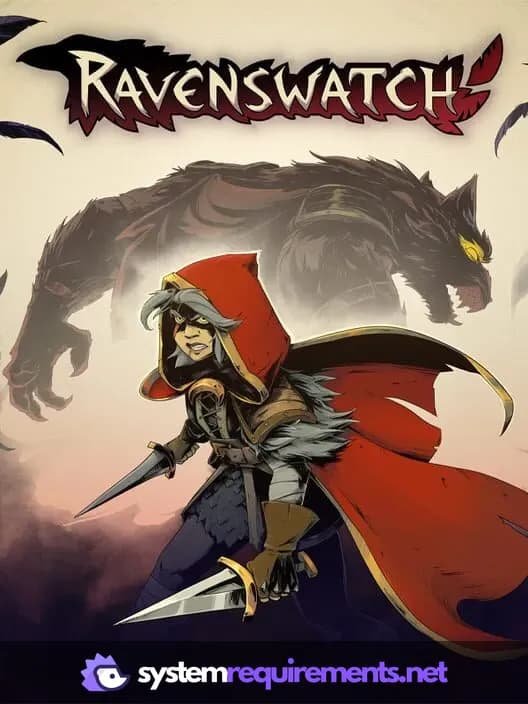
Ravenswatch PC game cover art

Ravenswatch Game Info

Developer

Passtech Games

Publisher

Nacon

Release Date

September 26, 2024

Platforms

Xbox Series X|S, PlayStation 4, PC (Microsoft Windows), PlayStation 5, Xbox One

Genres

Role-playing (RPG)Hack and slash/Beat 'em upAdventure

Game Modes

  • Single player
  • Multiplayer
  • Co-operative

Ravenswatch Screenshots
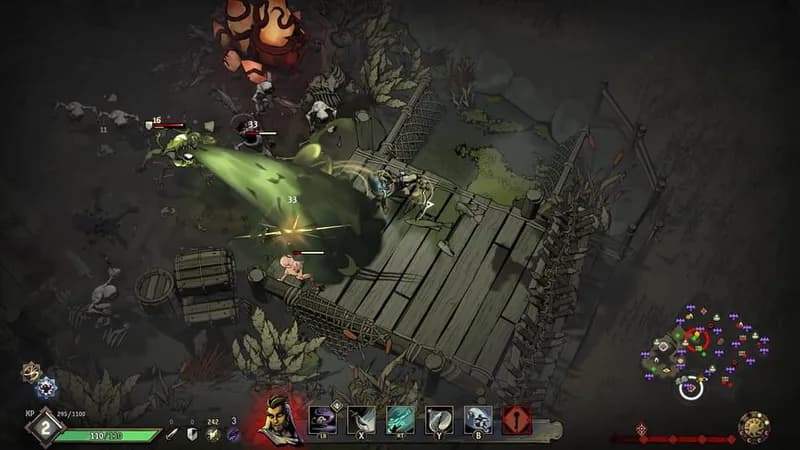
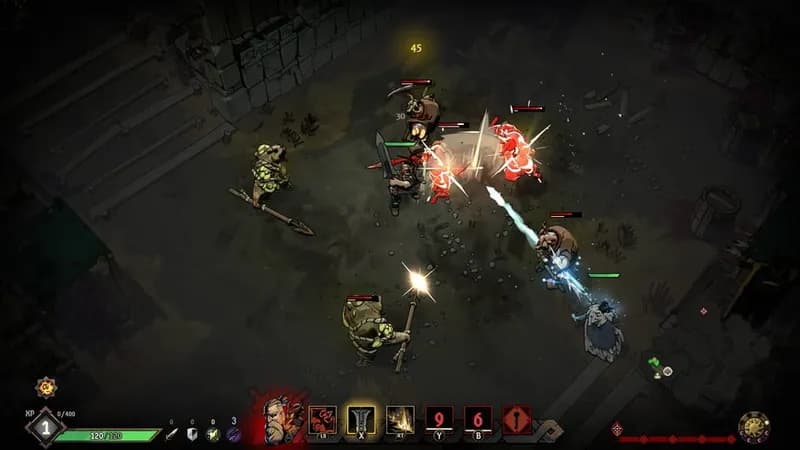
Ravenswatch gameplay screenshot 1
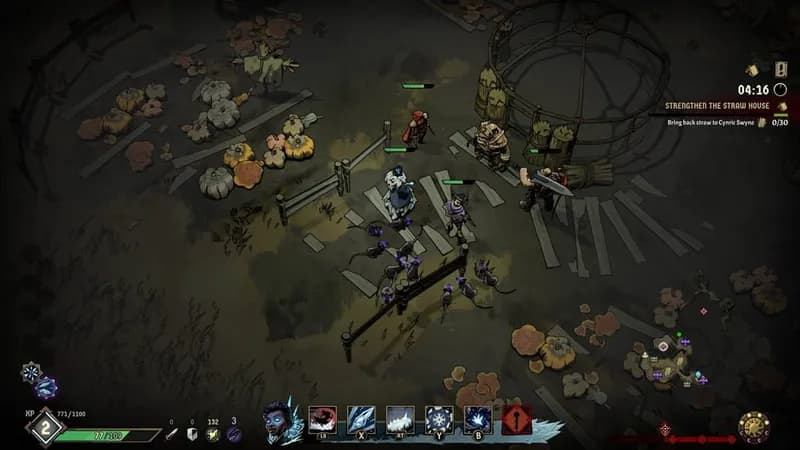
Ravenswatch gameplay screenshot 2
Ravenswatch gameplay screenshot 3
Ravenswatch gameplay screenshot 4
Ravenswatch System Requirements - Can Your PC Run It?