
All Games
RIFT System Requirements
March 1, 2011Trion Worlds84/100
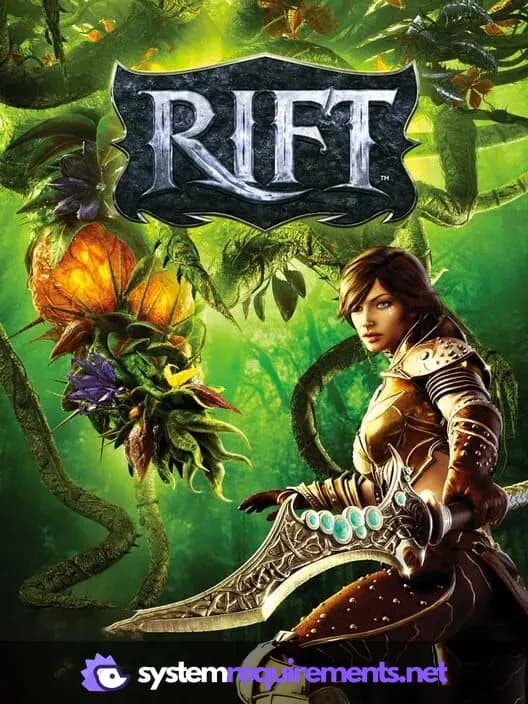
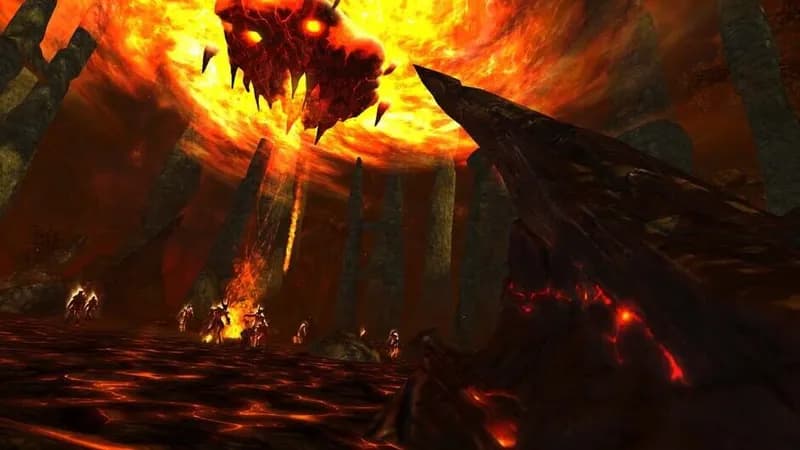
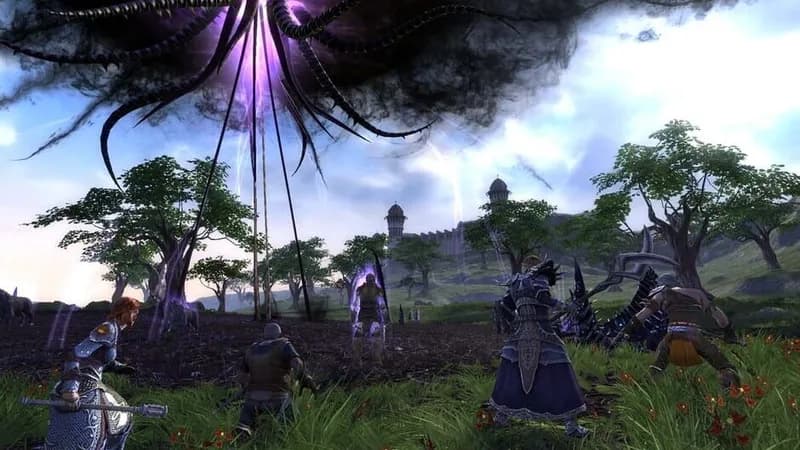
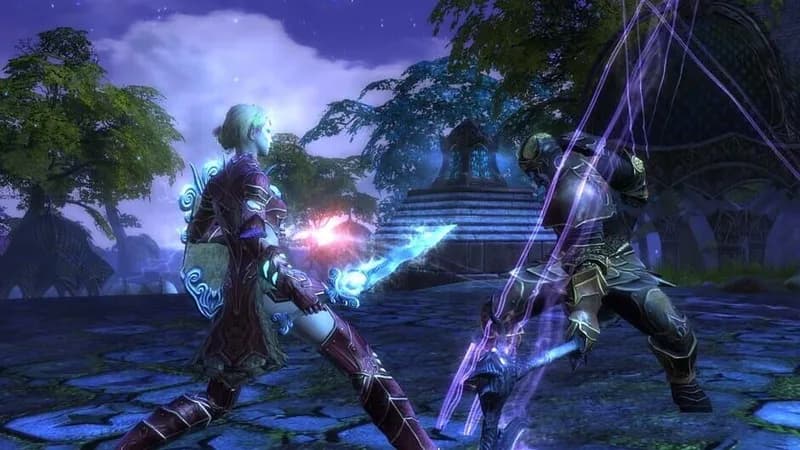
Venture into Telara, a fantasy world torn asunder by dynamic planar rifts in this free-to-play MMORPG, released in March 2011. Choose your allegiance from diverse races and classes and engage in faction warfare against each other, and the invading forces spilling from the rifts.
RIFT Minimum & Recommended Specs
Minimum: Core 2 Duo, NVIDIA GeForce 8800, 2 GB RAM. Recommended: 4 GB RAM RAM.
Minimum System Requirements
Recommended System Requirements
Trailer
Quick Performance Tips for RIFT
#1
Lower your view distance for a significant FPS boost.
#2
Disable shadows or set them to low for better performance.
#3
Close unnecessary background applications.
#4
Update your graphics drivers for optimal performance.
RIFT System Requirements FAQ
Can I run RIFT on a low-end PC?
RIFT can run on relatively older hardware. Check the minimum requirements: Core 2 Duo 2.0 GHz, GeForce 8800/Radeon HD 2900, and 2GB RAM. If your PC meets or exceeds these, you should be able to play, though likely at lower settings.
What GPU do I need for RIFT?
The minimum GPU is a NVIDIA GeForce 8800 or ATI Radeon HD 2900. For a better experience, aim for a NVIDIA GeForce GTX 460 or ATI Radeon HD 5770 or better.
How much RAM does RIFT need?
RIFT requires a minimum of 2GB of RAM. However, 4GB of RAM is recommended for smoother gameplay and better performance, especially in crowded areas.
Will RIFT run on integrated graphics?
While technically possible if your integrated graphics meet the minimum shader model requirements of the GeForce 8800/Radeon HD 2900, performance will likely be poor. A dedicated graphics card is highly recommended for a playable experience.
What is the best graphics settings for RIFT?
This depends on your hardware. Start with the 'Low' preset and gradually increase settings like texture quality and view distance until you find a balance between visual quality and performance. Monitor your FPS to ensure it stays playable.
RIFT Game Info
Developer
Trion Worlds
Publisher
Trion Worlds
Release Date
March 1, 2011
Platforms
Linux, PC (Microsoft Windows)
Genres
Role-playing (RPG)
Game Modes
- Multiplayer
- Co-operative
- Massively Multiplayer Online (MMO)
RIFT Screenshots

Optimize Your PC for RIFT
Use our free tools to analyze and improve your gaming performance