
All Games
Rise of Nations: Extended Edition System Requirements
June 12, 2014Big Huge Games
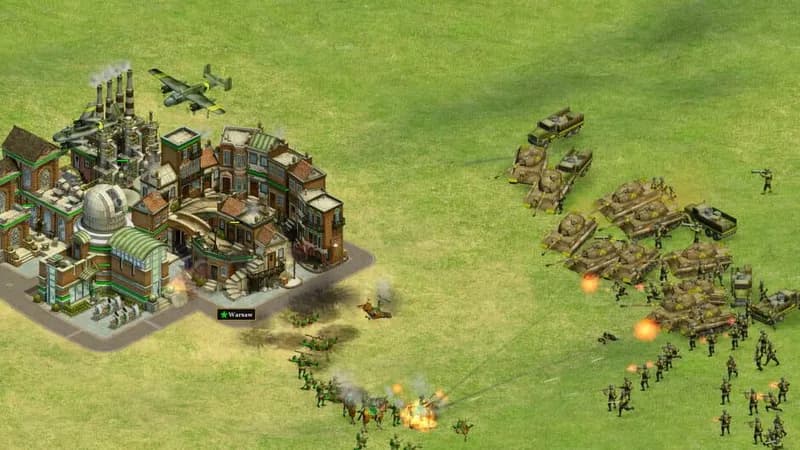
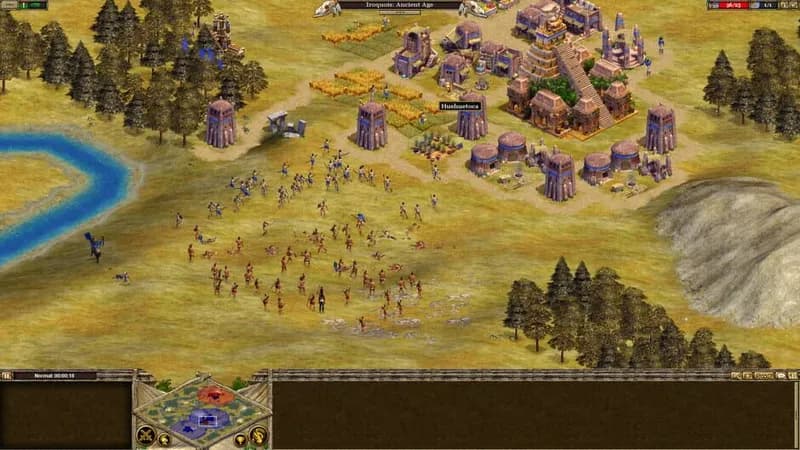
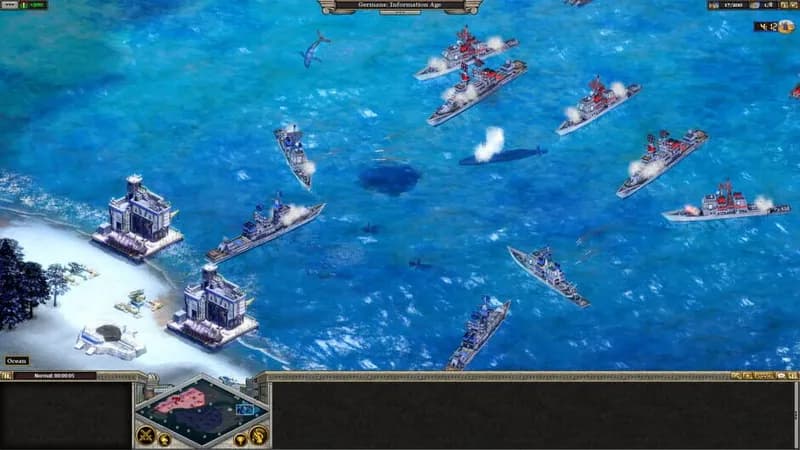
This edition revitalizes the classic RTS, Rise of Nations, along with its Thrones & Patriots expansion. Visual enhancements include modernized textures, improved lighting effects, and reworked water rendering.
Rise of Nations: Extended Edition Minimum & Recommended Specs
Minimum: 1.6 GHz, DirectX 9.0c-compliant video, 1 GB RAM. Recommended: 2 GB RAM RAM.
Minimum System Requirements
Recommended System Requirements
Quick Performance Tips for Rise of Nations: Extended Edition
#1
Lower the resolution for a significant performance boost.
#2
Disable shadows and reflections for increased FPS.
#3
Reduce unit detail to improve performance in large battles.
#4
Close unnecessary background applications while playing.
Rise of Nations: Extended Edition System Requirements FAQ
Can I run Rise of Nations: Extended Edition on a low-end PC?
If your PC meets the minimum requirements (1.6 GHz CPU, 128 MB DirectX 9.0c video card, and 1 GB RAM), you should be able to run the game, but you may need to lower the graphics settings for optimal performance. Expect lower frame rates and potential slowdowns during large battles.
What GPU do I need for Rise of Nations: Extended Edition?
The minimum requirement is a DirectX 9.0c-compliant video card with 128 MB of video memory. For a better experience, a card with 256 MB of video memory is recommended. Modern integrated graphics might suffice, but a dedicated card is preferred.
How much RAM does Rise of Nations: Extended Edition need?
The game requires a minimum of 1 GB of RAM. However, 2 GB of RAM is recommended for smoother gameplay, especially during larger games with many units and buildings.
Will Rise of Nations: Extended Edition run on integrated graphics?
It *might* run on integrated graphics, particularly newer integrated solutions. However, performance will likely be significantly lower than with a dedicated graphics card, even an older one. Expect to play at lower resolutions and with minimal graphical settings.
What is the best graphics settings for Rise of Nations: Extended Edition?
If you meet the recommended specs, you can likely run the game at high settings. If you're closer to the minimum specs, start with low settings and gradually increase them until you find a balance between visual quality and performance. Disable shadows and lower texture quality for a performance boost.
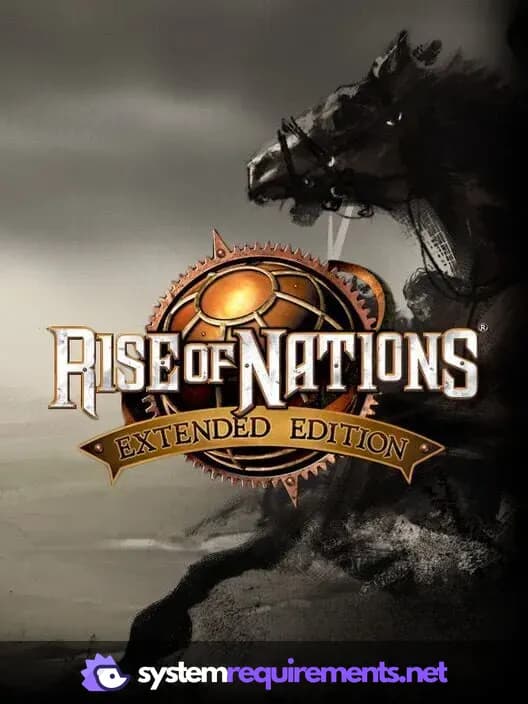
Rise of Nations: Extended Edition Game Info
Developer
Big Huge Games
Publisher
Microsoft Studios
Release Date
June 12, 2014
Platforms
PC (Microsoft Windows)
Genres
Real Time Strategy (RTS)SimulatorStrategy
Game Modes
- Single player
- Multiplayer
- Co-operative
Rise of Nations: Extended Edition Screenshots
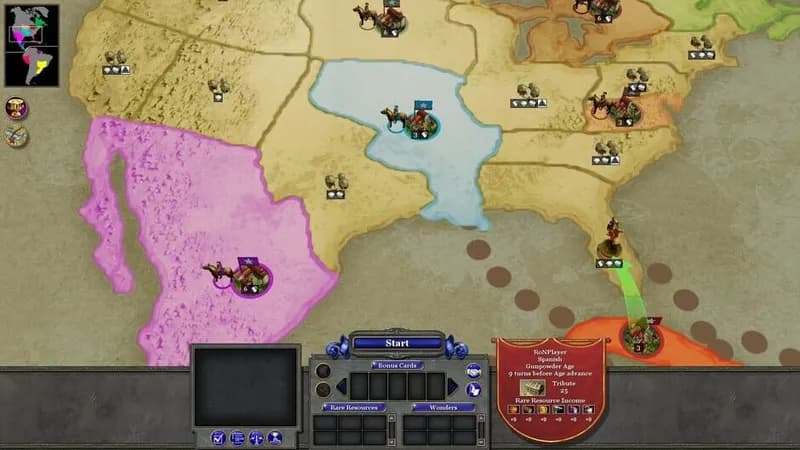



Optimize Your PC for Rise of Nations: Extended Edition
Use our free tools to analyze and improve your gaming performance