
All Games
Root System Requirements
August 29, 2020Dire Wolf Digital
Root translates the acclaimed tabletop game of asymmetric conflict to PC. Command a unique faction, each with distinct rules and objectives, in a battle for woodland dominance.
Root Minimum & Recommended Specs
Minimum: Intel Core i5-2100, GeForce GTS 450, 4 GB RAM. Recommended: 8 GB RAM RAM.
Minimum System Requirements
Recommended System Requirements
Launch Trailer
Quick Performance Tips for Root
#1
Close unnecessary background programs to free up RAM.
#2
Lower the resolution for a significant performance boost.
#3
Disable anti-aliasing for increased frame rates.
#4
Update your graphics drivers for optimal performance.
Root System Requirements FAQ
Can I run Root on a low-end PC?
Root can run on lower-end PCs if they meet the minimum requirements: Intel Core i5-2100 / AMD FX-4350, GeForce GTS 450 / Radeon HD 5770, and 4 GB of RAM. However, you may need to lower the graphics settings for optimal performance.
What GPU do I need for Root?
At a minimum, you'll need a GeForce GTS 450 or a Radeon HD 5770. For a smoother experience with higher settings, a GeForce GTX 960 or a Radeon HD 7950 is recommended.
How much RAM does Root need?
Root requires at least 4 GB of RAM to run. For a better experience, especially with larger games or multiple applications running, 8 GB of RAM is recommended.
Will Root run on integrated graphics?
While it's *possible* Root might run on some integrated graphics solutions, it's unlikely to provide a smooth or enjoyable experience. Dedicated graphics cards (GeForce GTS 450 / Radeon HD 5770 or better) are strongly recommended.
What is the best graphics settings for Root?
If you're running Root on hardware closer to the minimum specifications, start by setting the graphics quality to 'Low' or 'Medium'. Experiment with disabling anti-aliasing and lowering the resolution for better performance. If you meet the recommended specs, you can likely run the game on 'High' or 'Ultra' settings.
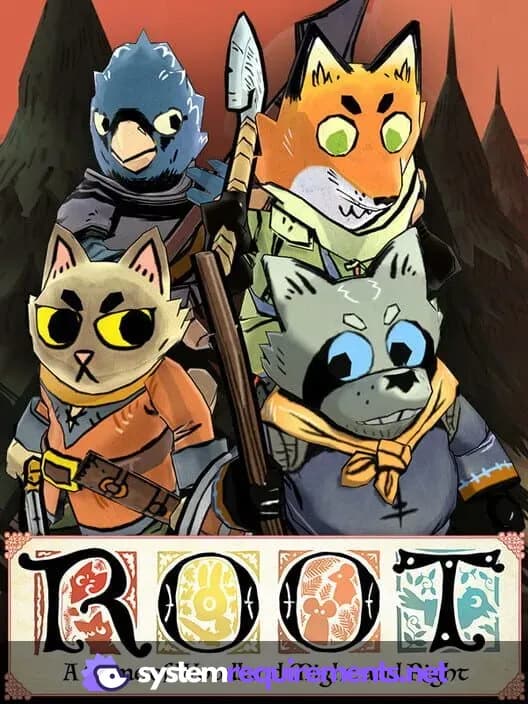
Root Game Info
Developer
Dire Wolf Digital
Publisher
Dire Wolf Digital
Release Date
August 29, 2020
Platforms
Android, PC (Microsoft Windows), iOS, Mac, Nintendo Switch
Genres
SimulatorStrategyTurn-based strategy (TBS)IndieCard & Board Game
Game Modes
- Single player
- Multiplayer
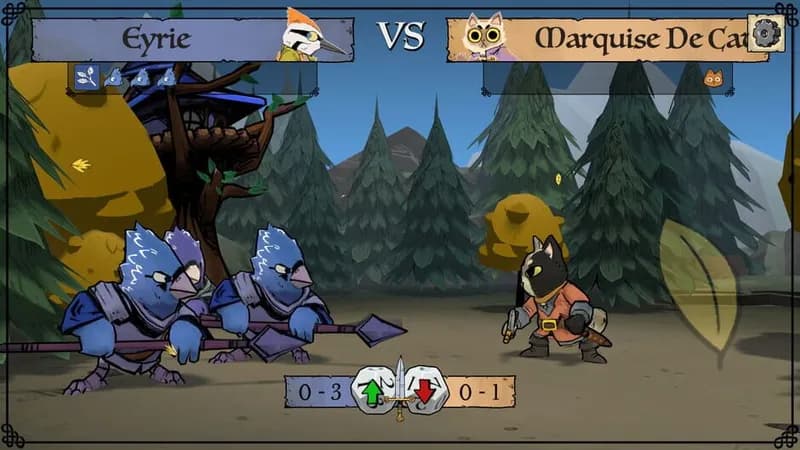
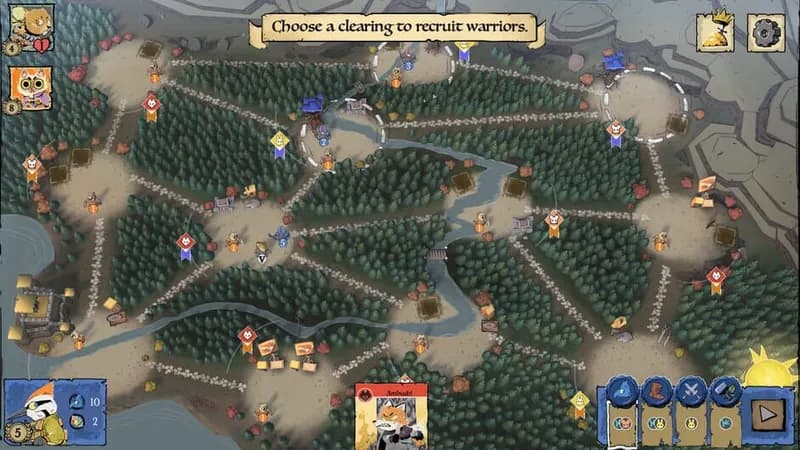
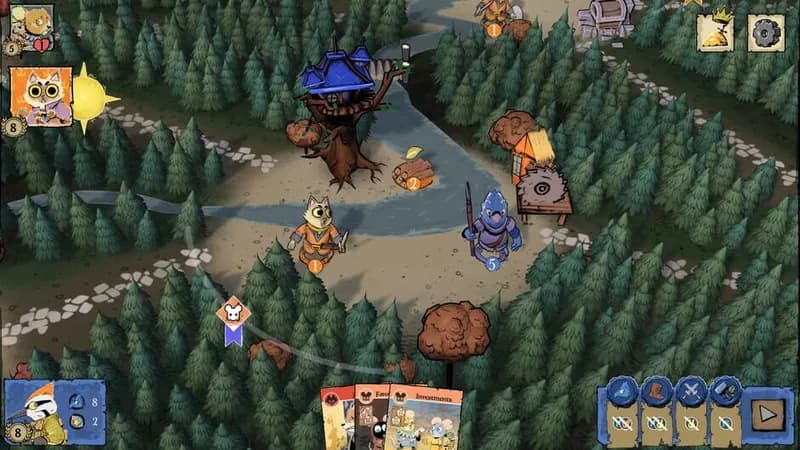
Root Screenshots


Optimize Your PC for Root
Use our free tools to analyze and improve your gaming performance