
All Games
Space Engineers System Requirements
February 28, 2019Keen Software House80/100
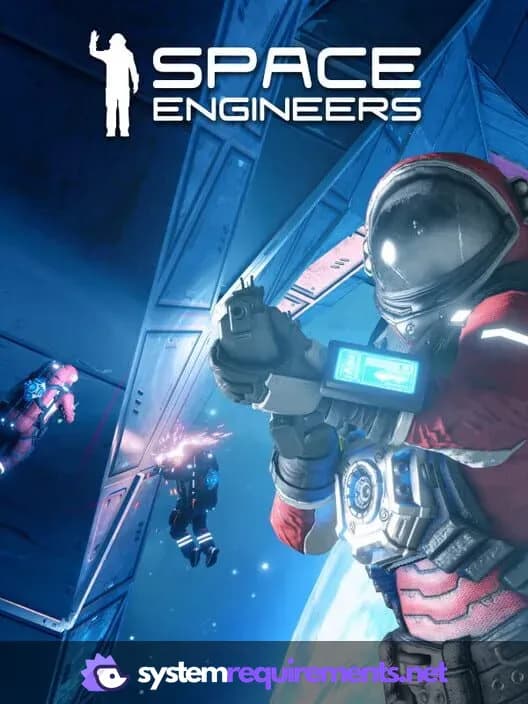
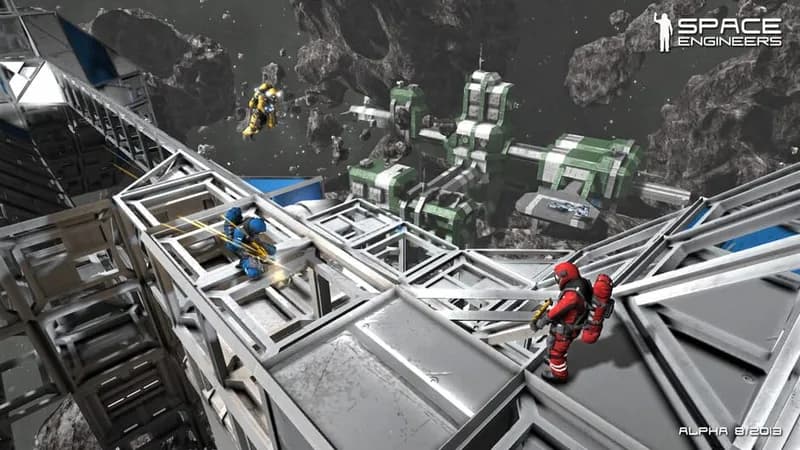
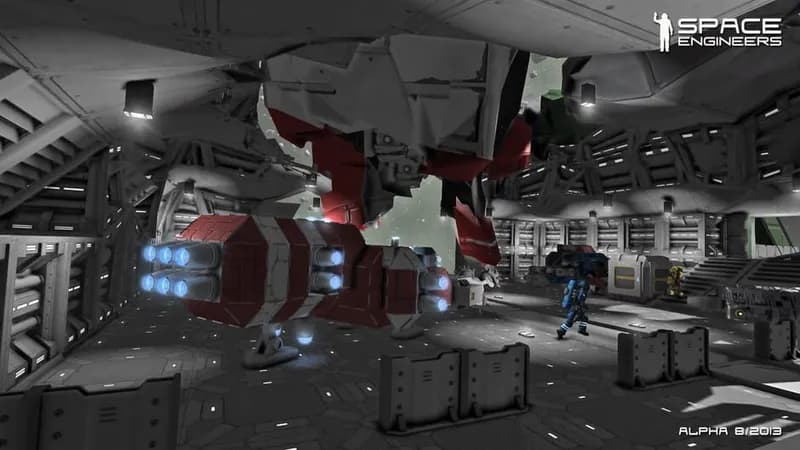
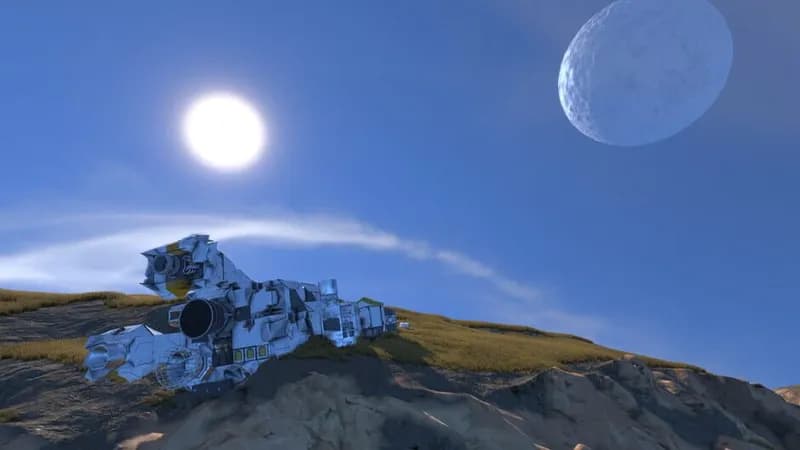
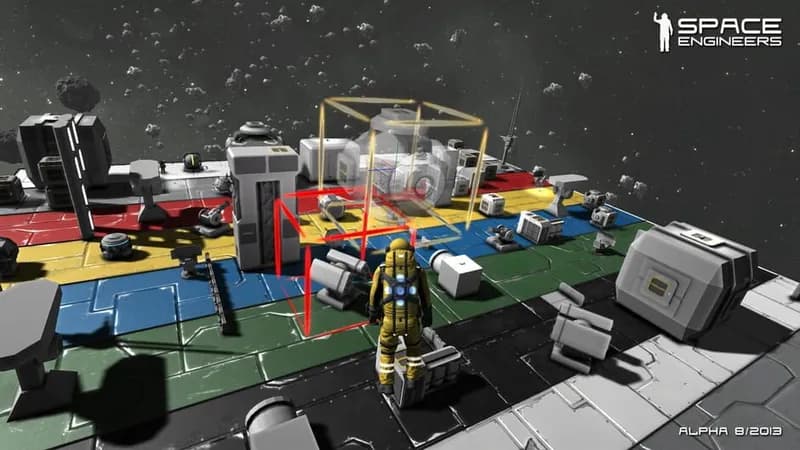
In Space Engineers, players assemble and operate spacecraft and stations in a physics-driven sandbox. Structures can be built, broken, and mined, requiring careful engineering and resource management.
Space Engineers Minimum & Recommended Specs
Minimum: Intel Core i5-4460, NVIDIA GeForce GTX, 8 GB RAM. Recommended: 16 GB RAM RAM.
Minimum System Requirements
Recommended System Requirements
Upgrade Your Hardware
Trailer
Quick Performance Tips for Space Engineers
#1
Limit world size to improve performance.
#2
Reduce the number of placed blocks.
#3
Disable or reduce visual effects.
#4
Lower the view distance setting.
#5
Close unnecessary background apps.
#6
Use SSD for faster loading times.
Space Engineers System Requirements FAQ
Can I run Space Engineers on a low-end PC?
While Space Engineers might launch on a PC below the minimum specs (Intel Core i5-4460, NVIDIA GeForce GTX 750 Ti, 8 GB RAM), expect significantly reduced performance, especially in larger worlds or with complex structures. Lowering graphics settings and reducing world complexity is crucial.
What GPU do I need for Space Engineers?
For minimum playable settings, an NVIDIA GeForce GTX 750 Ti or equivalent is required. For a smoother experience with higher settings and larger worlds, an NVIDIA GeForce RTX 2070 or better is recommended.
How much RAM does Space Engineers need?
At least 8 GB of RAM is required to run Space Engineers. However, 16 GB of RAM is strongly recommended, especially for larger worlds, multiplayer, and modded gameplay, to prevent performance issues and crashes.
Will Space Engineers run on integrated graphics?
Running Space Engineers on integrated graphics is not recommended. While it might launch, performance will likely be very poor and potentially unplayable, even on the lowest settings. A dedicated graphics card is highly recommended.
What is the best graphics settings for Space Engineers?
The 'best' settings depend on your hardware. Start with the 'Low' preset and gradually increase settings like texture quality, shadow quality, and view distance until you find a balance between visual quality and performance. Experiment with turning off resource-intensive features like ambient occlusion and anti-aliasing.
Space Engineers Game Info
Developer
Keen Software House
Publisher
Keen Software House
Release Date
February 28, 2019
Platforms
PlayStation 4, PC (Microsoft Windows), PlayStation 5, Xbox One
Genres
SimulatorStrategyAdventureIndie
Game Modes
- Single player
- Multiplayer
- Co-operative
Space Engineers Screenshots





Optimize Your PC for Space Engineers
Use our free tools to analyze and improve your gaming performance