All Games

Spiritfarer: Farewell Edition System Requirements

December 13, 2021Thunder Lotus

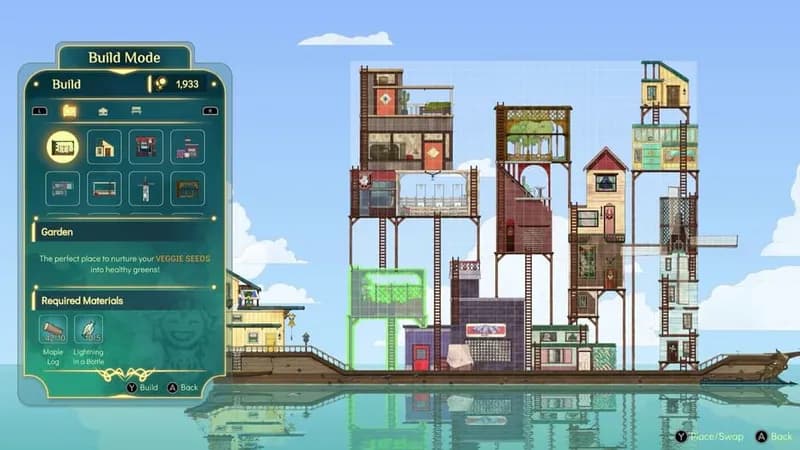
Navigate the ethereal seas as a compassionate ferrymaster in Spiritfarer: Farewell Edition, a resource management title centered around guiding spirits through their final journeys. Construct a vessel, nurture your passengers, and ultimately help them transition to what lies beyond in this complete edition featuring all DLC content.

Spiritfarer: Farewell Edition Minimum & Recommended Specs

Minimum: Intel Core i3-2100, Nvidia GeForce GTS, 4 GB RAM. Recommended: 8 GB RAM RAM.

Minimum System Requirements

OS
Windows 7 SP1
Processor
Intel Core i3-2100 or AMD equivalentCPU Deals
RAM
4 GB RAMRAM Deals
Graphics Card
Nvidia GeForce GTS 450 or AMD Radeon HD 5750GPU Deals
DirectX
Version 11
Storage
8 GB available spaceSSD Deals

Recommended System Requirements

OS
Windows 10
Processor
Intel Core i5-4670K or AMD equivalentCPU Deals
RAM
8 GB RAMRAM Deals
Graphics Card
Nvidia GeForce GTX 970 or AMD Radeon RX 580GPU Deals
DirectX
Version 11
Storage
8 GB available spaceSSD Deals

Trailer

Quick Performance Tips for Spiritfarer: Farewell Edition

#1

Lower the resolution for a significant performance boost.

#2

Disable or reduce shadow quality for smoother gameplay.

#3

Close unnecessary background applications to free up RAM.

#4

Update your graphics drivers for optimal performance.

Spiritfarer: Farewell Edition System Requirements FAQ

Can I run Spiritfarer: Farewell Edition on a low-end PC?
Yes, Spiritfarer is designed to be accessible. If your PC meets the minimum requirements (Intel Core i3-2100 or AMD equivalent, Nvidia GeForce GTS 450 or AMD Radeon HD 5750, and 4 GB RAM), you should be able to play, though you might need to lower the graphics settings for optimal performance.
What GPU do I need for Spiritfarer: Farewell Edition?
At a minimum, you'll need an Nvidia GeForce GTS 450 or an AMD Radeon HD 5750. For a smoother experience at higher settings, an Nvidia GeForce GTX 970 or AMD Radeon RX 580 is recommended.
How much RAM does Spiritfarer: Farewell Edition need?
The game requires at least 4 GB of RAM to run. However, 8 GB of RAM is recommended for a smoother experience, especially if you have other applications running in the background.
Will Spiritfarer: Farewell Edition run on integrated graphics?
While it's *possible* it might run on some newer integrated graphics solutions, performance will likely be very poor, even at the lowest settings. A dedicated graphics card is highly recommended for a playable experience.
What is the best graphics settings for Spiritfarer: Farewell Edition?
The 'best' settings depend on your hardware. Start with the recommended settings. If you experience lag, try lowering the resolution, shadow quality, and turning off anti-aliasing. Experiment to find a balance between visual quality and performance.
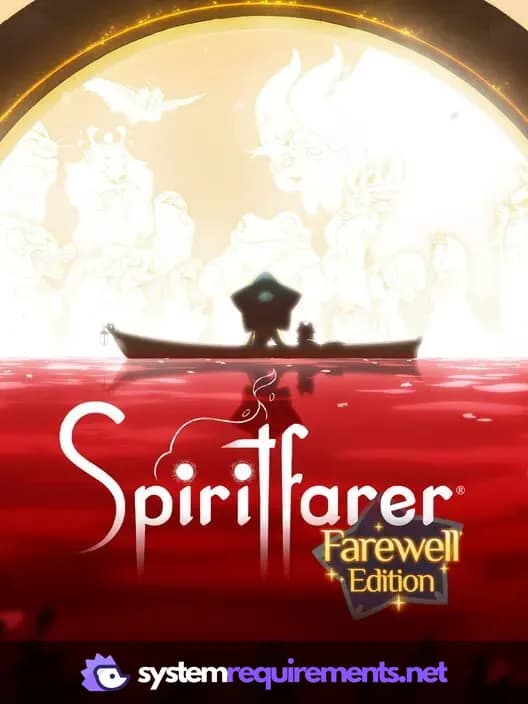
Spiritfarer: Farewell Edition PC game cover art

Spiritfarer: Farewell Edition Game Info

Developer

Thunder Lotus

Publisher

Thunder Lotus

Release Date

December 13, 2021

Platforms

Google Stadia, PlayStation 4, PC (Microsoft Windows), Xbox One, Nintendo Switch

Genres

PlatformSimulatorAdventureIndie

Game Modes

  • Single player
  • Multiplayer
  • Co-operative

Spiritfarer: Farewell Edition Screenshots

Spiritfarer: Farewell Edition gameplay screenshot 1
Spiritfarer: Farewell Edition gameplay screenshot 2
Spiritfarer: Farewell Edition gameplay screenshot 3
Spiritfarer: Farewell Edition gameplay screenshot 4
Spiritfarer: Farewell Edition System Requirements - Can Your PC Run It?