
All Games
STAR WARS Battlefront System Requirements
November 17, 2015EA Digital Illusions CE68/100
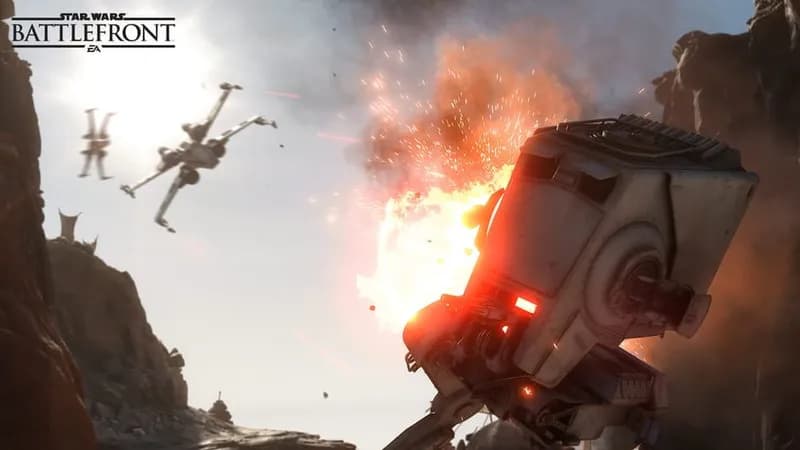
Relive iconic Star Wars conflicts in this action shooter, now enhanced for modern PCs. Developed with the Frostbite 3 engine, expect high-definition visuals, refined vehicle physics, and intense gameplay.
STAR WARS Battlefront Minimum & Recommended Specs
Minimum: Intel i3 6300T, NVIDIA GeForce GTX, 8GB RAM. Recommended: 16GB RAM RAM.
Minimum System Requirements
Recommended System Requirements
Reveal Trailer
Quick Performance Tips for STAR WARS Battlefront
#1
Lower your resolution for a quick FPS boost.
#2
Disable or reduce shadow quality.
#3
Turn off or reduce anti-aliasing.
#4
Close unnecessary background applications.
STAR WARS Battlefront System Requirements FAQ
Can I run STAR WARS Battlefront on a low-end PC?
Possibly, but expect low settings and frame rates. You'll need at least an Intel i3 6300T or AMD Athlon X4 5600K CPU, a NVIDIA GeForce GTX 660 2GB or AMD Radeon HD 7850 2GB GPU, and 8GB of RAM to meet the minimum requirements.
What GPU do I need for STAR WARS Battlefront?
For minimum settings, aim for a NVIDIA GeForce GTX 660 2GB or an AMD Radeon HD 7850 2GB. For recommended settings and smoother gameplay, a NVIDIA GeForce GTX 970 4GB or an AMD Radeon R9 290 4GB is recommended.
How much RAM does STAR WARS Battlefront need?
You need at least 8GB of RAM to run STAR WARS Battlefront. However, 16GB of RAM is recommended for smoother performance and fewer stutters, especially at higher settings.
Will STAR WARS Battlefront run on integrated graphics?
It's unlikely that STAR WARS Battlefront will run well on integrated graphics. A dedicated graphics card meeting at least the minimum requirements is highly recommended for playable framerates.
What is the best graphics settings for STAR WARS Battlefront?
The best settings depend on your hardware. Start with medium settings and adjust from there. If you're struggling with performance, lower settings like shadows, effects, and anti-aliasing. If you have headroom, increase texture quality and resolution.
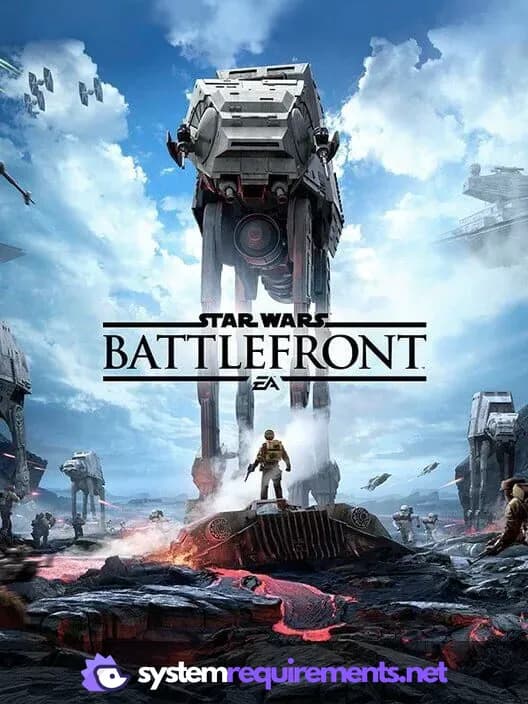
STAR WARS Battlefront Game Info
Developer
EA Digital Illusions CE
Publisher
Electronic Arts
Release Date
November 17, 2015
Platforms
PlayStation 4, PlayStation VR, PC (Microsoft Windows), Xbox One
Genres
Shooter
Game Modes
- Single player
- Multiplayer
- Co-operative
STAR WARS Battlefront Screenshots
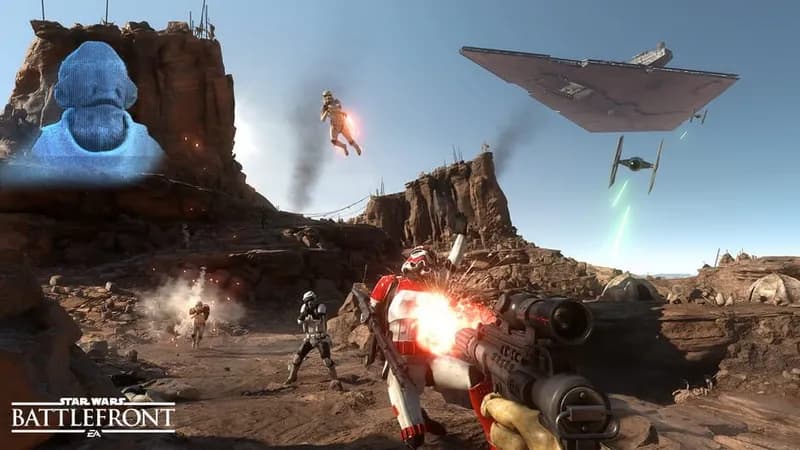
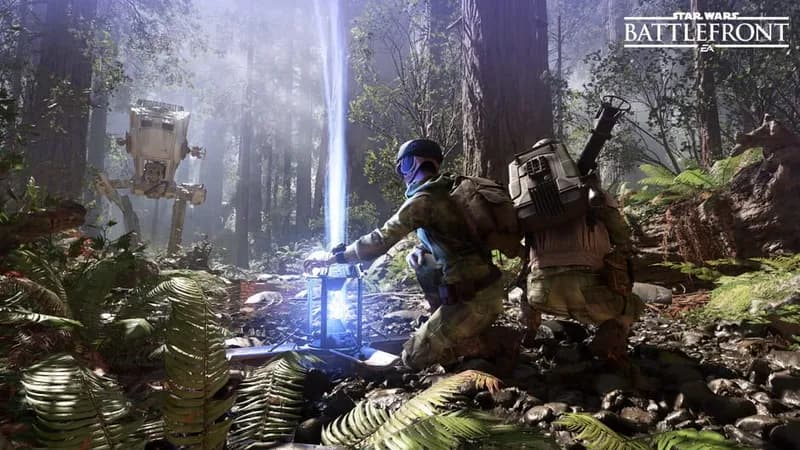
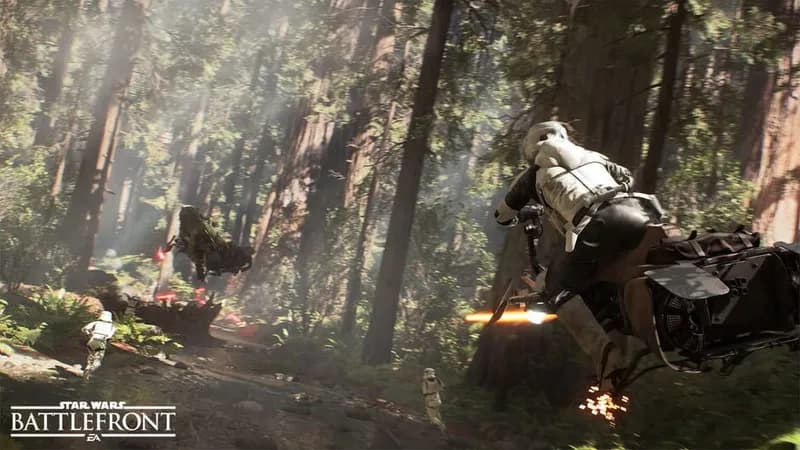
Games Similar to STAR WARS Battlefront
Optimize Your PC for STAR WARS Battlefront
Use our free tools to analyze and improve your gaming performance