
All Games
STAR WARS Jedi Knight - Jedi Academy System Requirements
September 16, 2003Vicarious Visions69/100
Become Luke Skywalker's apprentice in Jedi Academy, exploring iconic Star Wars locales and characters. Choose your destiny: embrace the light side or succumb to the dark, shaping your path through Force powers and lightsaber combat.
STAR WARS Jedi Knight - Jedi Academy Minimum & Recommended Specs
Minimum: Intel Pentium III, 3D accelerator card, 128 MB RAM. Recommended: 256 MB RAM RAM.
Minimum System Requirements
Recommended System Requirements
Trailer
Quick Performance Tips for STAR WARS Jedi Knight - Jedi Academy
#1
Lower the resolution for better performance.
#2
Disable or reduce special effects like shadows.
#3
Close unnecessary background programs.
#4
Update your graphics card drivers.
STAR WARS Jedi Knight - Jedi Academy System Requirements FAQ
Can I run STAR WARS Jedi Knight - Jedi Academy on a low-end PC?
Yes, the game has very low requirements. You'll need at least a Pentium III 450MHz or Athlon 450MHz CPU, 128MB of RAM, and a 3D accelerator card with 16MB of VRAM to meet the minimum requirements. Performance will be better with higher specs.
What GPU do I need for STAR WARS Jedi Knight - Jedi Academy?
The minimum requirement is a 3D accelerator card with 16MB of VRAM. A card with 32MB of VRAM is recommended for better performance. Older NVIDIA GeForce or ATI Radeon cards should work.
How much RAM does STAR WARS Jedi Knight - Jedi Academy need?
The game requires a minimum of 128MB of RAM. 256MB of RAM is recommended for a smoother experience, especially at higher resolutions or settings.
Will STAR WARS Jedi Knight - Jedi Academy run on integrated graphics?
It depends on the integrated graphics card. Very old integrated graphics might struggle. If your integrated graphics solution has at least 16MB of dedicated video memory (or shared system memory allocated as such) and meets the other minimum requirements, it might run, but performance could be low. Try lowering the settings.
What is the best graphics settings for STAR WARS Jedi Knight - Jedi Academy?
Start with the default settings and gradually increase them until you find a balance between visual quality and performance. Experiment with resolution, texture detail, and special effects. If you experience slowdowns, reduce these settings.
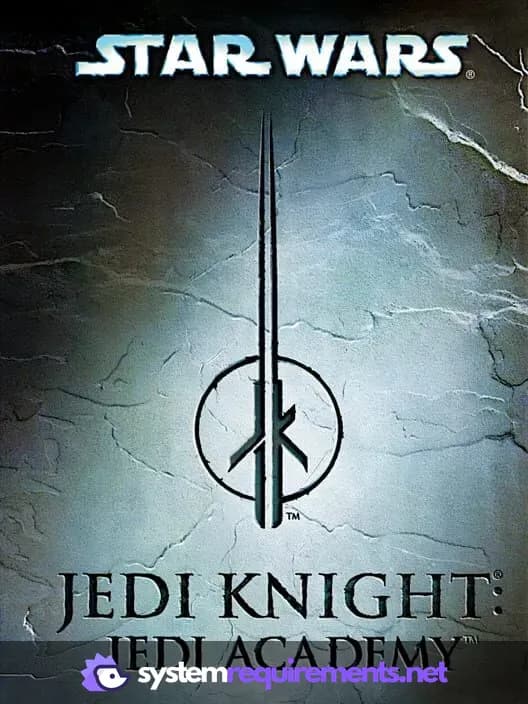
STAR WARS Jedi Knight - Jedi Academy Game Info
Developer
Vicarious Visions
Publisher
Aspyr Media
Release Date
September 16, 2003
Platforms
Xbox, PlayStation 4, PC (Microsoft Windows), Mac, Nintendo Switch
Genres
ShooterAdventure
Game Modes
- Single player
- Multiplayer
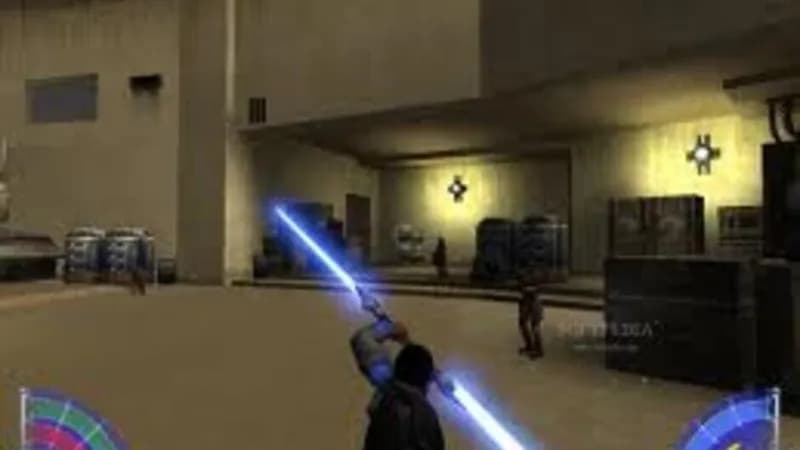
STAR WARS Jedi Knight - Jedi Academy Screenshots
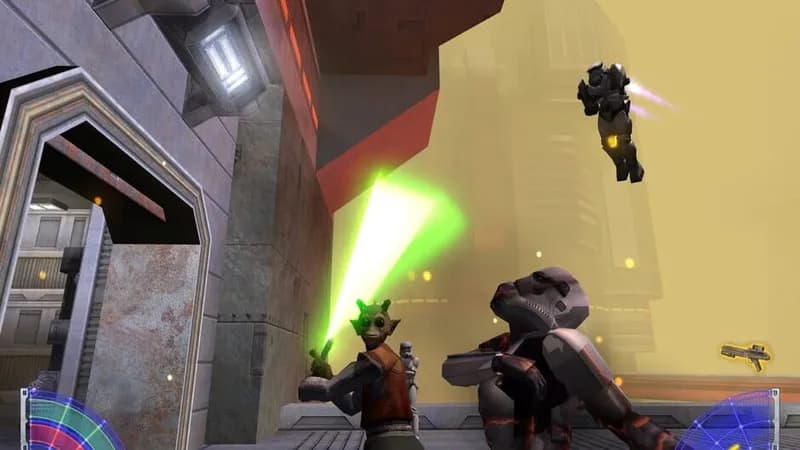
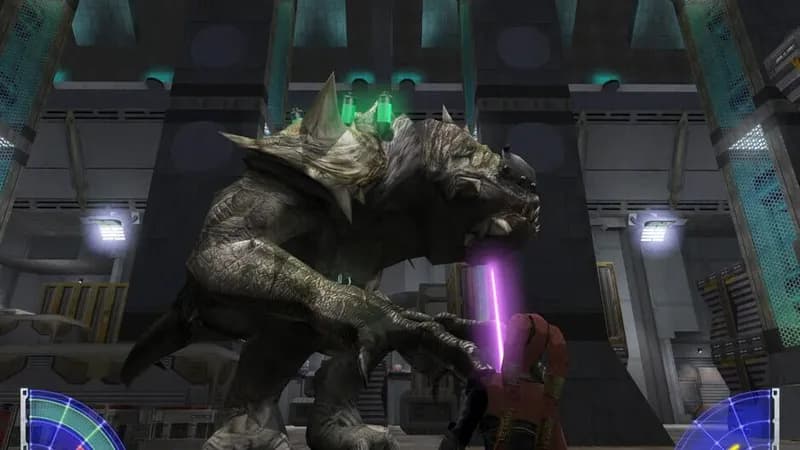
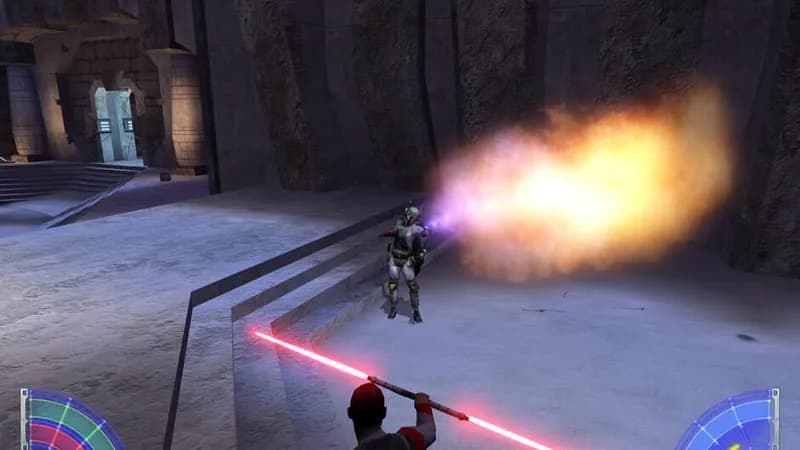
Games Similar to STAR WARS Jedi Knight - Jedi Academy


Optimize Your PC for STAR WARS Jedi Knight - Jedi Academy
Use our free tools to analyze and improve your gaming performance