All Games

Survival: Fountain of Youth System Requirements

May 21, 2024Odinsoft inc.

Stranded in the 16th-century Caribbean, navigate a sprawling archipelago in this demanding single-player survival experience. Craft, explore, and endure as you uncover the secrets of a lost civilization and determine your destiny.

Survival: Fountain of Youth Minimum & Recommended Specs

Minimum: Intel Core i5-6600K, Nvidia GeForce GTX, 8 GB RAM. Recommended: 16 GB RAM RAM.

Minimum System Requirements

OS
Windows 10 64-bit
Processor
Intel Core i5-6600KCPU Deals
RAM
8 GB RAMRAM Deals
Graphics Card
Nvidia GeForce GTX 960 2GBGPU Deals
DirectX
Version 11
Storage
12 GB available spaceSSD Deals

Recommended System Requirements

OS
Windows 10 64-bit
Processor
Intel Core i7-8700KCPU Deals
RAM
16 GB RAMRAM Deals
Graphics Card
Nvidia GeForce GTX 1070 8GBGPU Deals
DirectX
Version 11
Storage
12 GB available spaceSSD Deals

Trailer

Quick Performance Tips for Survival: Fountain of Youth

#1

Lower shadow quality for a significant performance boost.

#2

Reduce foliage density to improve framerate in forested areas.

#3

Adjust draw distance to balance visual fidelity and performance.

#4

Close unnecessary background applications to free up RAM.

Survival: Fountain of Youth System Requirements FAQ

Can I run Survival: Fountain of Youth on a low-end PC?
If your PC meets the minimum requirements (Intel Core i5-6600K, Nvidia GeForce GTX 960 2GB, 8 GB RAM), you should be able to run the game at lower settings. However, for a smoother experience, especially at higher resolutions and settings, meeting or exceeding the recommended specs (Intel Core i7-8700K, Nvidia GeForce GTX 1070 8GB, 16 GB RAM) is advised.
What GPU do I need for Survival: Fountain of Youth?
At a minimum, you'll need an Nvidia GeForce GTX 960 2GB. For a better experience with higher settings, an Nvidia GeForce GTX 1070 8GB or equivalent is recommended.
How much RAM does Survival: Fountain of Youth need?
The game requires a minimum of 8 GB of RAM. However, 16 GB of RAM is recommended for smoother gameplay, especially when exploring large areas and encountering numerous game elements.
Will Survival: Fountain of Youth run on integrated graphics?
While it's technically possible, running Survival: Fountain of Youth on integrated graphics is not recommended. The game is graphically demanding, and integrated graphics may not provide a playable framerate, even at the lowest settings. A dedicated GPU is highly recommended.
What is the best graphics settings for Survival: Fountain of Youth?
The best graphics settings depend on your hardware. If you meet the recommended specs, you should be able to run the game on High or Ultra settings. If you meet the minimum specs, try starting with Medium settings and adjust from there. Pay attention to your framerate and lower settings like shadows, foliage density, and draw distance if needed to maintain a smooth experience.
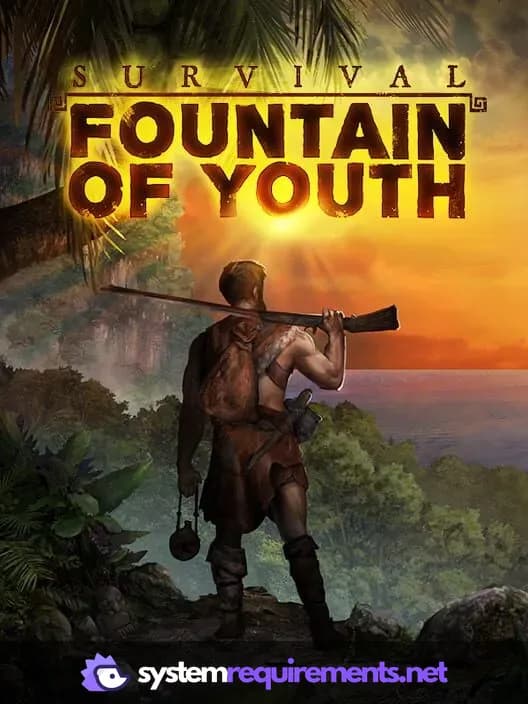
Survival: Fountain of Youth PC game cover art

Survival: Fountain of Youth Game Info

Developer

Odinsoft inc.

Publisher

Twin Sails Interactive

Release Date

May 21, 2024

Platforms

Xbox Series X|S, PC (Microsoft Windows), PlayStation 5

Genres

SimulatorAdventureIndie

Game Modes

  • Single player

Survival: Fountain of Youth Screenshots
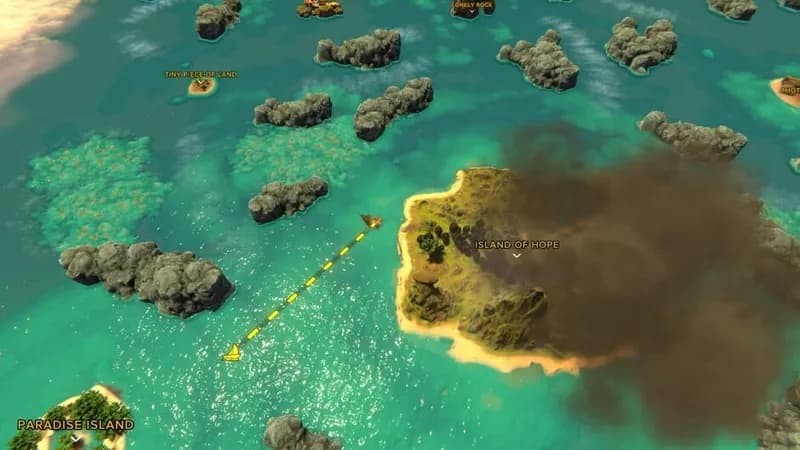
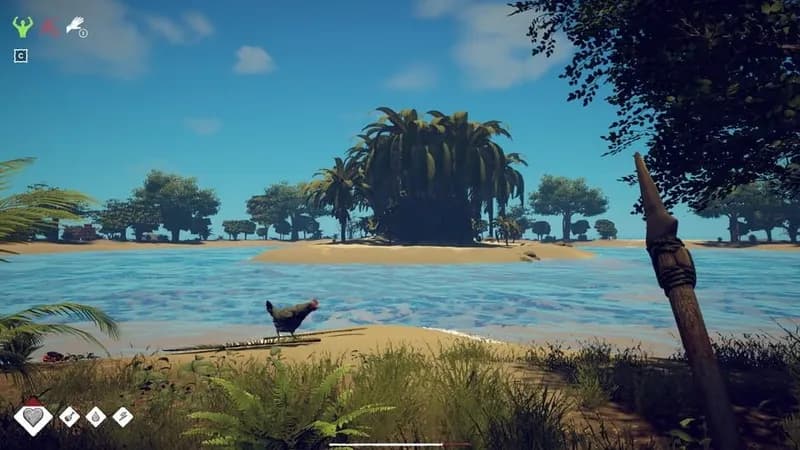
Survival: Fountain of Youth gameplay screenshot 1
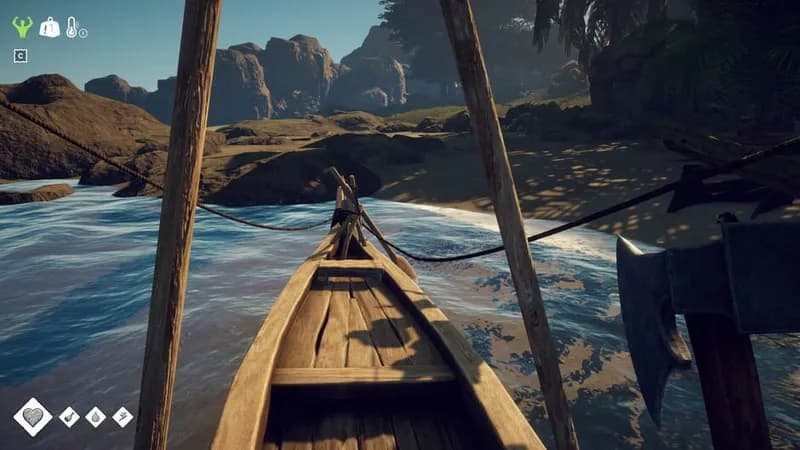
Survival: Fountain of Youth gameplay screenshot 2
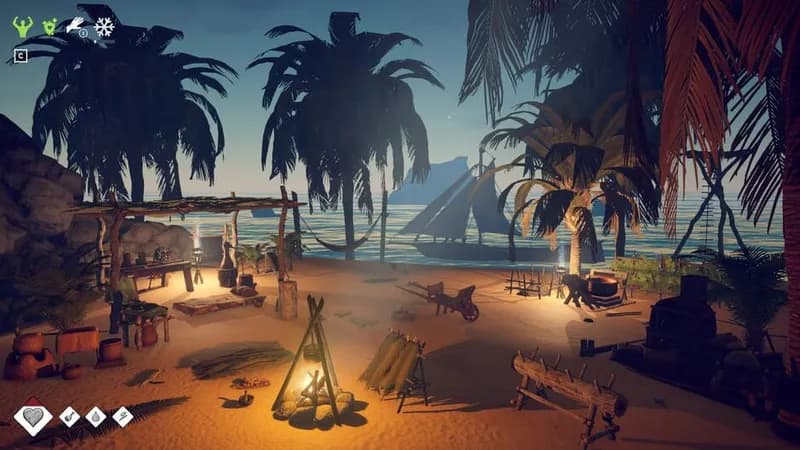
Survival: Fountain of Youth gameplay screenshot 3
Survival: Fountain of Youth gameplay screenshot 4
Survival: Fountain of Youth System Requirements - Can Your PC Run It?