
All Games
The Riftbreaker: Metal Terror System Requirements
July 18, 2022Exor Studios
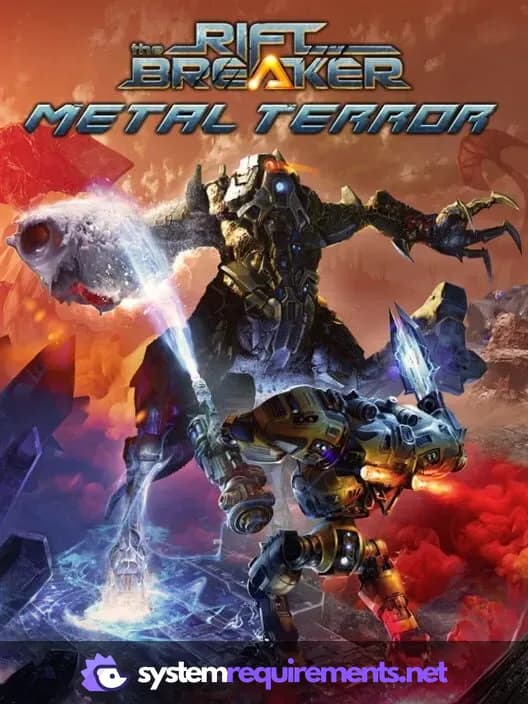
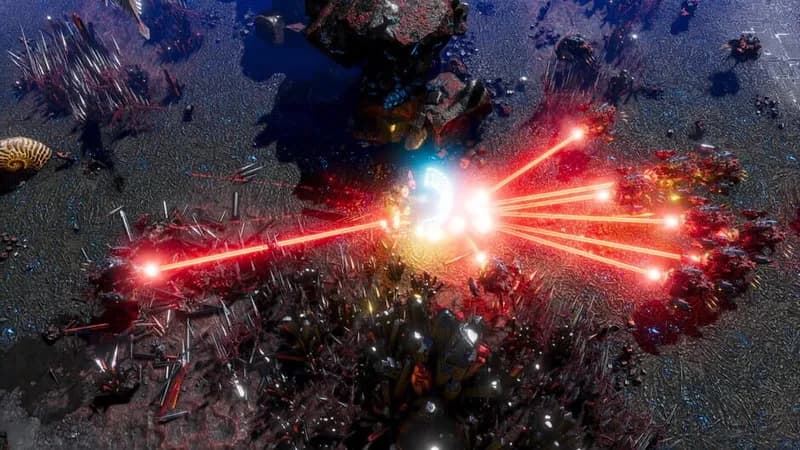
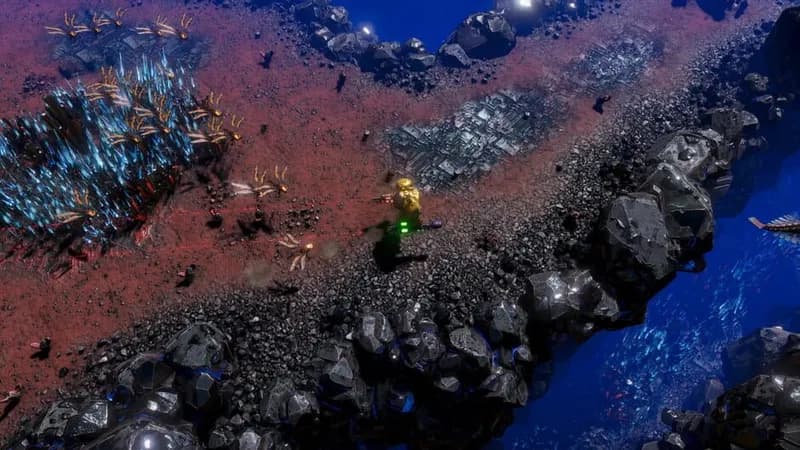
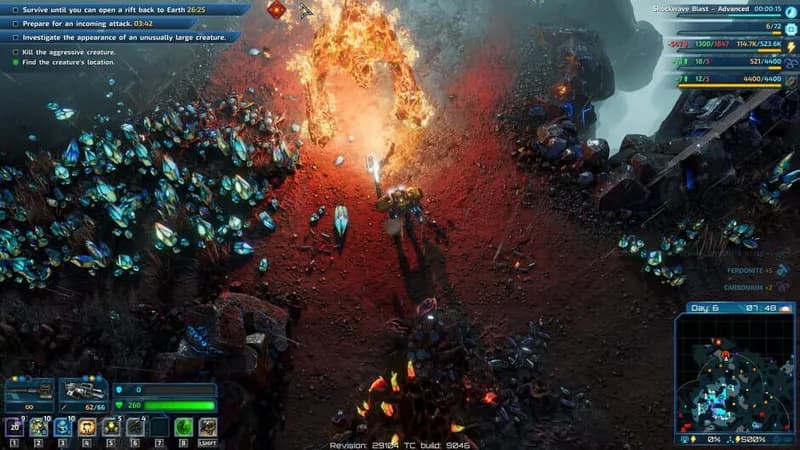
Venture into Galatea 37's uncharted territory in The Riftbreaker: Metal Terror. Analyze never-before-seen alien lifeforms and fabricate specialized armaments to combat evolving enemy swarms.
The Riftbreaker: Metal Terror Minimum & Recommended Specs
Minimum: Intel Core i5-4590, NVIDIA GeForce GTX, 8 GB RAM. Recommended: 16 GB RAM RAM.
Minimum System Requirements
Recommended System Requirements
Launch Trailer
Quick Performance Tips for The Riftbreaker: Metal Terror
#1
Lower shadow quality for a significant FPS boost.
#2
Reduce the number of displayed resource piles.
#3
Disable or reduce anti-aliasing settings.
#4
Close unnecessary background applications.
The Riftbreaker: Metal Terror System Requirements FAQ
Can I run The Riftbreaker: Metal Terror on a low-end PC?
While the minimum requirements allow you to play, expect lower frame rates and graphical settings. An Intel Core i5-4590, NVIDIA GeForce GTX 750 Ti or AMD Radeon R7 360, and 8 GB of RAM are the bare minimum.
What GPU do I need for The Riftbreaker: Metal Terror?
For minimum settings, an NVIDIA GeForce GTX 750 Ti or AMD Radeon R7 360 is required. For recommended settings and a smoother experience, aim for an NVIDIA GeForce GTX 1060 or AMD Radeon RX 580.
How much RAM does The Riftbreaker: Metal Terror need?
The game requires at least 8 GB of RAM to run. However, 16 GB of RAM is recommended for optimal performance, especially with larger bases and more complex simulations.
Will The Riftbreaker: Metal Terror run on integrated graphics?
It's unlikely The Riftbreaker: Metal Terror will run well, if at all, on integrated graphics. A dedicated graphics card meeting the minimum requirements is strongly recommended.
What is the best graphics settings for The Riftbreaker: Metal Terror?
This depends on your hardware. Start with medium settings and adjust from there. Prioritize frame rate over visual fidelity if you're struggling to maintain a smooth experience. Experiment with shadow and lighting settings.
The Riftbreaker: Metal Terror Game Info
Developer
Exor Studios
Publisher
Exor Studios
Release Date
July 18, 2022
Platforms
Xbox Series X|S, PlayStation 4, PC (Microsoft Windows), PlayStation 5, Xbox One
Genres
ShooterRole-playing (RPG)SimulatorStrategyAdventureIndie
Game Modes
- Single player
- Multiplayer
- Co-operative
The Riftbreaker: Metal Terror Screenshots
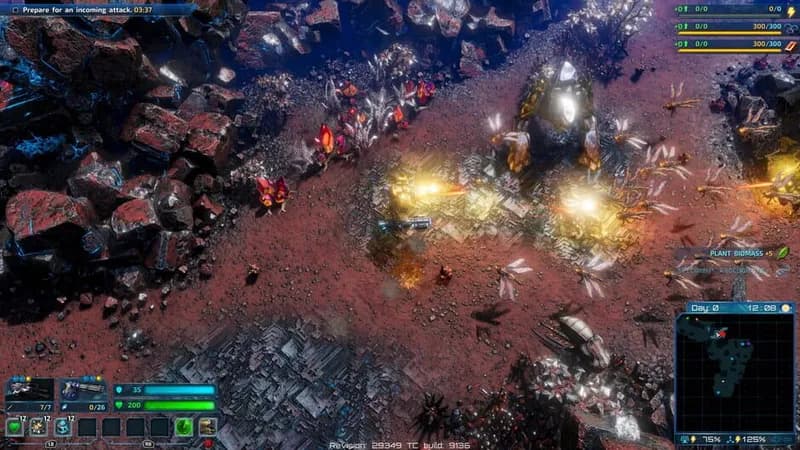
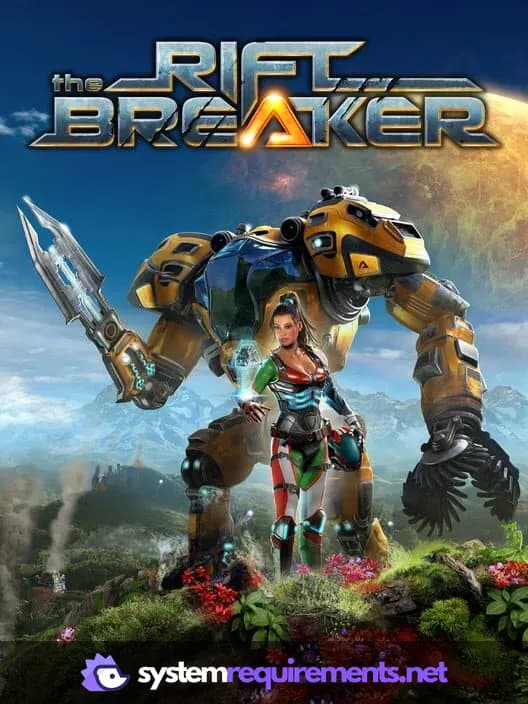
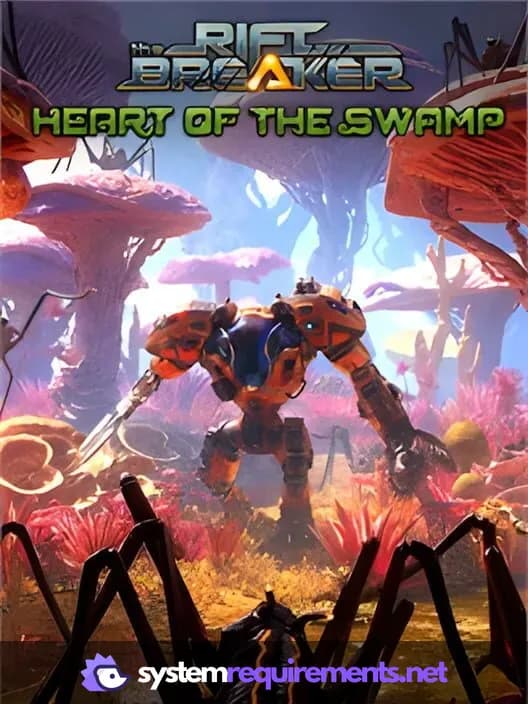


Optimize Your PC for The Riftbreaker: Metal Terror
Use our free tools to analyze and improve your gaming performance