
All Games
The Sims 3 Late Night System Requirements
October 26, 2010Maxis
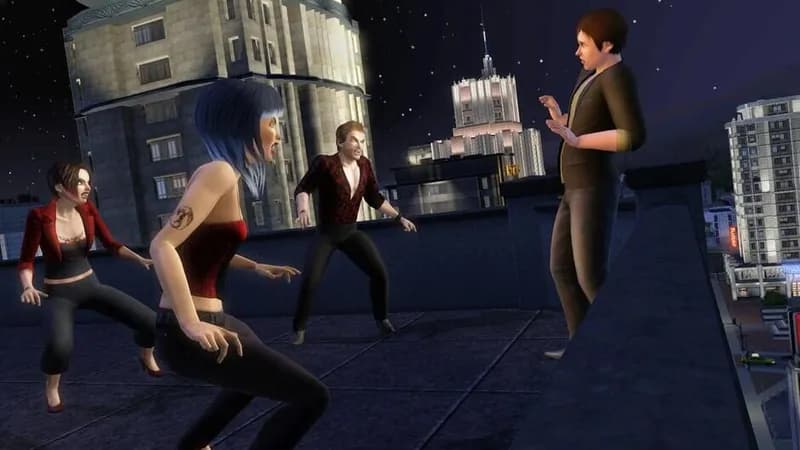
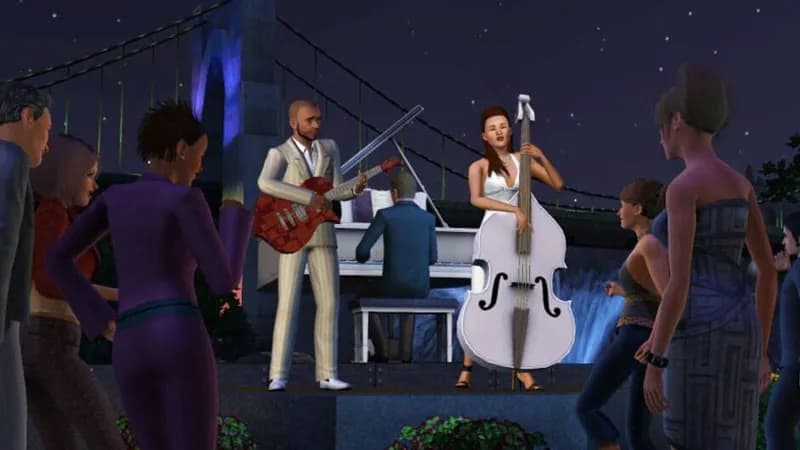
The Sims 3: Late Night expansion injects your Sims into a vibrant nightlife scene. Navigate exclusive clubs, encounter celebrities, and explore new lifestyles, from aspiring musicians to creatures of the night, shaping your Sims' after-dark destinies.
The Sims 3 Late Night Minimum & Recommended Specs
Minimum: Intel Pentium 4, 128 MB Video, 1 GB RAM. Recommended: 2 GB RAM RAM.
Minimum System Requirements
Recommended System Requirements
Trailer
Quick Performance Tips for The Sims 3 Late Night
#1
Lower graphics settings for better performance.
#2
Close unnecessary background programs.
#3
Limit the number of Sims in your active household.
#4
Regularly save your game to prevent data loss.
The Sims 3 Late Night System Requirements FAQ
Can I run The Sims 3 Late Night on a low-end PC?
If your PC meets the minimum requirements (Intel Pentium 4 2.0 GHz / AMD Athlon XP 2000+, 128 MB Video Card with Pixel Shader 2.0 support, 1 GB RAM), you should be able to run the game, but expect lower graphics settings and potentially slower performance. For a smoother experience, aim for the recommended specs.
What GPU do I need for The Sims 3 Late Night?
At a minimum, you'll need a 128 MB video card with Pixel Shader 2.0 support. For better performance and visuals, a 256 MB video card with Pixel Shader 3.0 support is recommended.
How much RAM does The Sims 3 Late Night need?
The Sims 3 Late Night requires a minimum of 1 GB of RAM. However, 2 GB of RAM is recommended for a smoother and more stable gameplay experience, especially with larger households and more complex scenarios.
Will The Sims 3 Late Night run on integrated graphics?
It depends on the specific integrated graphics card. Some newer integrated graphics solutions might meet the minimum requirements, but performance may be significantly reduced. Check if your specific integrated graphics card meets the minimum video card requirements.
What is the best graphics settings for The Sims 3 Late Night?
If your PC meets the recommended specs, you can likely run the game on medium to high settings. If you're closer to the minimum specs, start with low settings and gradually increase them until you find a balance between visual quality and performance. Disabling advanced rendering options like reflections can also help.
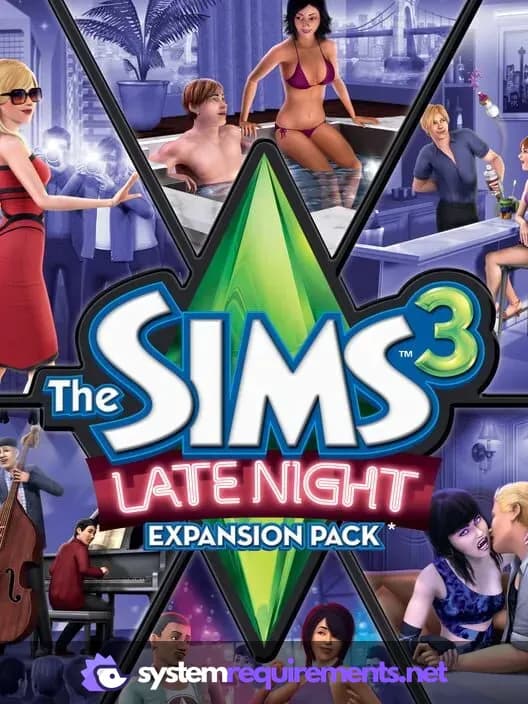
The Sims 3 Late Night Game Info
Developer
Maxis
Publisher
Electronic Arts
Release Date
October 26, 2010
Platforms
PC (Microsoft Windows), Mac
Genres
Role-playing (RPG)SimulatorStrategyAdventure
Game Modes
- Single player
The Sims 3 Late Night Screenshots




Optimize Your PC for The Sims 3 Late Night
Use our free tools to analyze and improve your gaming performance